Send a message to a worker
How to send a message to your workers
Message a Worker
There are a number of ways you can send a message to a worker.
Managed Workers tab
You can message an individual worker by going to the tab. Search for the worker you wish to send a message to in the left hand search bar.
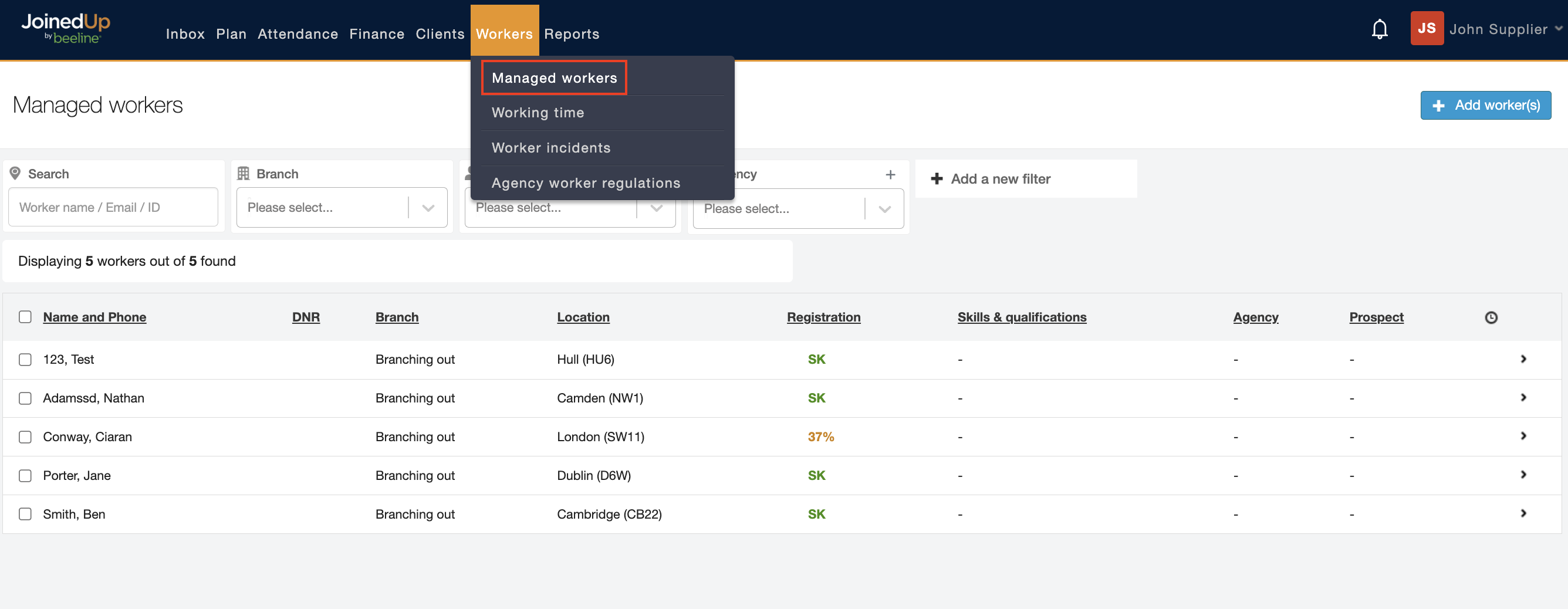
Once you have found the relevant worker, click their name and an expanded preview of their profile displays. At the bottom, you will see a 'Message' button.
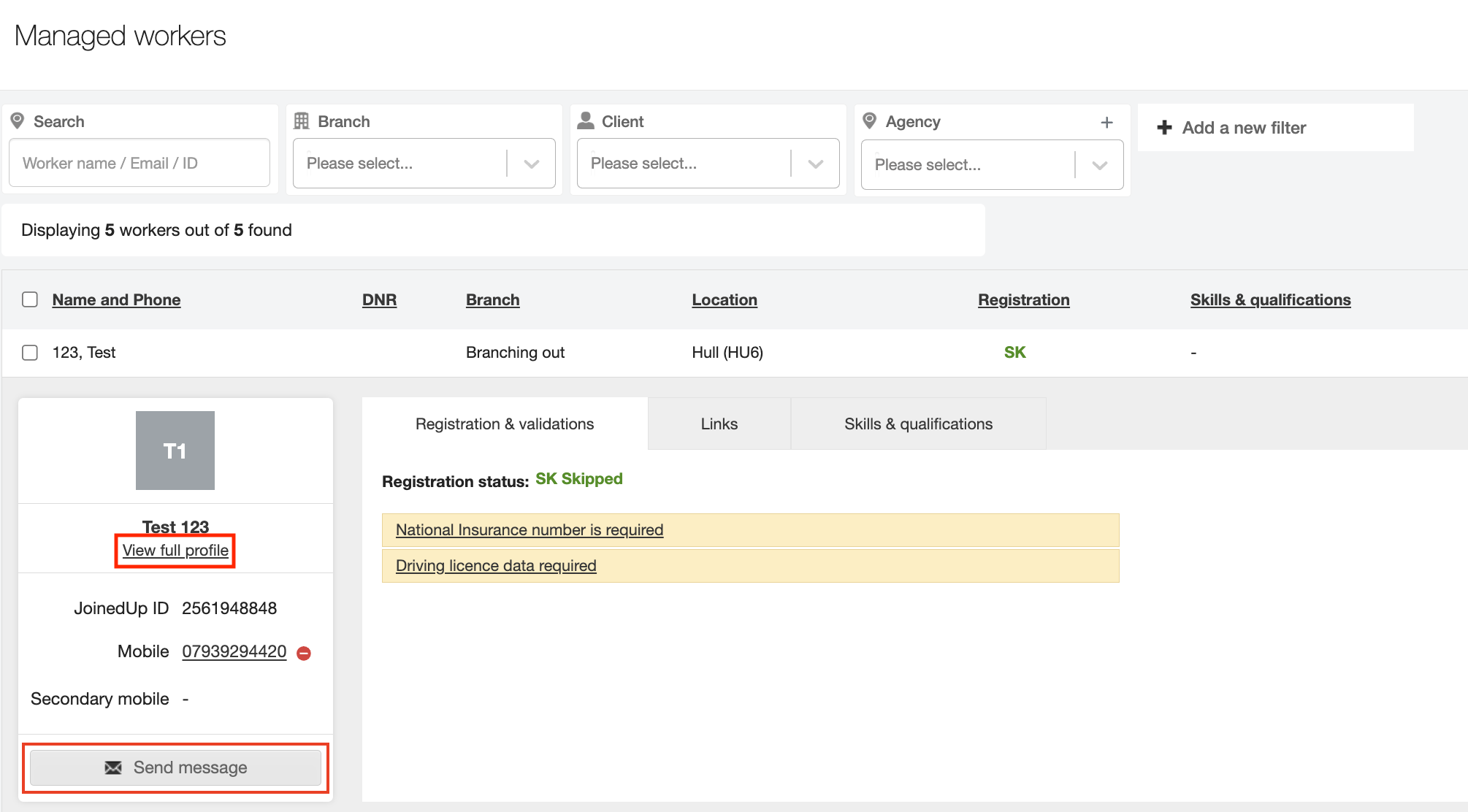
Click the ‘Message’ button, and you will then see a screen appear where you can enter your message and send it to the worker.
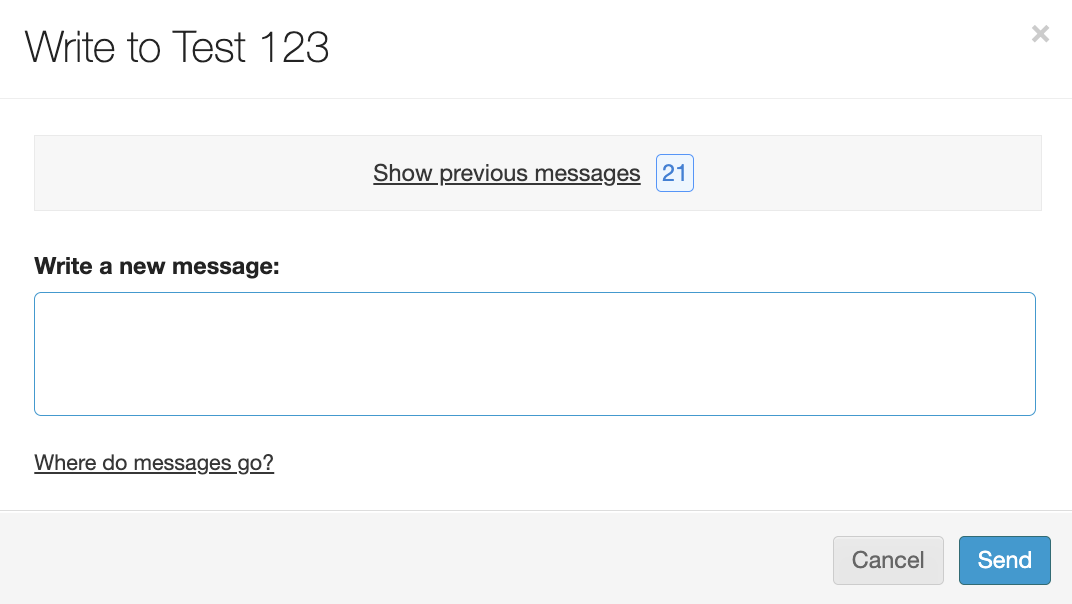
The message will be sent on JoinedUp’s internal messaging system, email, or SMS—depending on the worker’s communication preferences set on their profile.