Tabs on JoinedUp
The first thing you will see after logging into JoinedUp will be your Bookings scree. Below we present a quick overview of the tabs on JoinedUp and what can be found under each one.
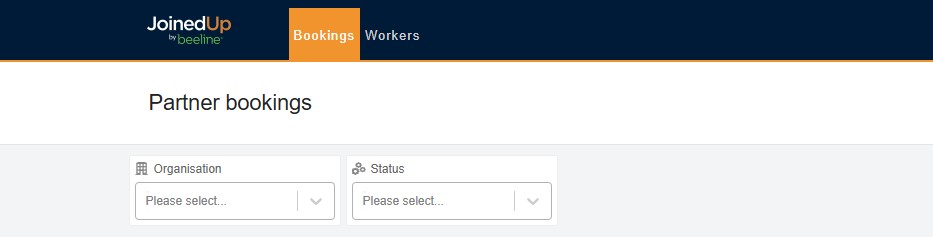
Looking at the Main Menu on top of JoinedUp you will see:
- Bookings
-
This screen shows a breakdown of your different shifts, their status, worker, agency and site etc. You can filter teh bookings for different statuses and organisations.
- Workers
-
Your workers catalogue along with filtering options.