Requests (Operations Manager)
When creating shifts you can now include a request and approval process.
| To switch on this feature please contact your Customer Operations Specialist. |
As an Operations Manager you are able to approve/ reject shifts that are submitted to you as a request from you Shift Manager.
Reviewing Requests
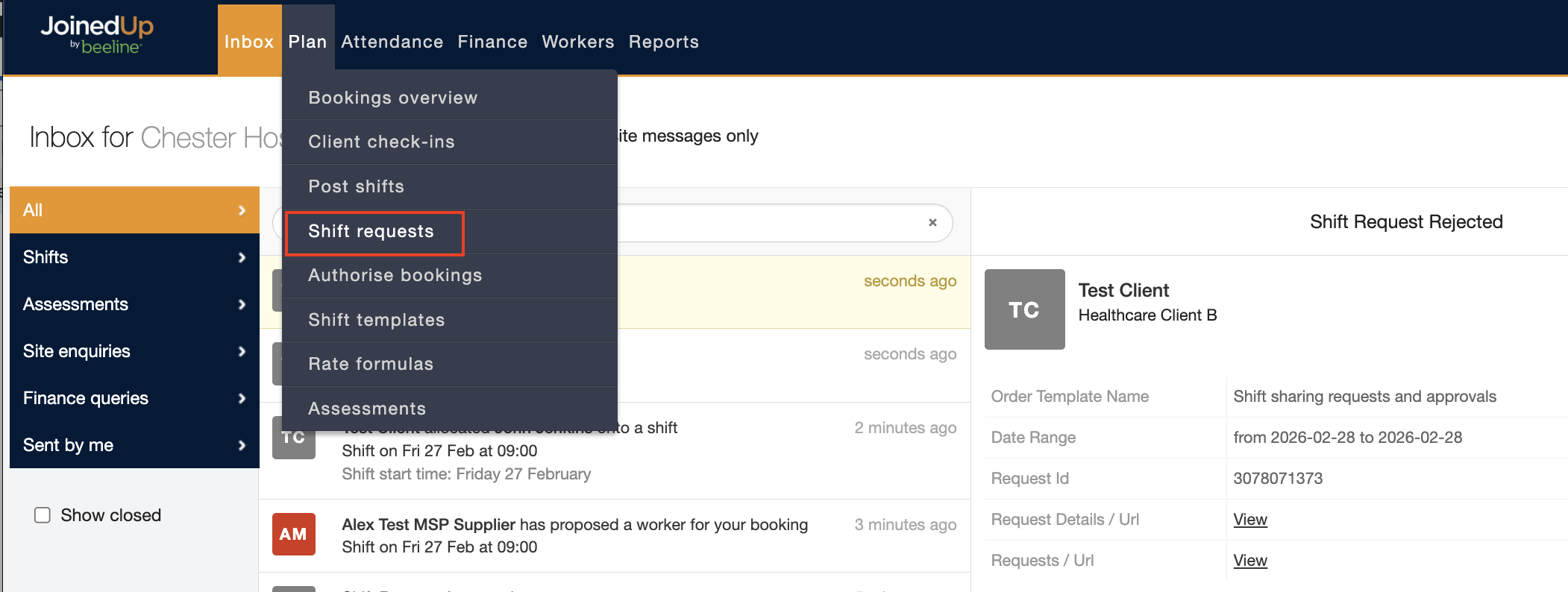
By navigating to the Shift Requests screen, through the Inbox tab, you can view the details all requests and their statuses.
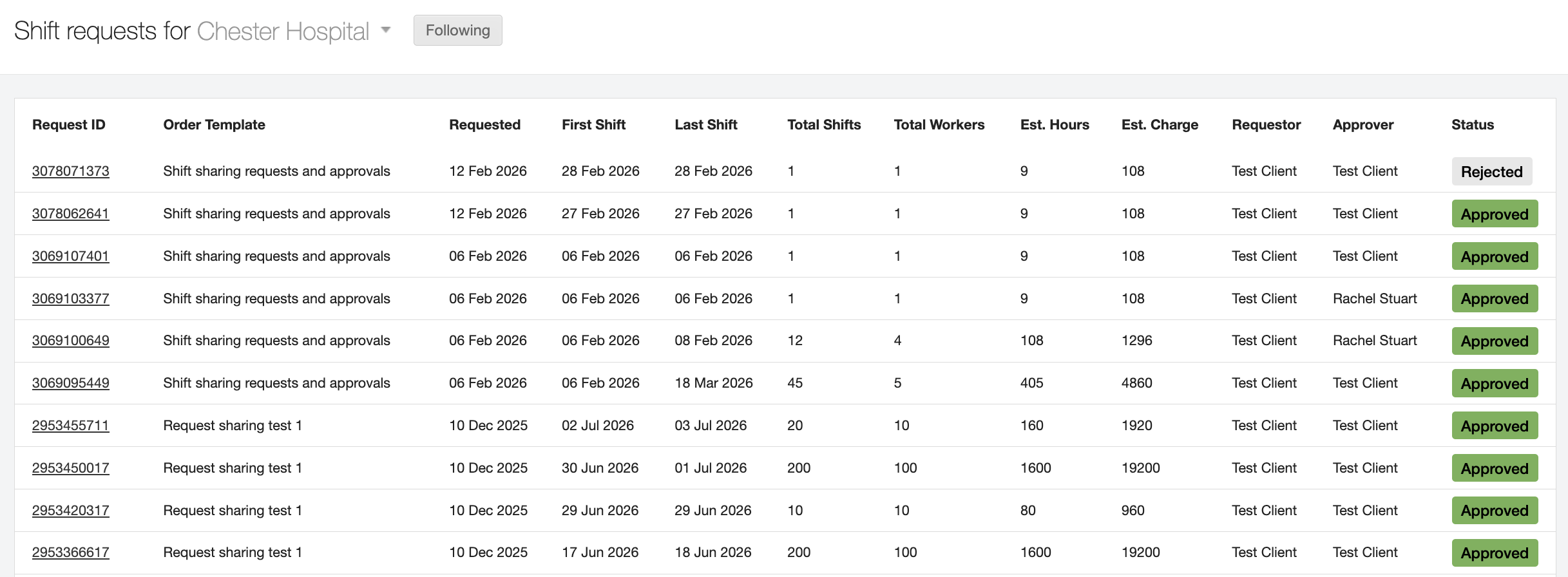
All past and current shift requests and approvals will appear here. You can click into a specific request to view more details and also view the status of the request.
When a request is submitted to you, the status of the shift request will be Open.
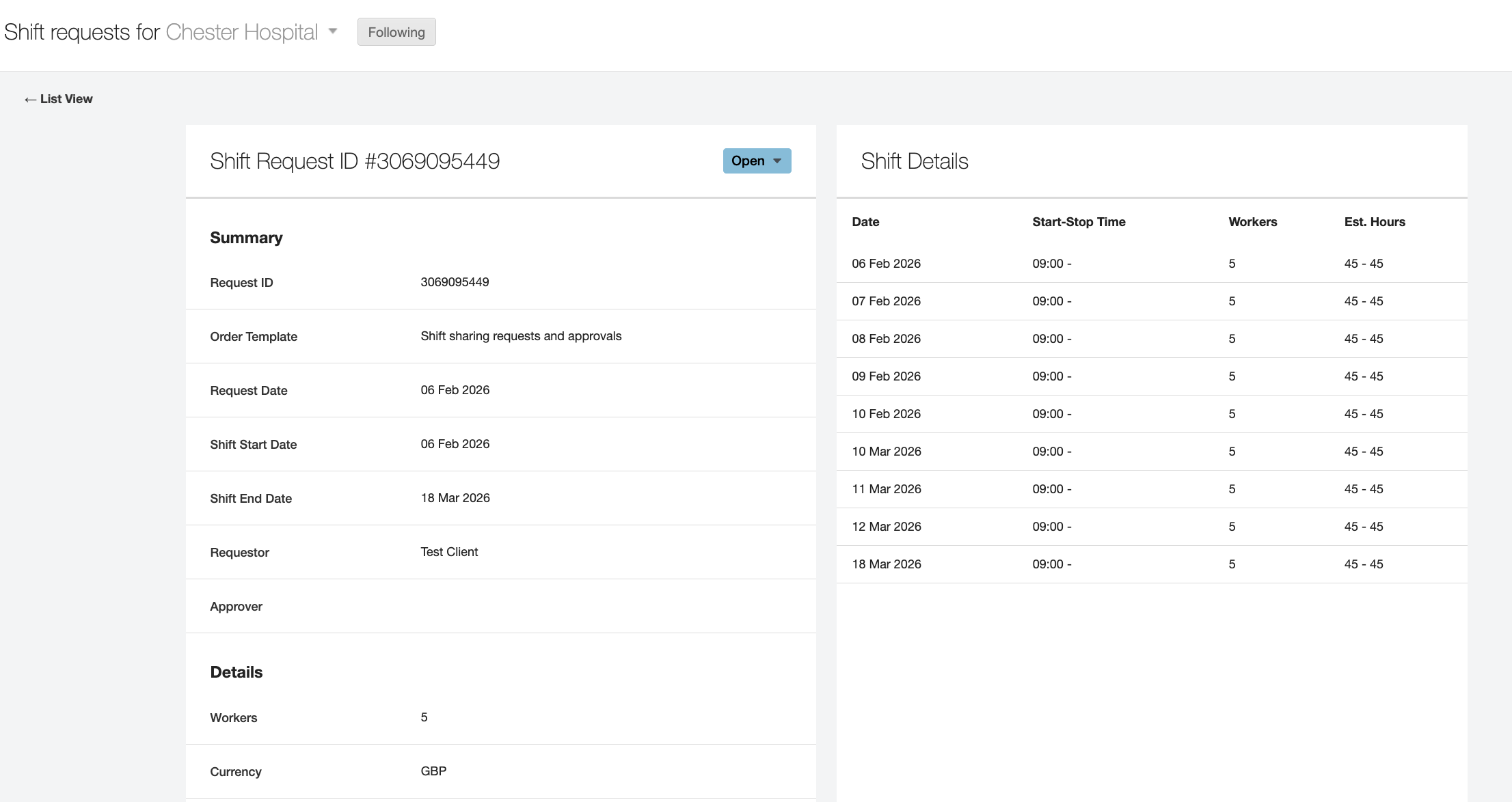
Here you can view all specific details of the shift request.
Approve Requests
When your Shift Manager submits a shift request to you, you will receive a notification in your Inbox tab.
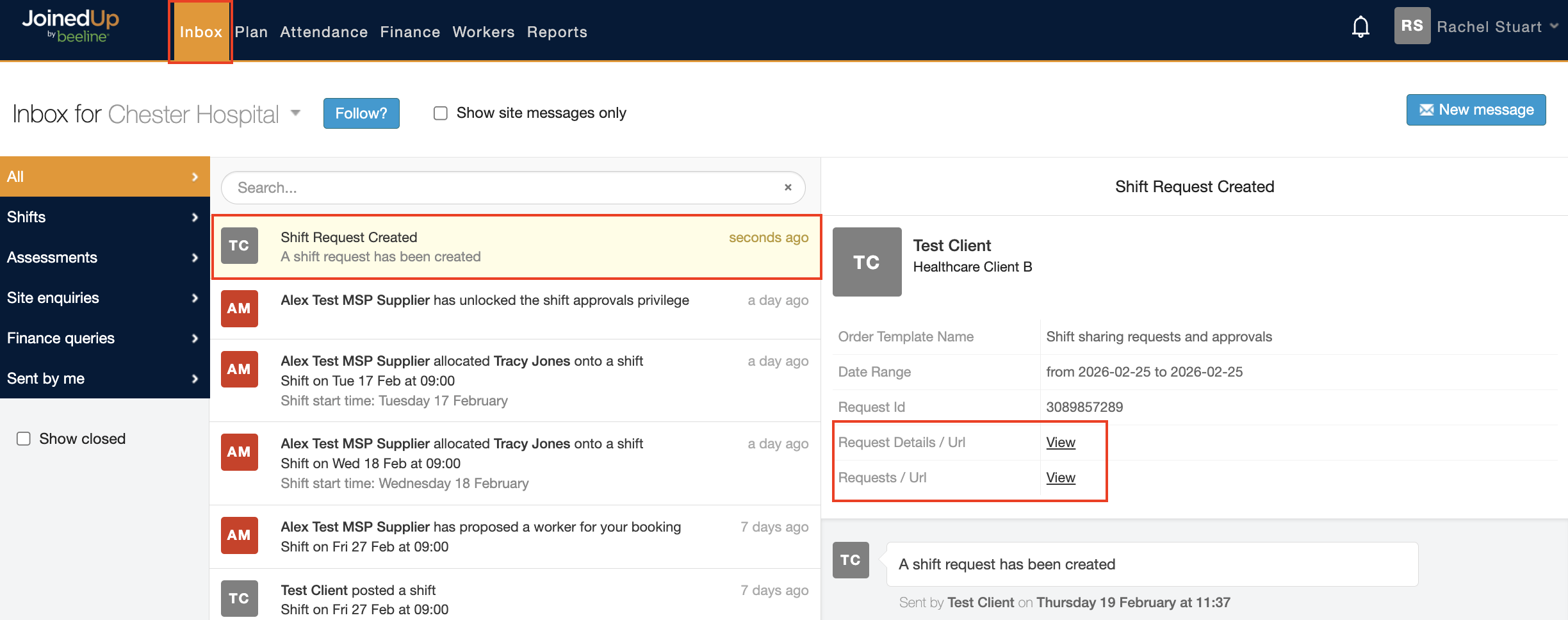
You can view the details of the shift OR navigate to the Shift Requests screen by click the two View buttons respectively.
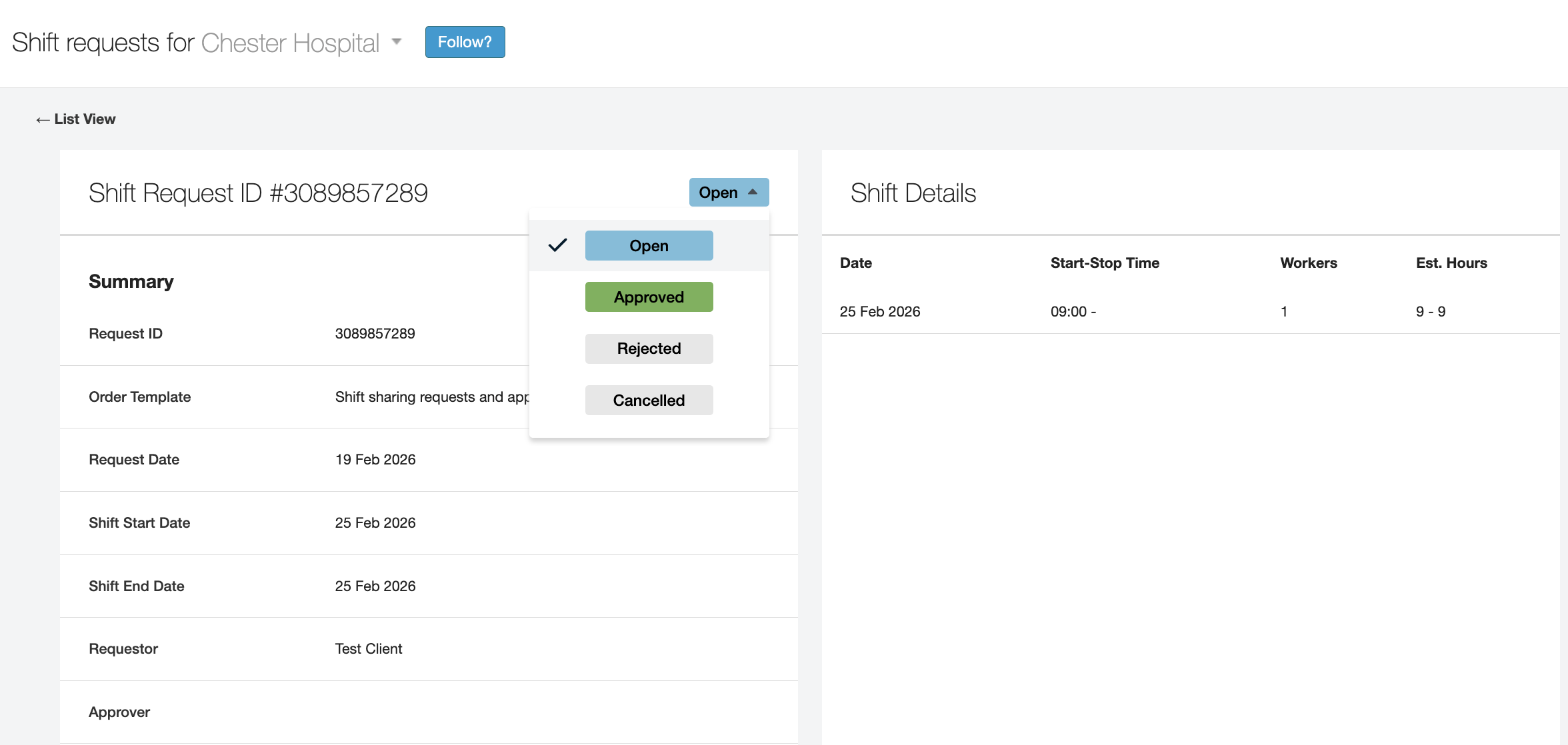
To approve the shift, click on the status button (currently saying Open), and change it to Approved.
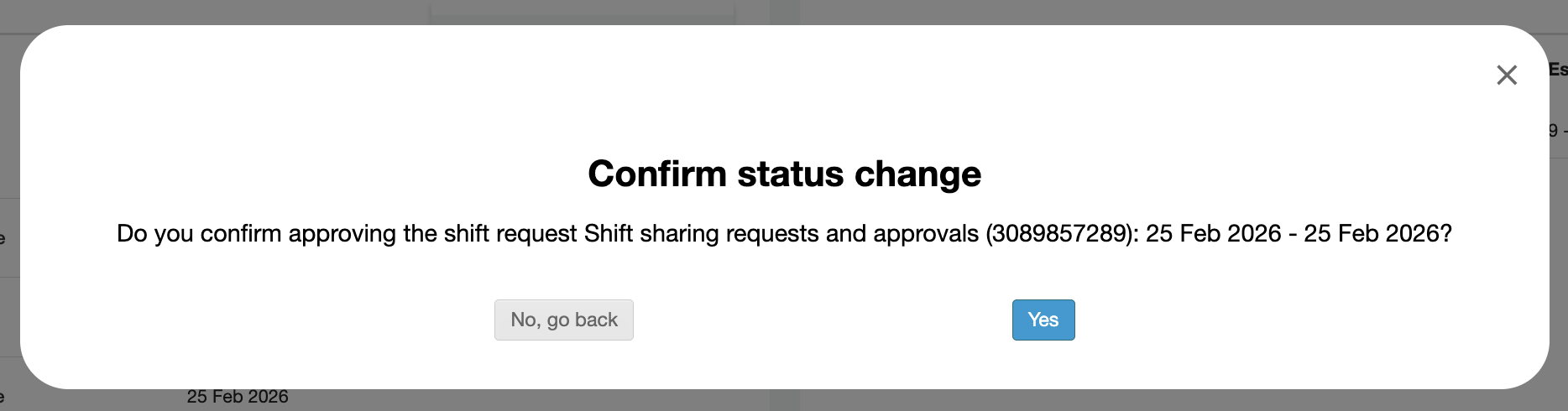
Next, click Yes to confirm the status change.
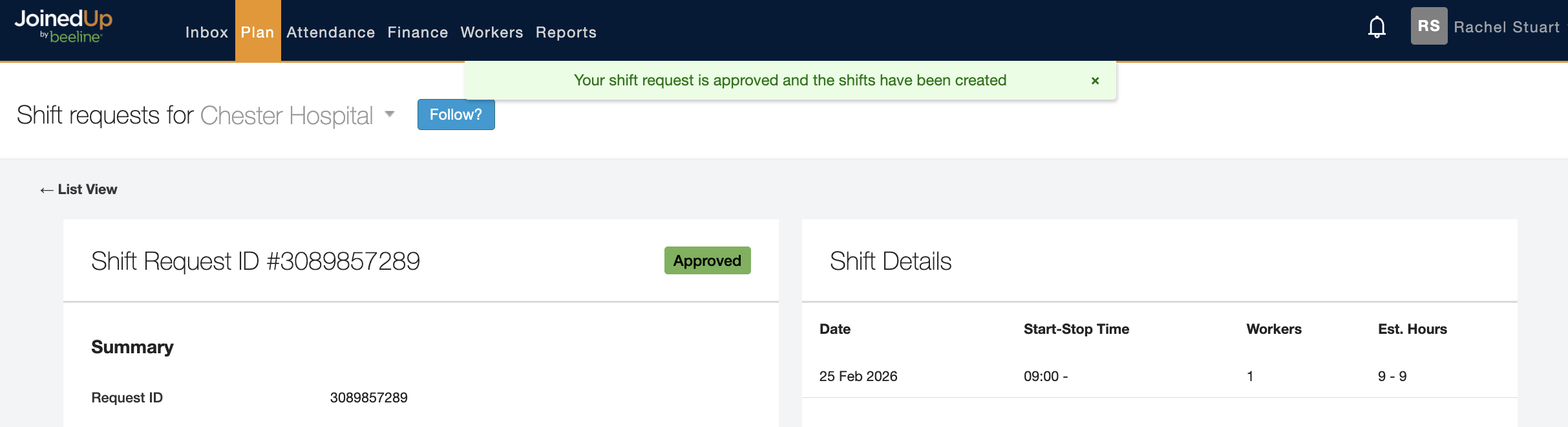
Then you will receive a notification banner confirming your approval of the shift request.
Your Shift Manager will then be notified that the shift has been approved.
Reject Requests
If you would like to reject a shift request, the process is the same as above.
Navigate to the specific shift in the Shift Requests screen.
Click on the status button (currently saying Open), and change it to Rejected.
Next, click Yes to confirm the status change.
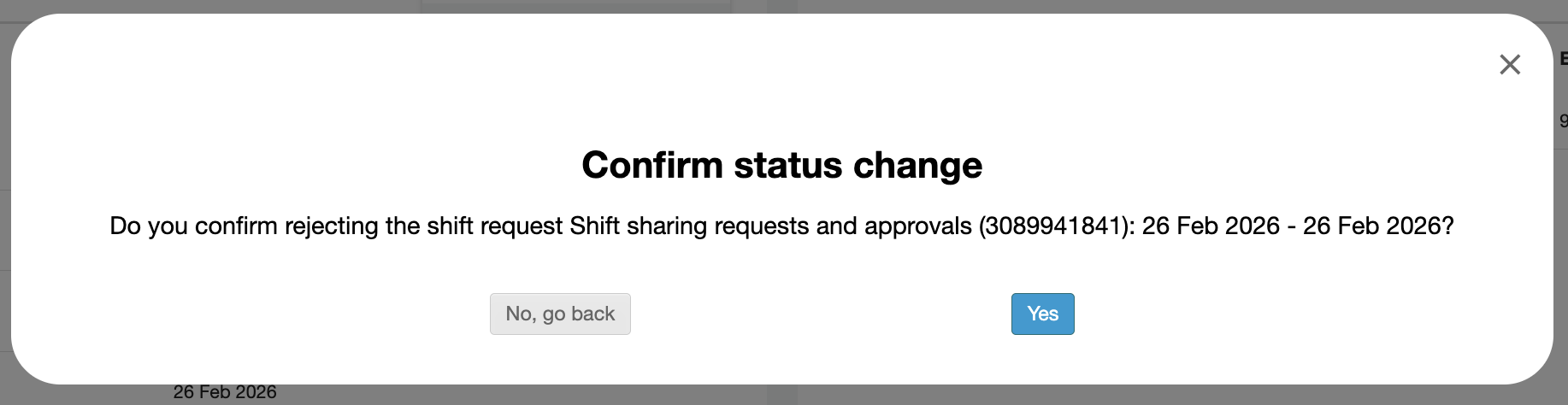
Then you will receive a notification banner confirming your rejection of the shift request.
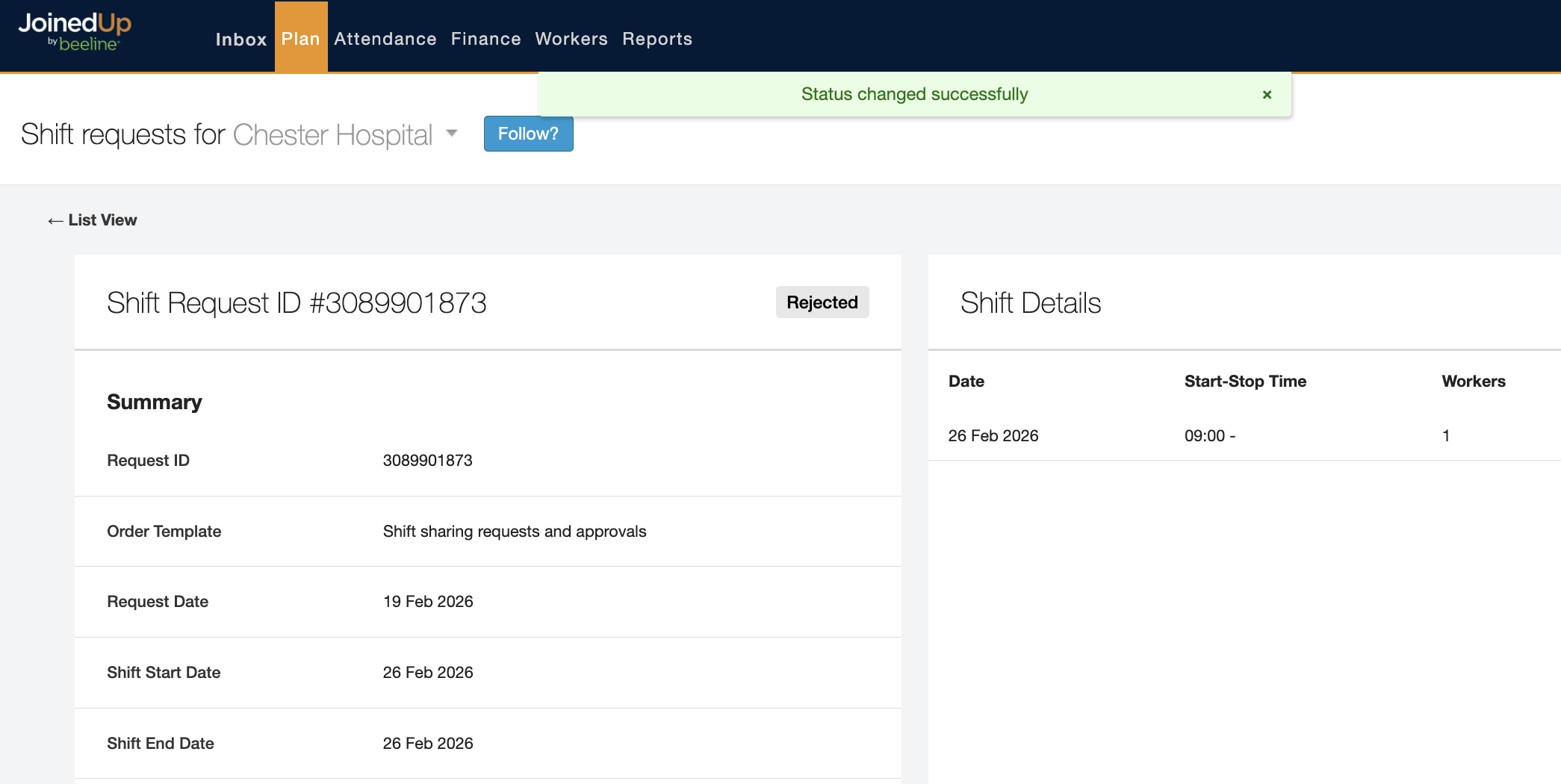
Your Shift Manager will then be notified that the shift has been rejected.