Managing Order templates
How to create an order template using the MSP functionality
An order template is similar to a shift template, but it allows you to share out shifts to your staffing agencies by linking each agency to the order template. It contains details of the rates and rate rules, and can be linked to each agency that supplies to you.
| If you can’t see this option in the Shift templates screen please contact your Customer Operations Specialist, and they will set this up for you. |
To create an order template, navigate to . This will show you all the shift templates and order templates that currently exist on a site-by-site basis.
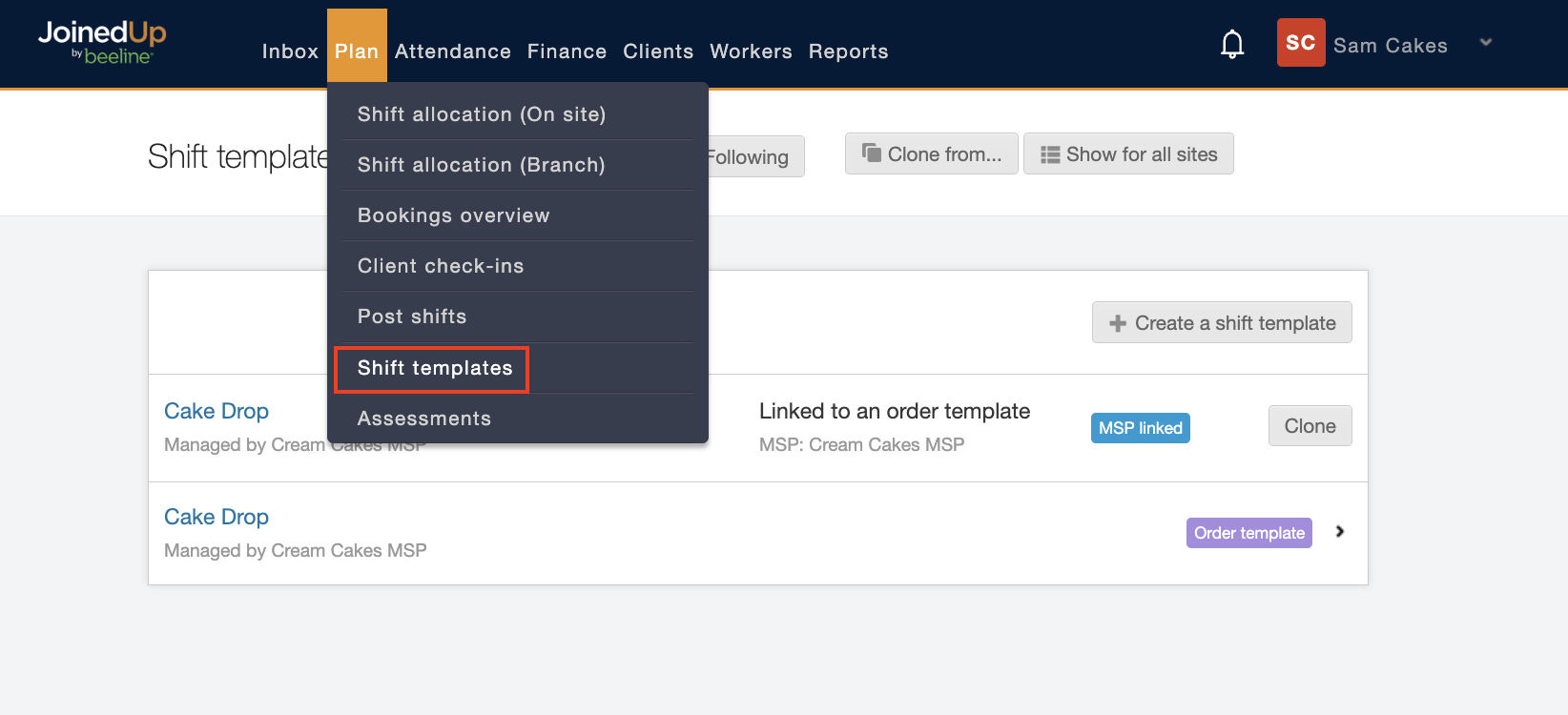
Then select whichever site you want to add the order template for, in the example below the site is Bristol.
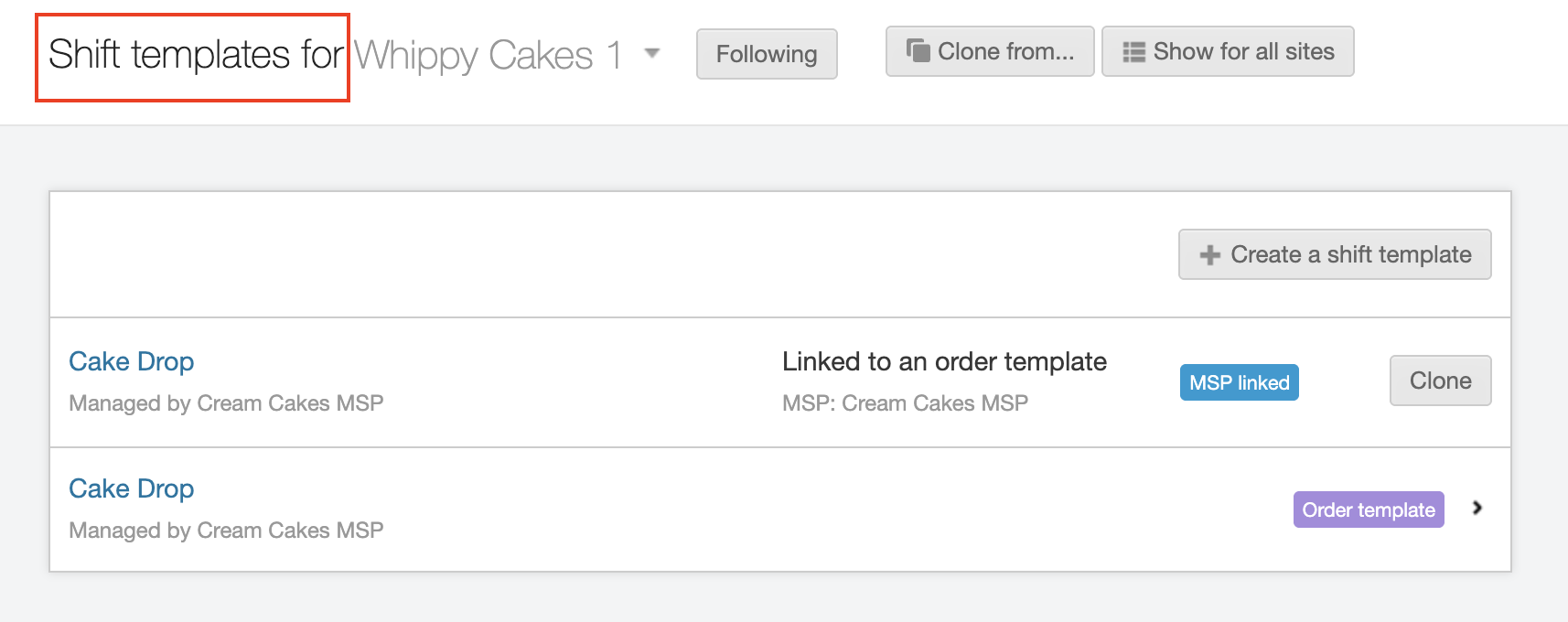
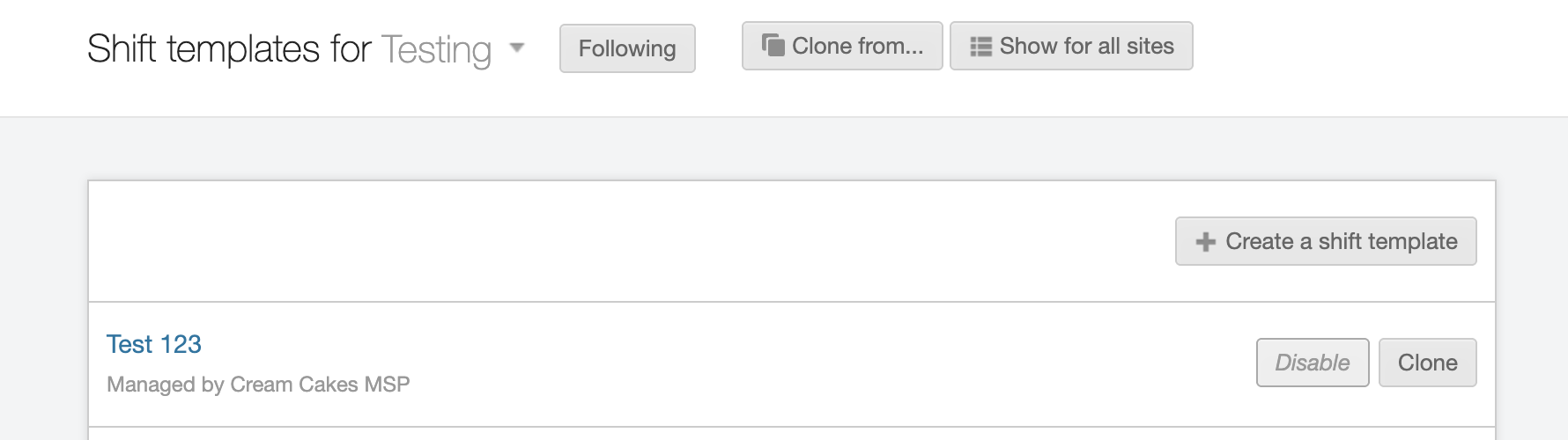
Once you’ve selected the correct site, click Create a shift template:
A pop-up window displays allowing you to choose between creating a Shift template or creating an Order template. Select Order template.
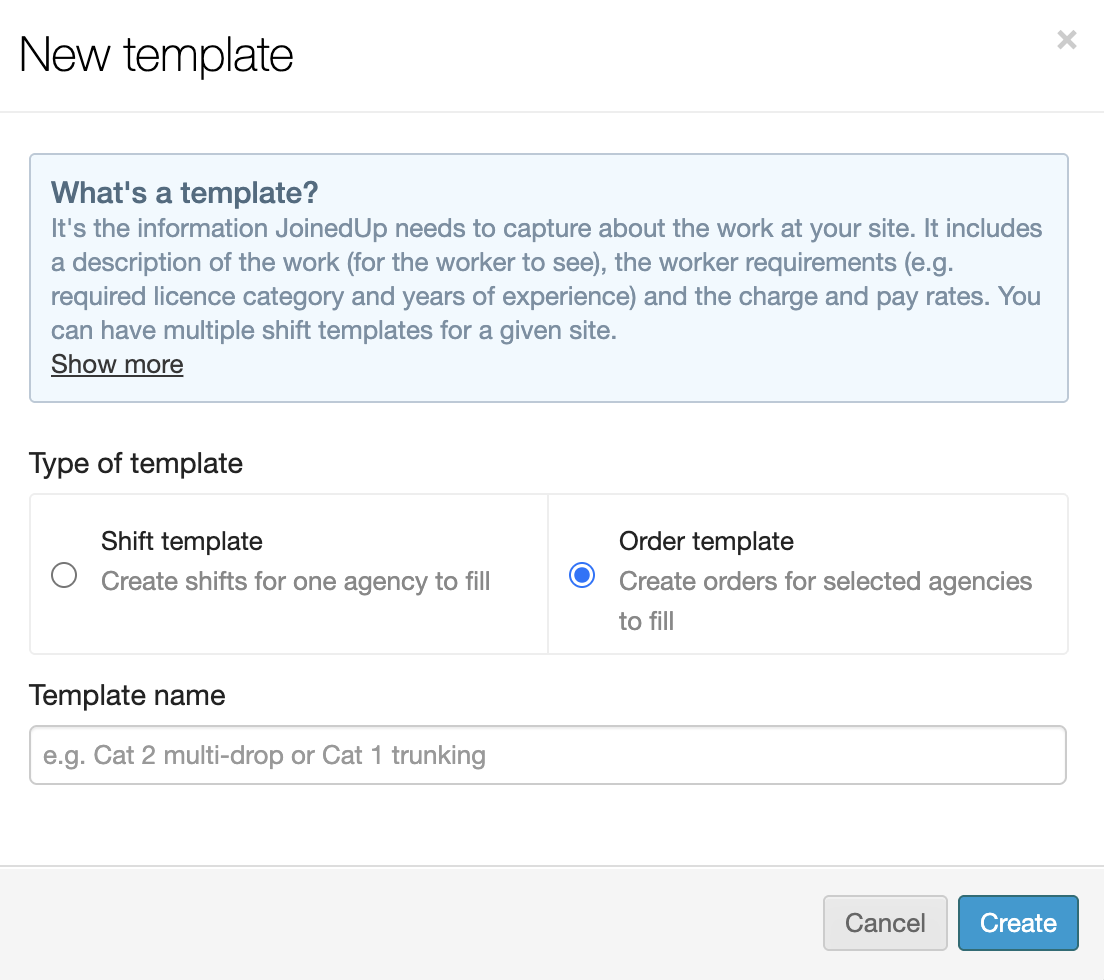
Enter a unique, yet descriptive, name for the Order template and click the blue Create button to continue. A blank Order template form displays.
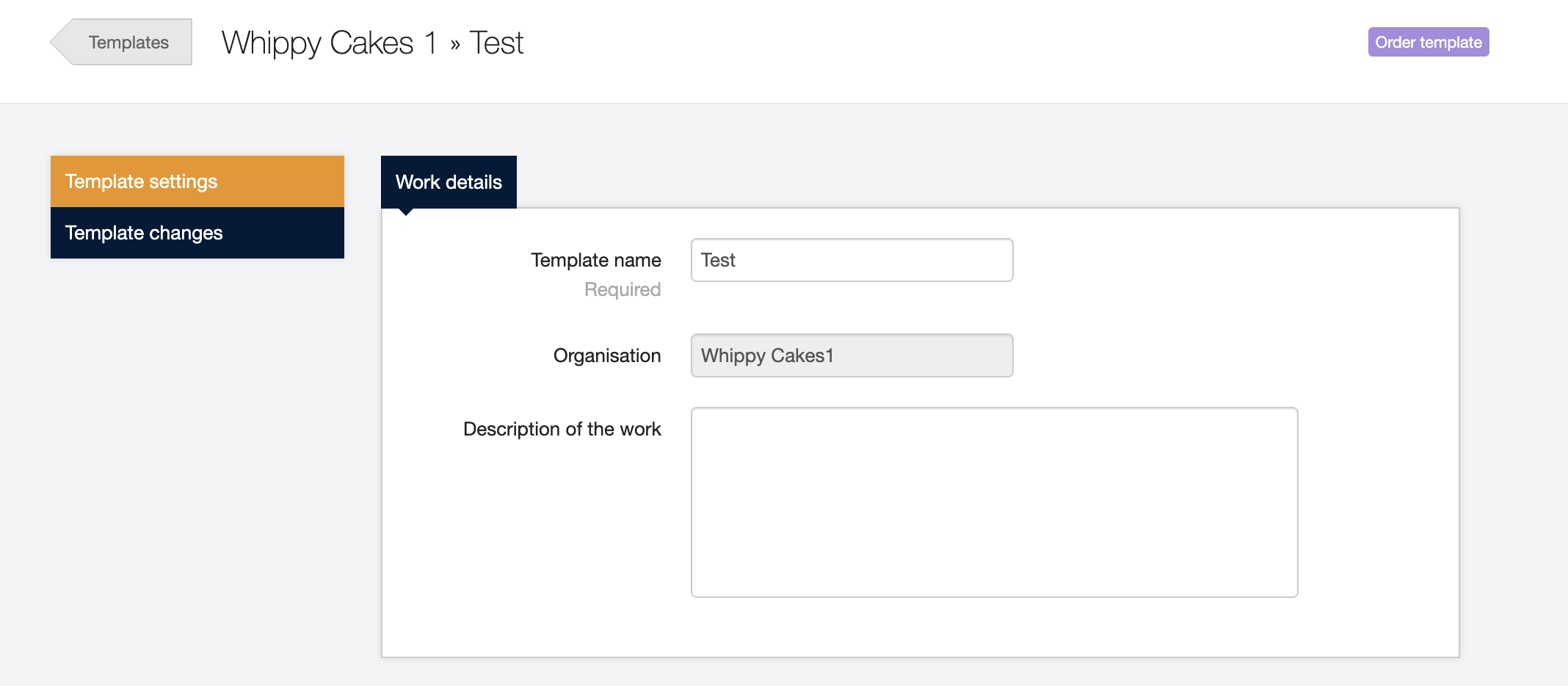
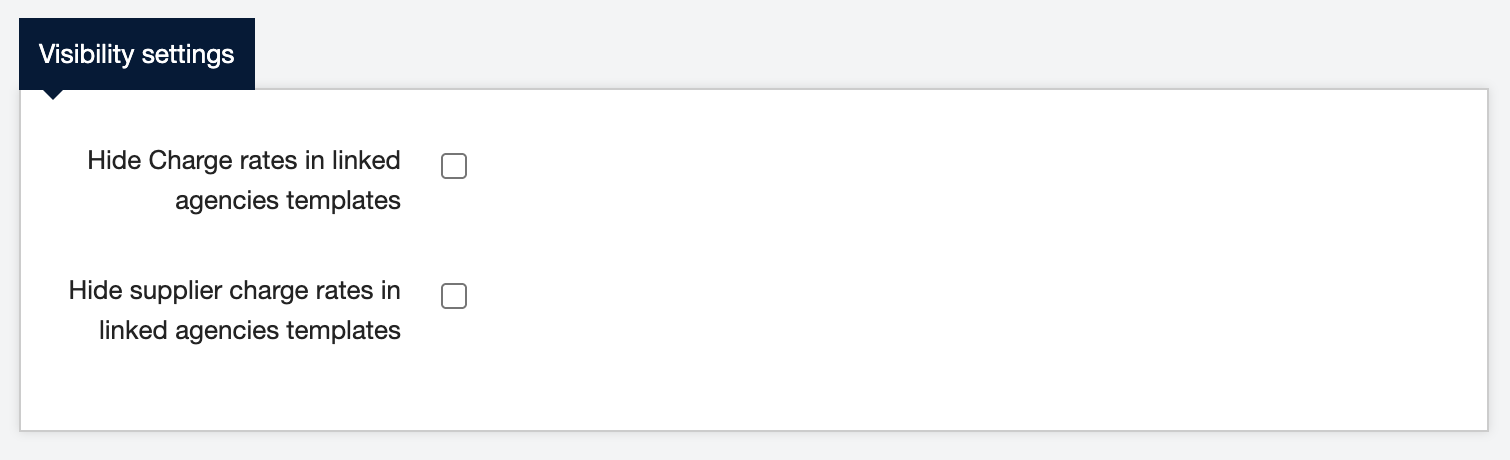
Visibility settings (Optional)
By default, the Supplier Charge is only visible to the MSP. However, the MSP does have the option to allow Suppliers (Staffing Agencies) visibility to Charge rates or Supplier Charge rates using the tick boxes on the Order template.
Distribution rule
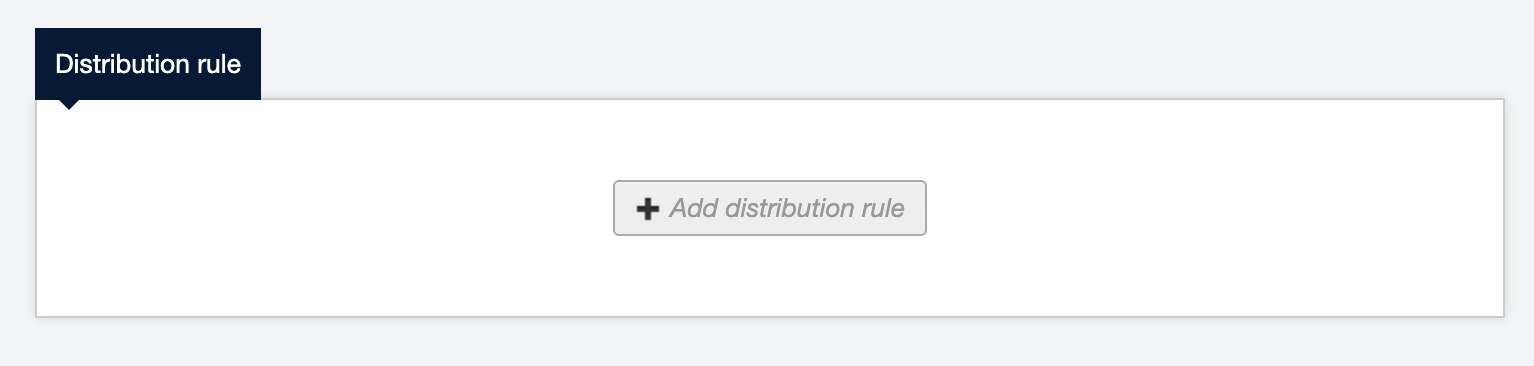
Use this section to create rules for how you want to distribute shifts to your supplier network, for example, setting up Supplier Tiers for staggered release or release on an exclusive vs. competitive basis.
Once the Order template is saved, it will display in the list on the main Shift templates screen for that site. If you click the Order template button, you’ll see all the agencies linked to that Order template. To clone it click Clone; to delete it click Delete; and to link it to a new agency click Edit.
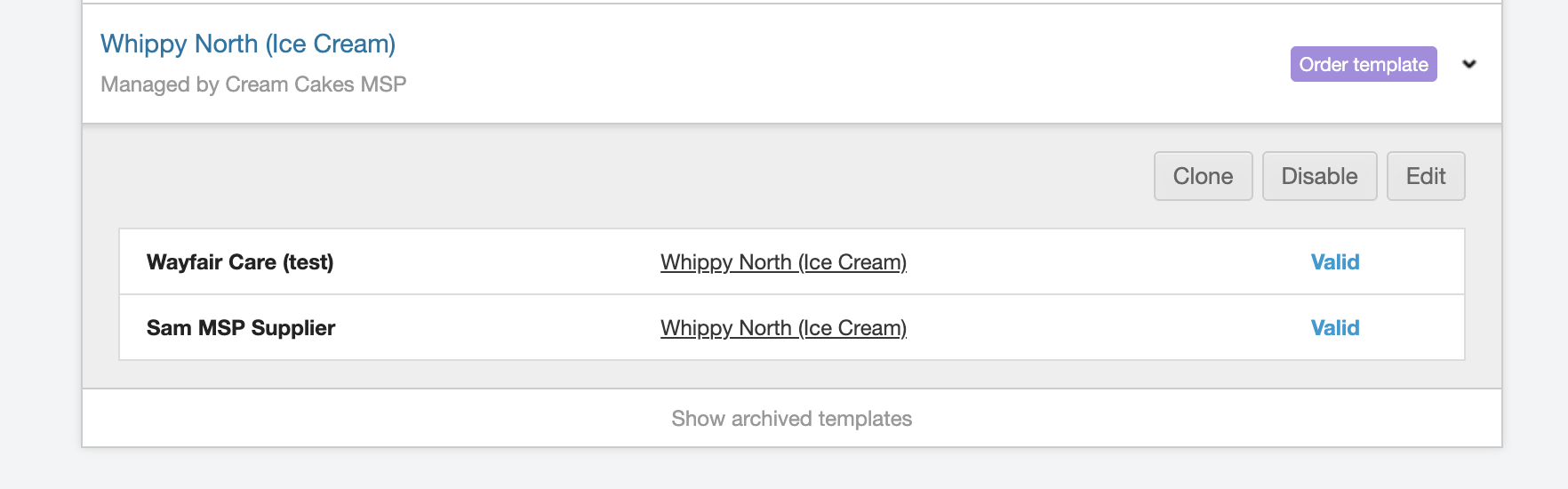
Managing order templates
As with shift templates, order templates can be cloned, deleted, edited, or archived.
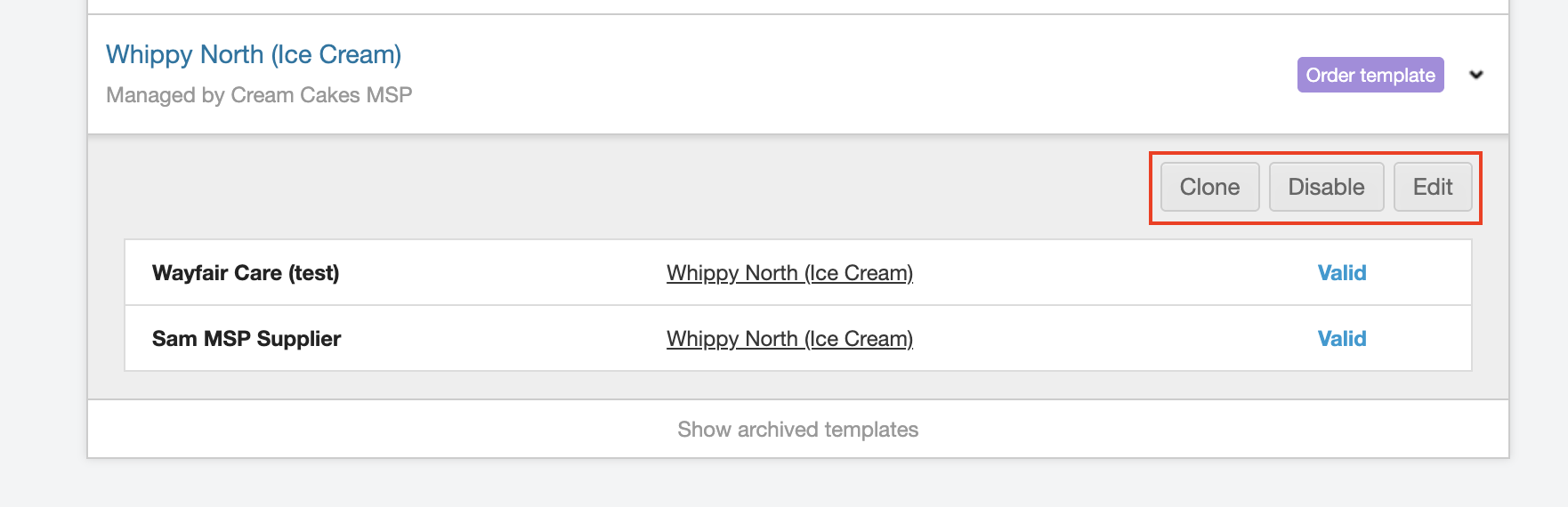
Managing order templates and MSP-linked shift templates
Once an order template and its associated MSP-linked shift templates are created, you can delete, disable and re-enable as needed.
Read this article for information on Linking suppliers to order templates.