FAQs for adding your hours
I want to confirm the shift times I worked
Your agency may require you to confirm the Start and Stop times for the shifts you’ve worked.
| This is only applicable if your agency is not entering your hours. |
This can be done in your profile whether you log in through an internet browser or the JoinedUp app.
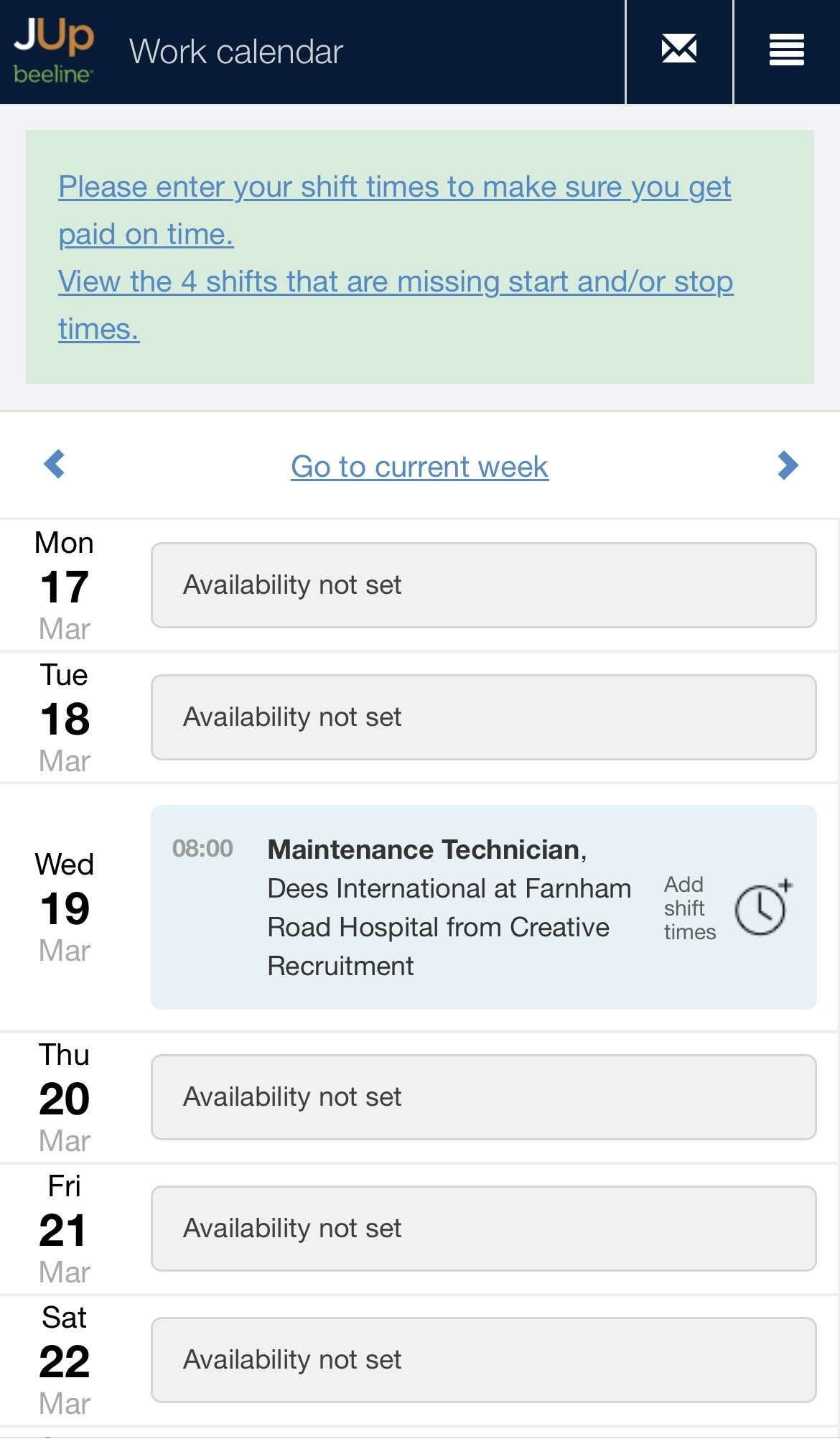
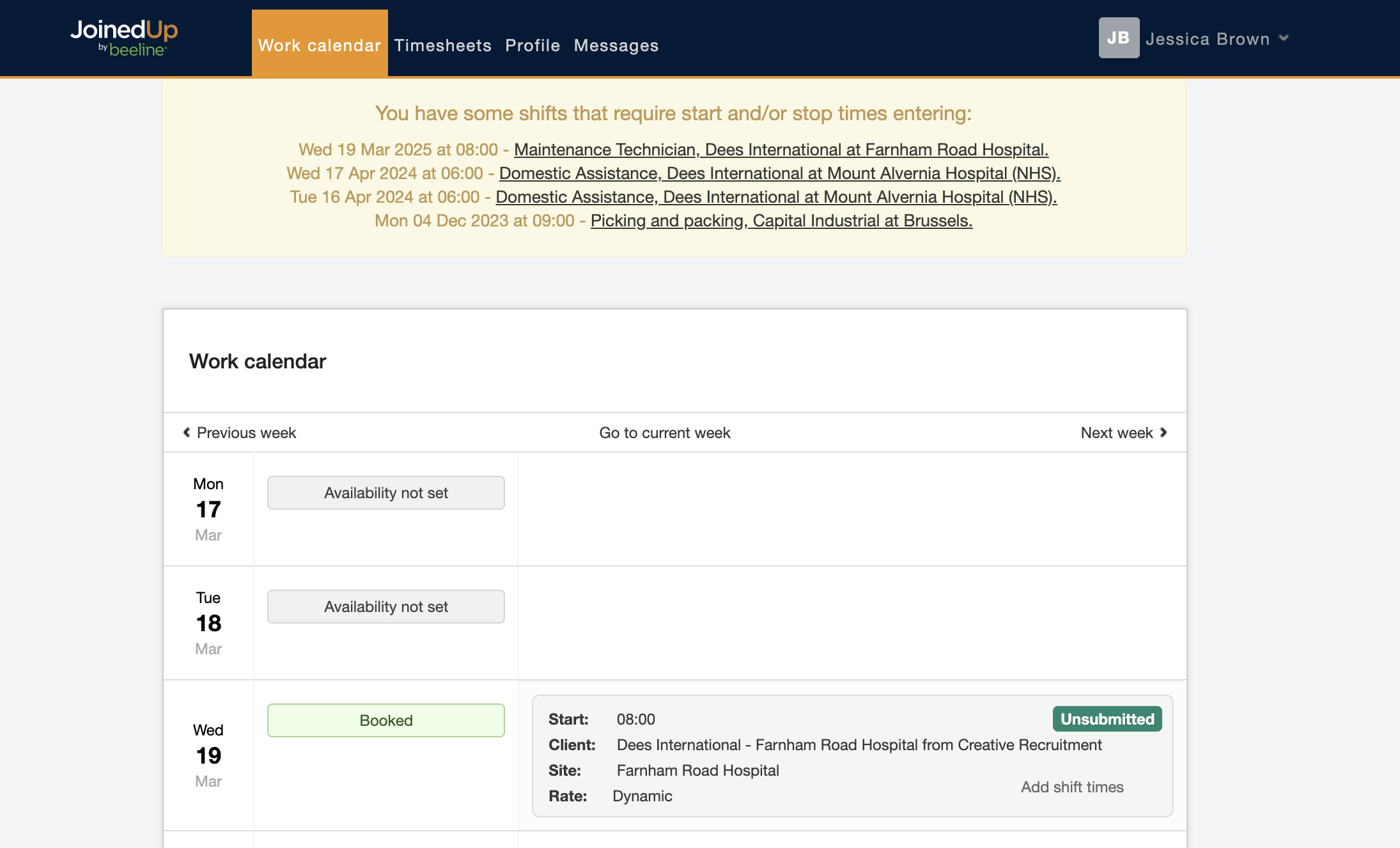
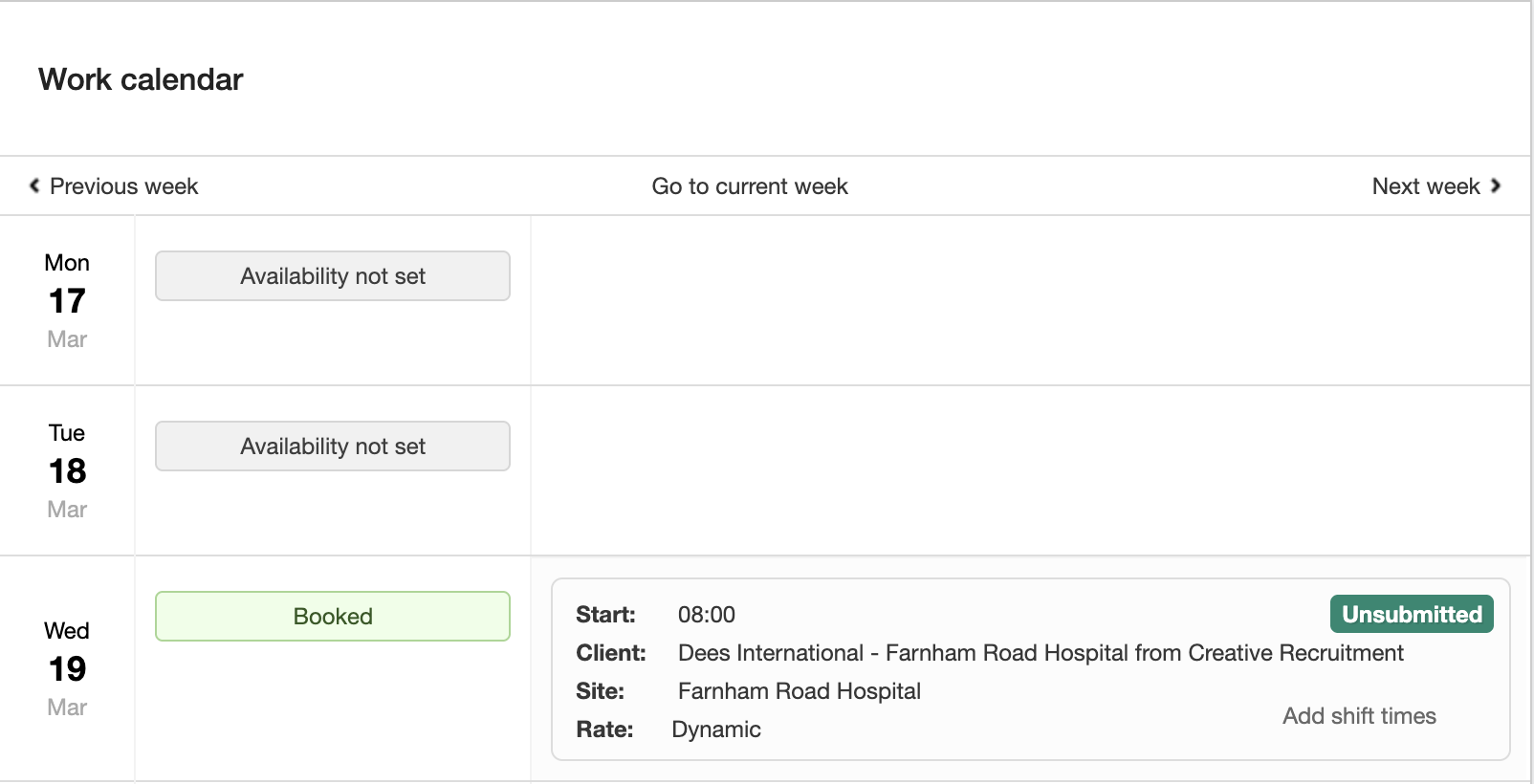
When you go to your Work Calendar you can either use the shortcut at the top of the screen or look through the calendar and find the shifts that need your times to be added.
Mobile View:
Desktop View:
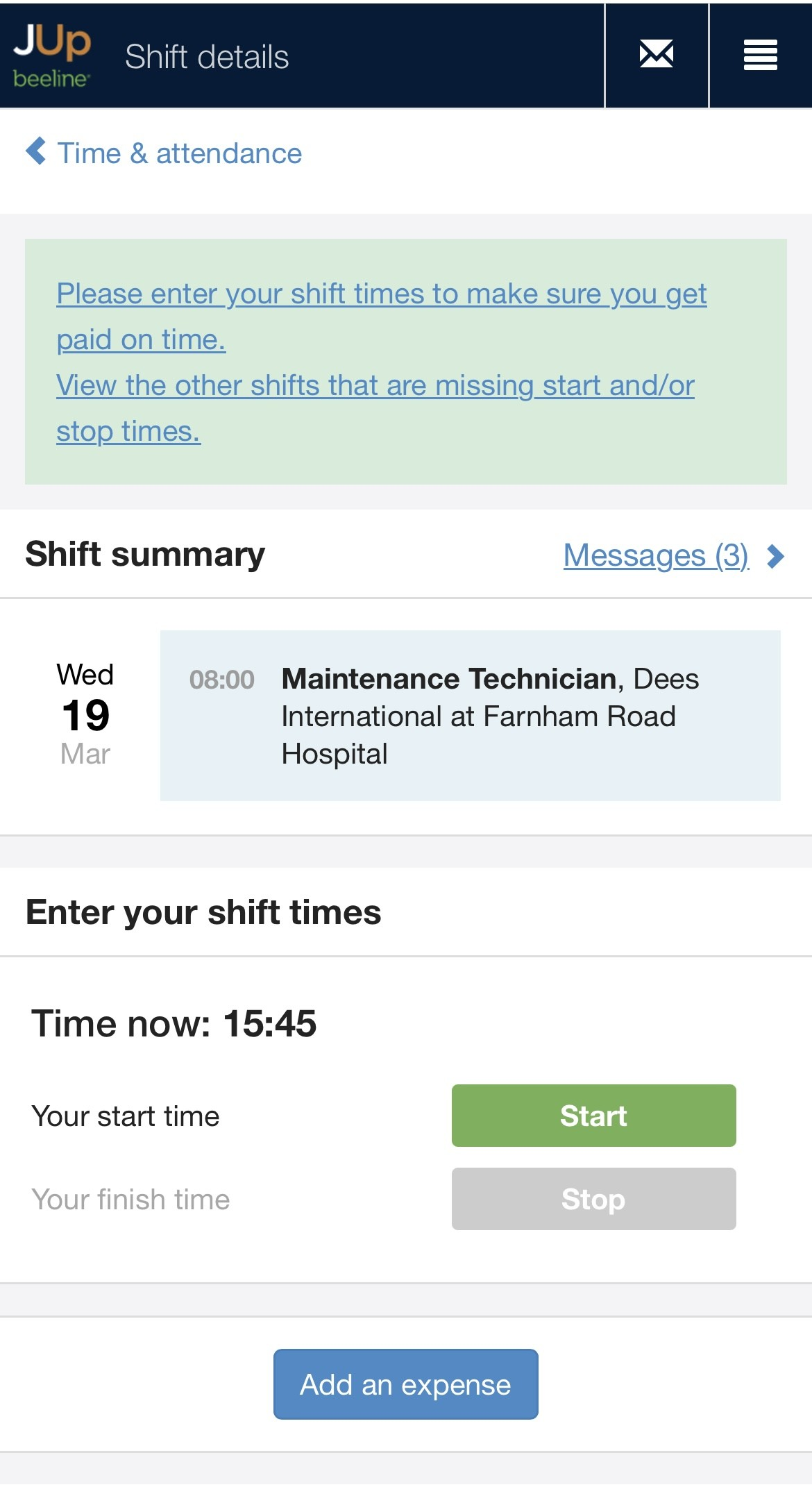
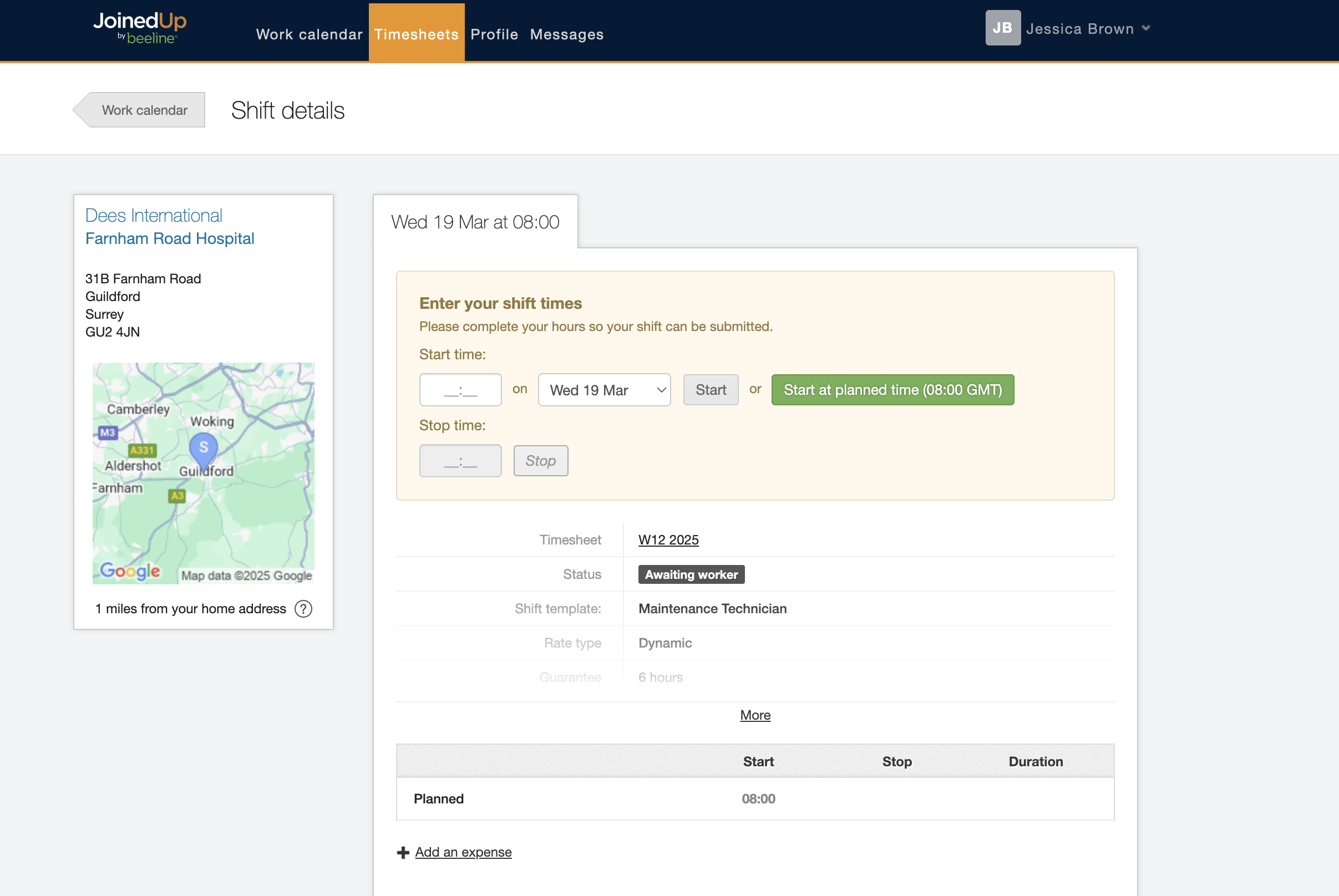
When you click into the shift, you will see the details of that shift and have the option to put in the Start and Stop times as well as add any expenses that you’d like to claim related to the shift.
Mobile View:
Desktop View:
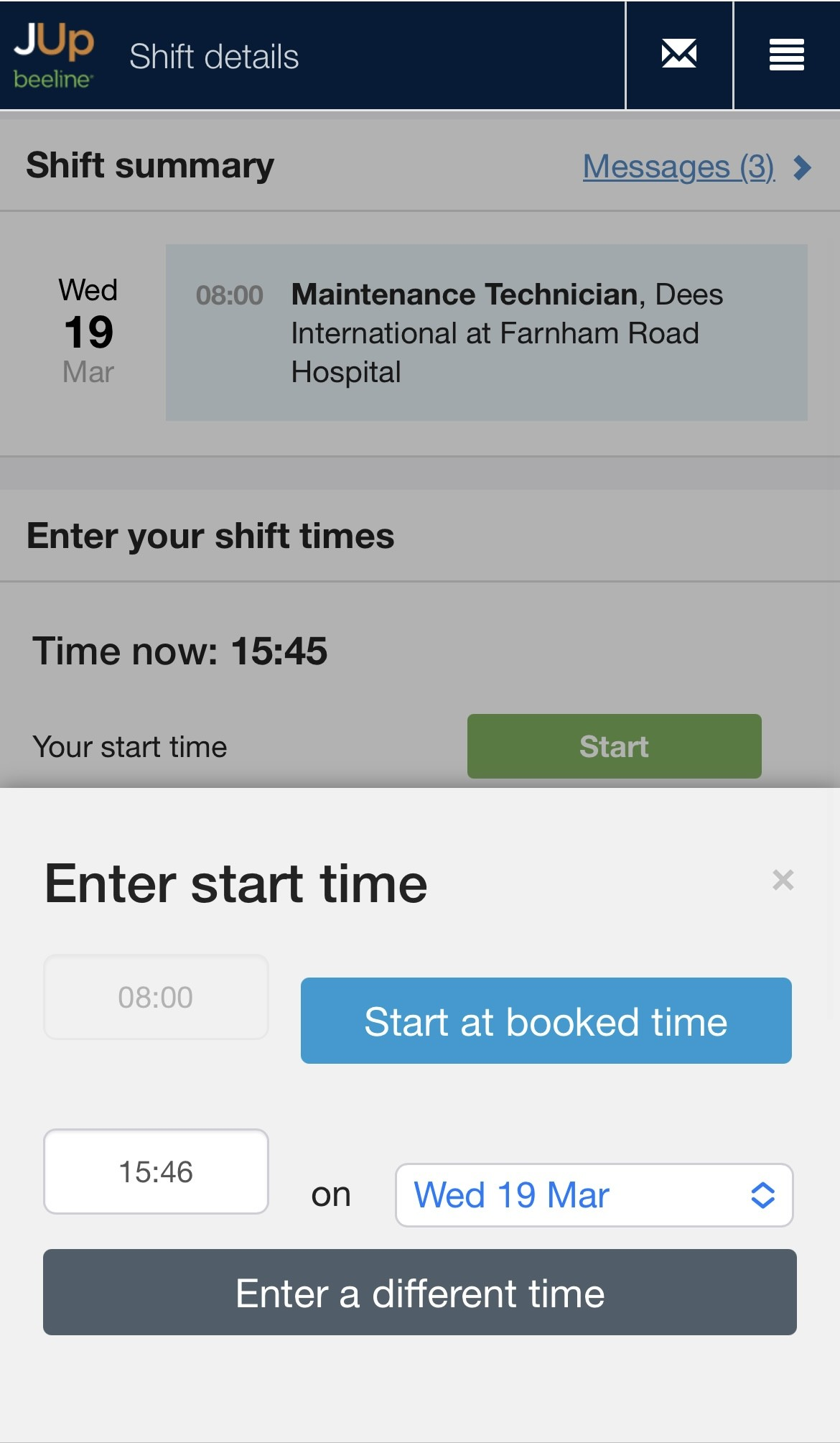
Simply press the Start button, and you will get the option to either start the shift at the planned time or to type in a different time if the plans changed.
You can then do the exact same thing to adjust the Stop time.
Mobile View:
Desktop View:
Expenses
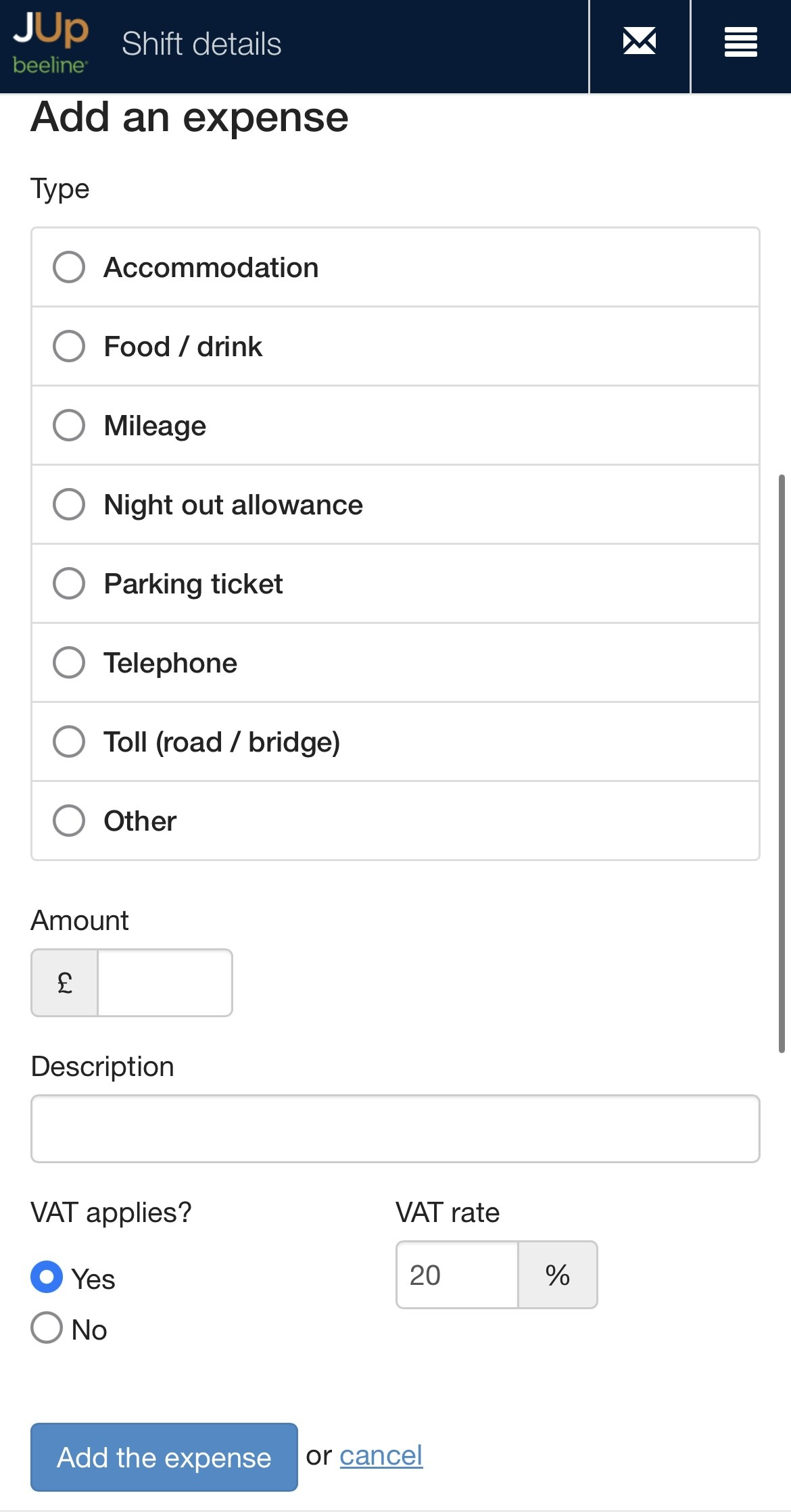
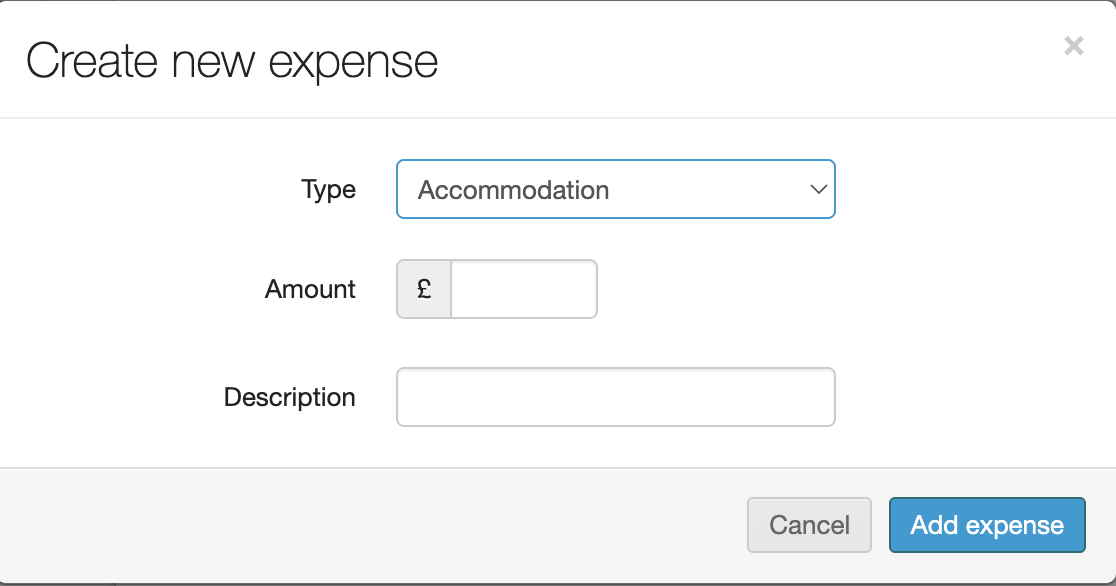
If your role includes refundable expenses, those can be submitted here as well.
Please remember to only submit expenses that you know will be authorized by your agency, otherwise you risk all expenses being rejected.
Mobile View:
Desktop View:
I don’t see my shift in my Work Calendar?
If you worked a shift but, you don’t have it showing in your Work Calendar, please contact your agency immediately — or you may not be paid properly.
You can call or email them as you usually would, or you can also reply to any of their messages in your Messages inbox within JoinedUp.
I can’t enter my start/ stop time
I can’t add my hours worked to my timesheet
If you’ve followed the steps in above, but are still having issues, there are a number of things to check.
♦ Is the shift missing from my calendar?
If you worked a shift but, you don’t have one showing in your Work Calendar, please contact your agency immediately — or you may not be paid properly.
You can do this by calling/emailing them as you usually would, or you can also reply to any of their messages in your Messages inbox on JoinedUp.
♦ Is my start time very different from the planned one?
If you enter your start time, and it’s more than an hour before or a few hours after the planned start time, then the system may stop you from confirming it.
It may also stop you from entering your stop time for that shift.
It’s not a problem that you started at a different time, you just need to speak to your agency and get them to update the time for you.
You will then be able to enter the correct hours.
You can also do this by calling/emailing them as you usually would, or you can also reply to any of their messages in your Messages inbox on JoinedUp.
♦ Is there no clock showing on my shift?
In order to enter your hours, your agency needs to have set your profile to include permissions for you to enter your hours.
If they have told you to add them yourself, your screen should look like this:
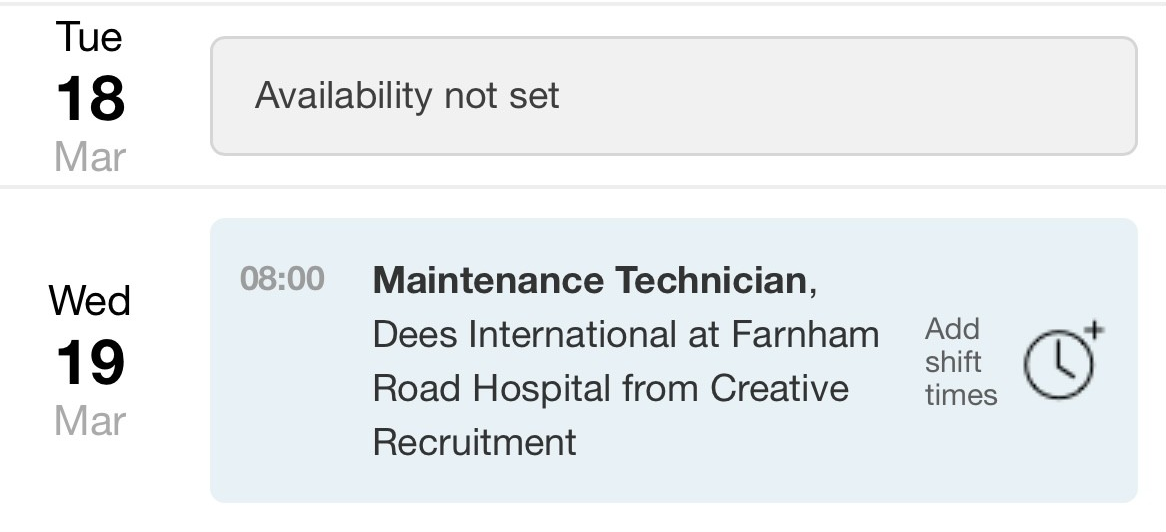
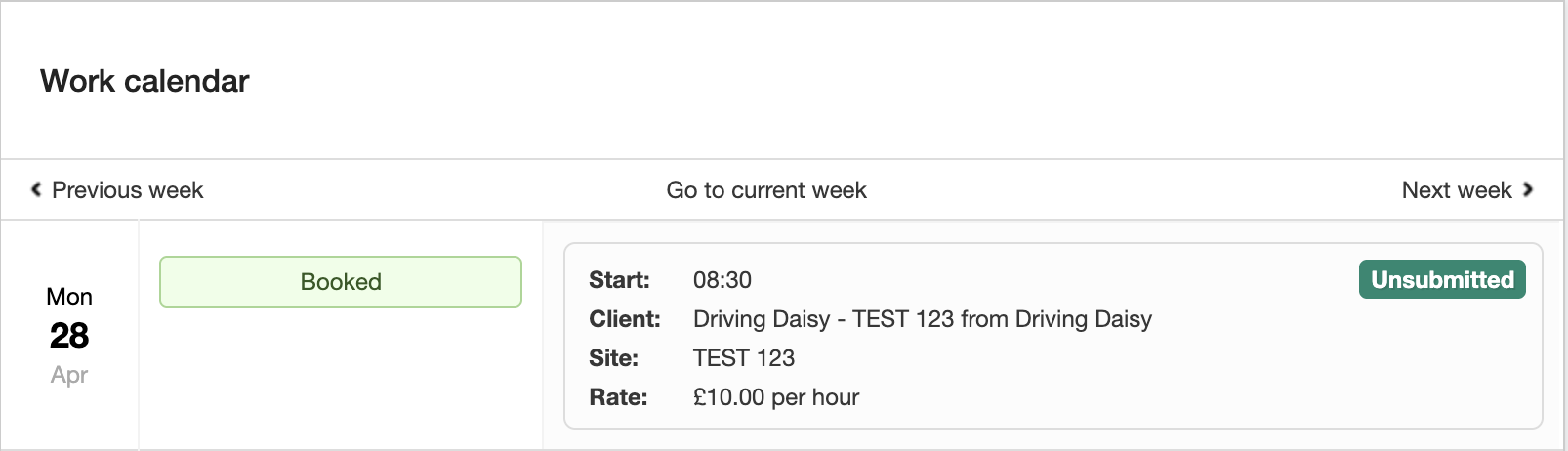
But if it looks like the sample below, i.e., with no clock displayed, then you need to contact your agency and ask them to turn on the feature which allows you to add your own hours.
♦ Is my employment status correct?
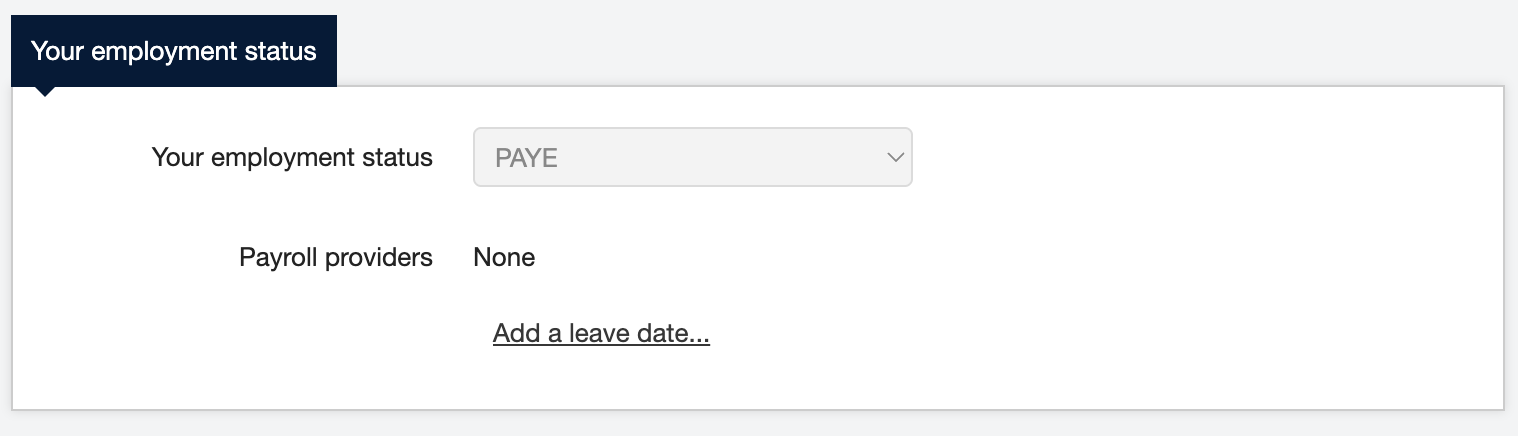
If you pay PAYE tax then your employment status on your profile should be PAYE.
It should NOT be self-employed, even if you are self-employed.
If you change your employment status without being instructed to by your agency, you will invalidate your profile.
You then won’t be able to enter any shift hours.
To fix this you just need to change your status back to PAYE.
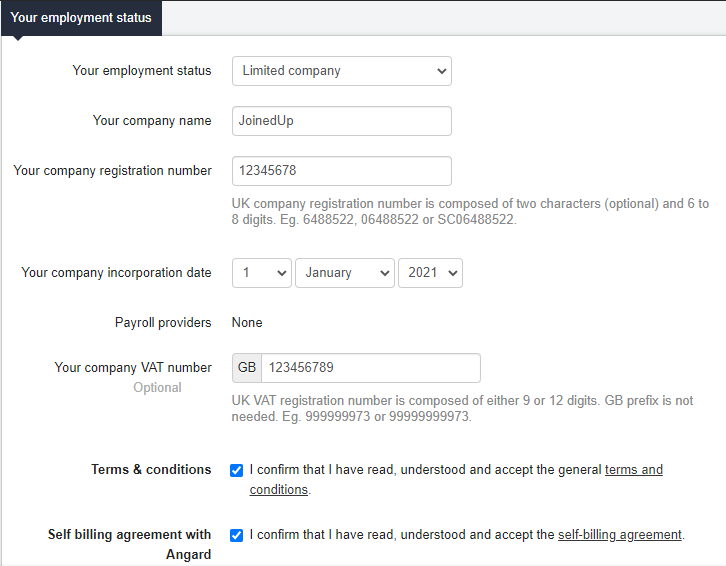
If you are a Ltd. company, then you need to enter all the appropriate information.
If your employment status is incorrect you also won’t be able to enter your times.