Creating a driving shift template
How to create a driving shift template.
A driving shift template is created specifically for driving jobs. Here, you can add specific requirements for drivers.
Please read the article on Creating a shift template for information on how to begin the setup.
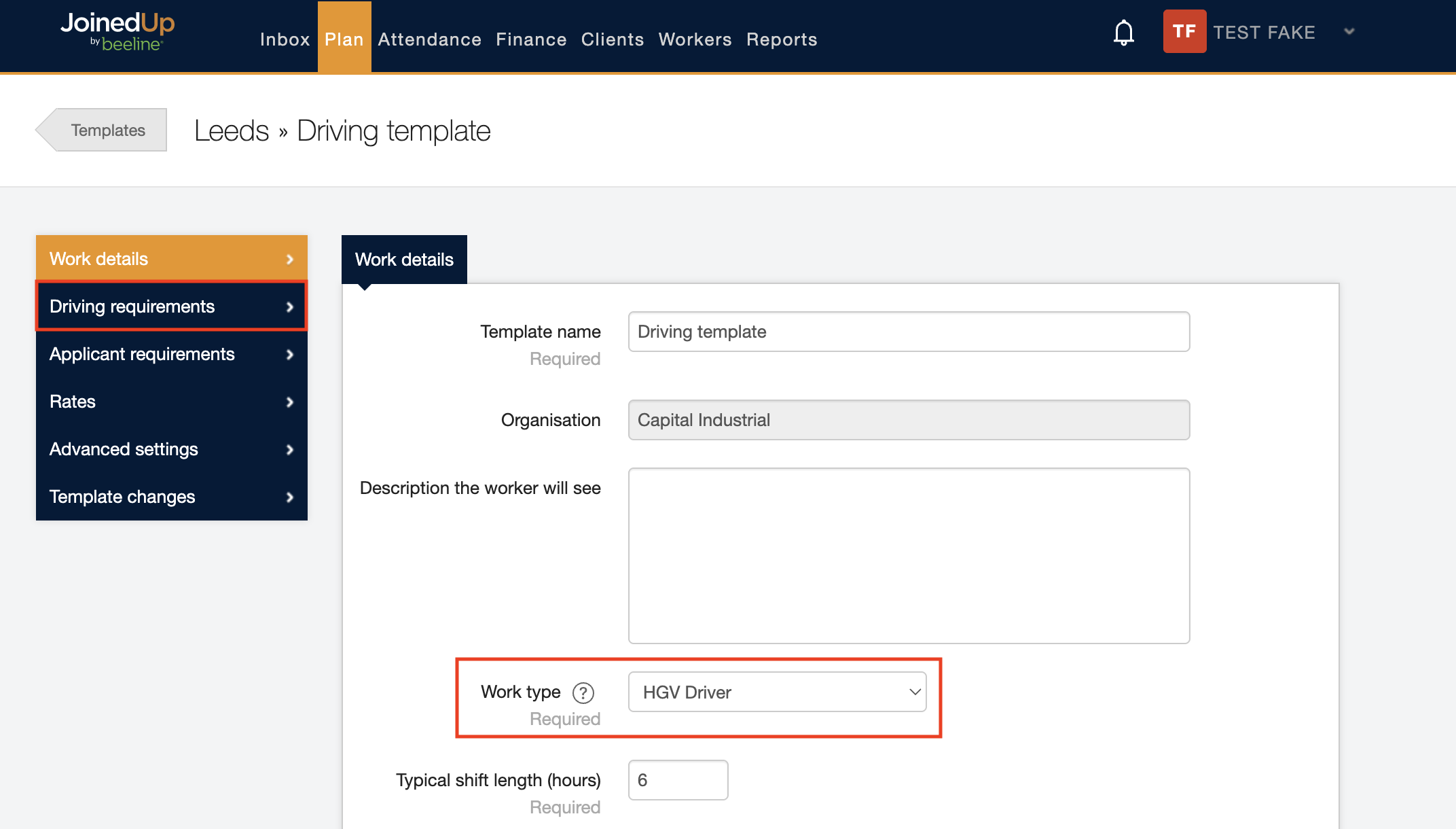
When setting up a driver shift template, please select your desired work type.
Once the correct work type has been selected, the Driving requirements tab will appear on the left.
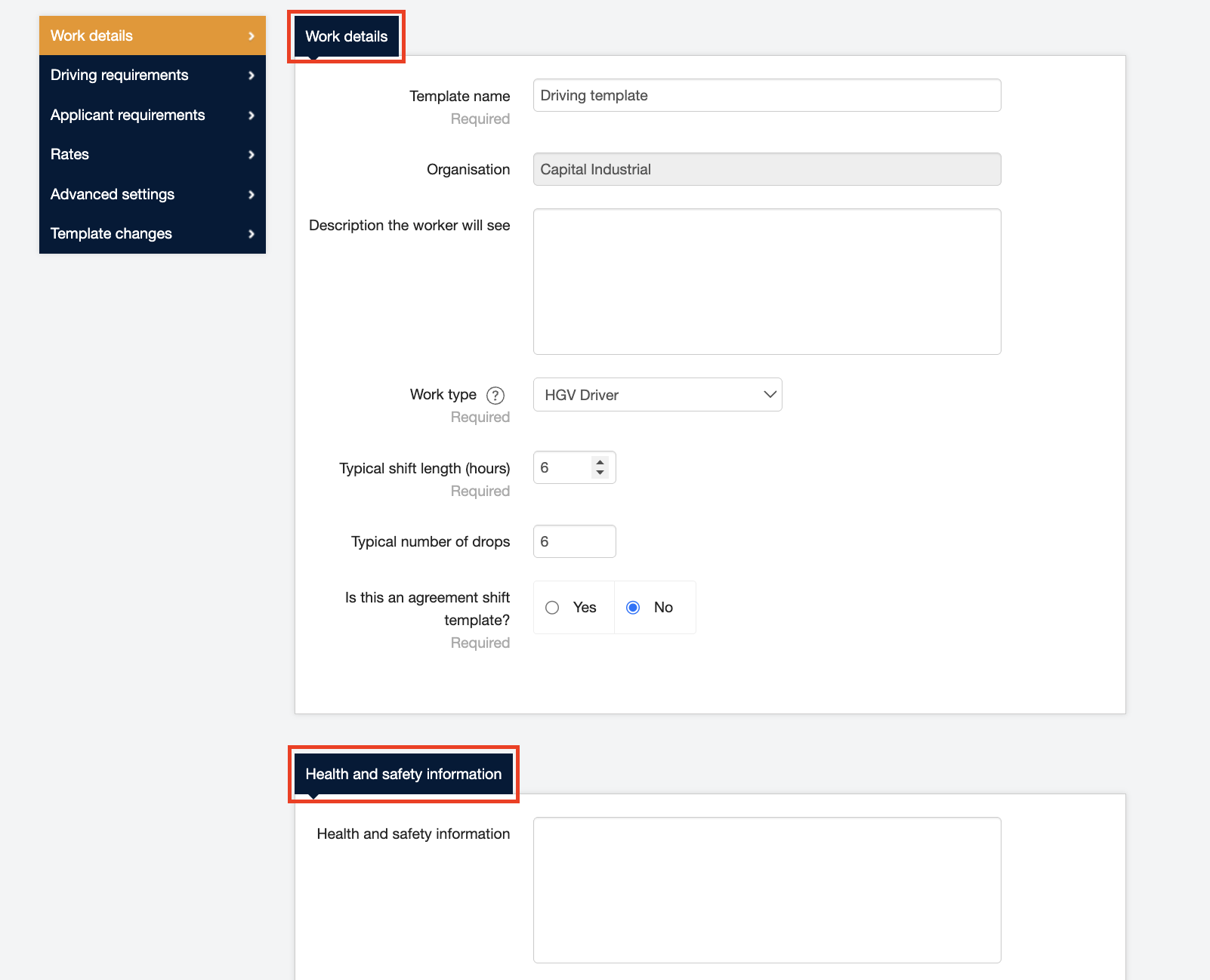
In the Work details tab, you can edit the details and health and safety information that you require.
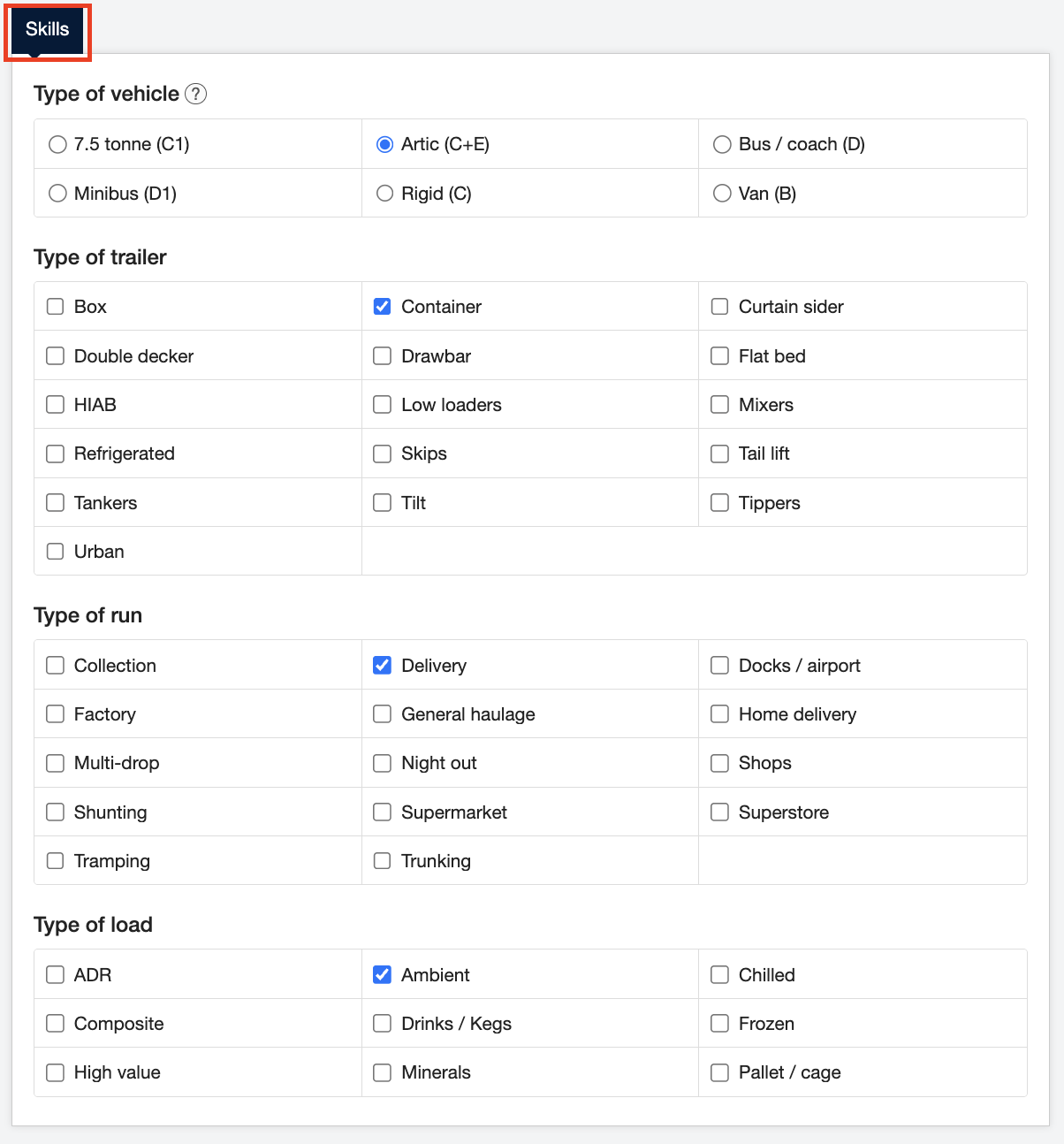
You can edit the skills you require drivers to have by scrolling to the bottom of the page in the Work details tab. This can change depending on which Work type you have selected.

Next, to manage driving requirements for your drivers, click the Driving requirements tab.
You can also edit the applicant requirements by clicking the Applicant requirements tab.
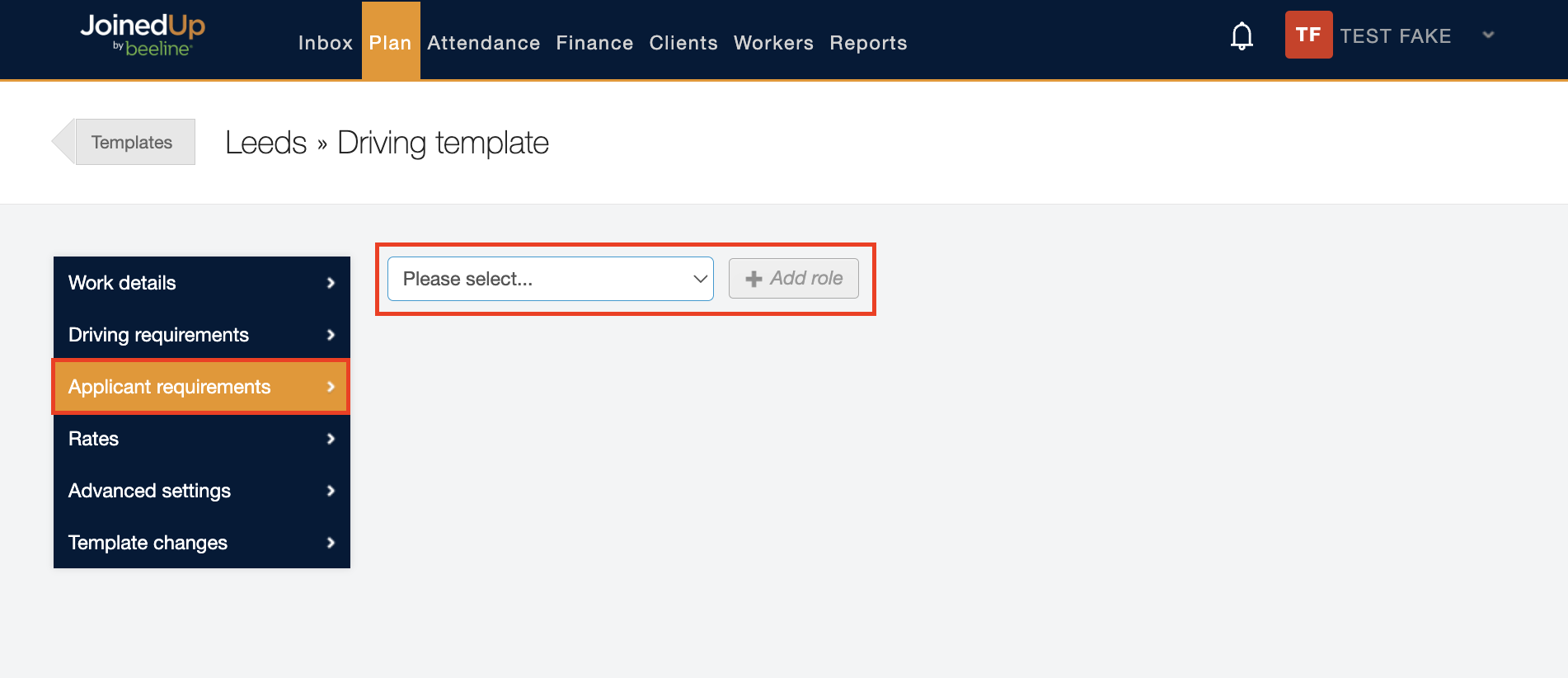
For more information on applicant requirements, please see Creating shift template - Applicant Requirements.