The Service Desk Portal & Requests
Admin users will automatically be taken to the JoinedUp Admin Users Portal in our Service Desk.
You can easily go back to the main screen to see both portal options by clicking the beeline logo or Beeline Customer Help Center hyperlink at the top of your screen.
Here you can see both portals available to JoinedUp users:
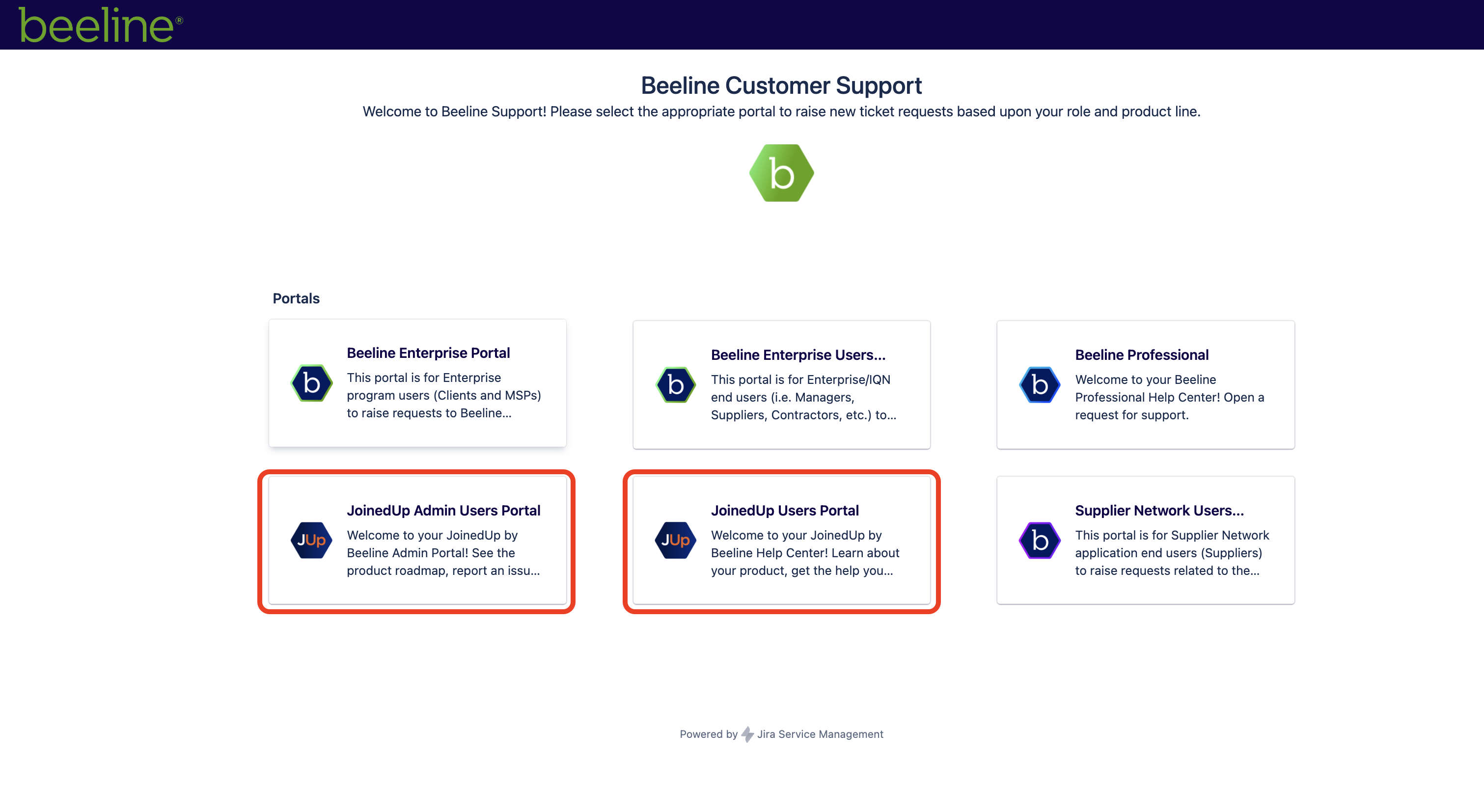
♦ Direct links to each portal:
-
JoinedUp Admin Users Portal - JoinedUp Admin Users Portal
-
These articles will help you navigate the system as an admin user: JoinedUp Admin User Guides
-
JoinedUp Users Portal - JoinedUP Users Portal
-
These articles will help you navigate the system as a user: JoinedUp User Guides
The difference between the two portals is the type of requests the user can raise as well as the visibility to tickets previously raised by your organisation.
JoinedUp Admin Users Portal
This portal is only available to users created by JoinedUp under their organisation.
Admin users can access all tickets, either previously created by themselves or by other users within their organisation. They can also view the Product Roadmap, submit config requests, or report bugs.
Admin User Portal
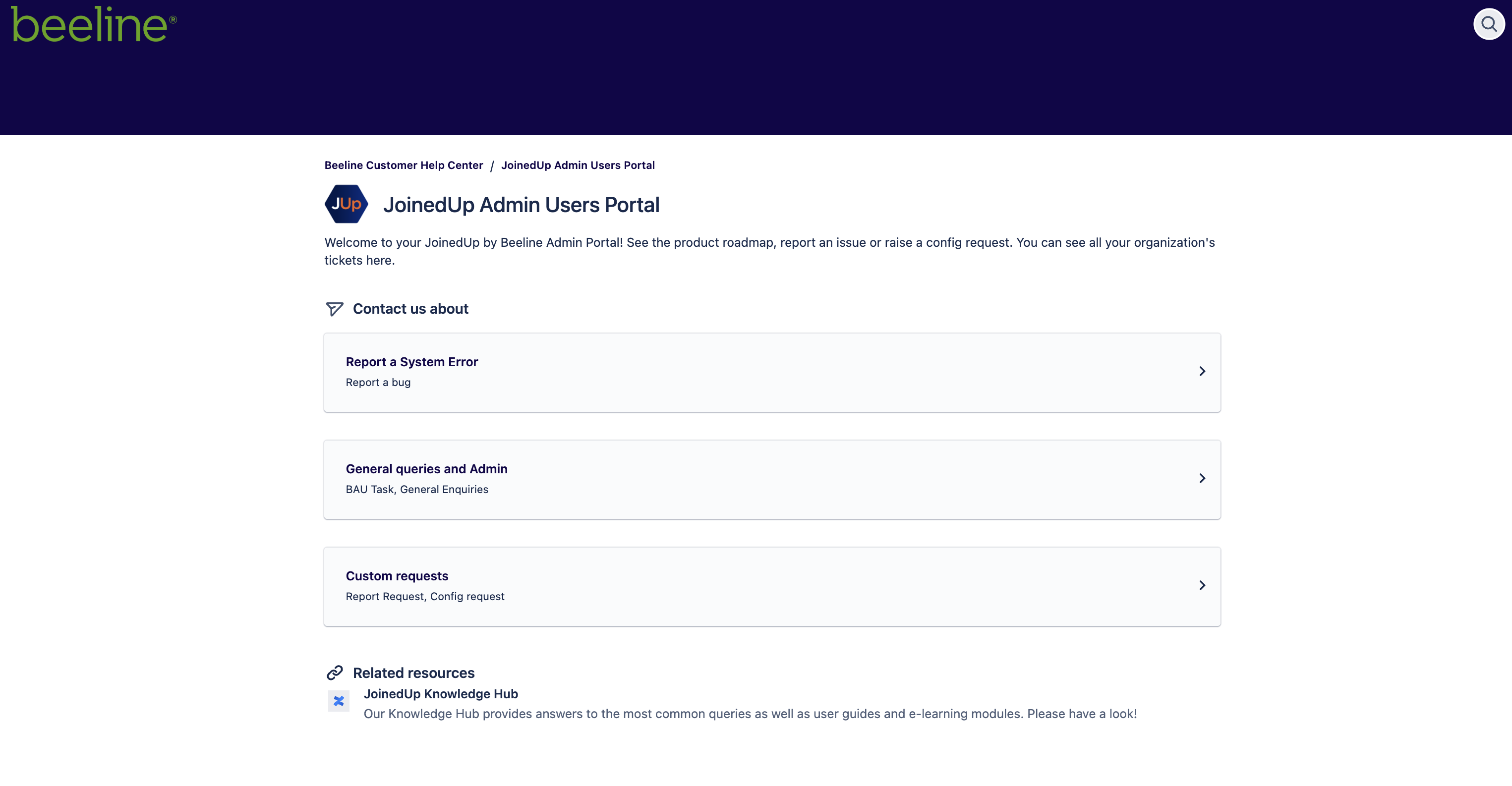
Select the option that best matches your issue type and then follow the prompts to create and submit your request.
JoinedUp Users Portal
User Portal
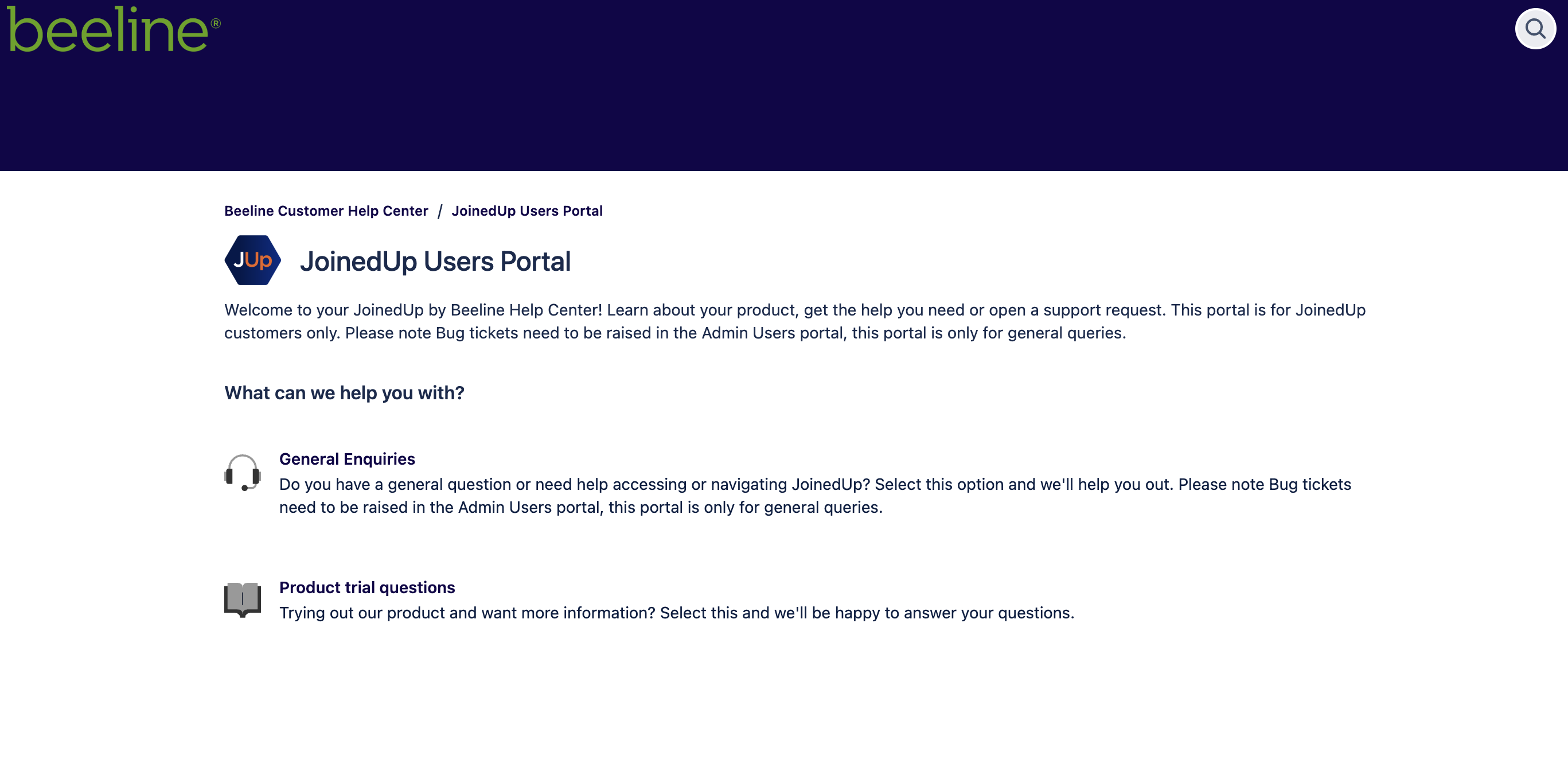
Admin users can access this portal without having to create a separate new account but any user who does not have an account will need to create one the first time they try to access the portal.
Read these article for more information on how to navigate the JoinedUp User Portal Guides.
The accounts created in the Users Portal are individual accounts, so these users won’t have access to your Admin Users portal or any of the tickets created by other users in your organisation. They will only be able to see and get updates for the tickets they create.
This portal is only for general enquiries and technical support. If the request turns out to be a “bug” our Support team will convert the ticket into a bug ticket and link it to your organisation.
The user who raised the issue will not have access to the Admin Users Portal, and they won’t be able to access the ticket once it is converted. They will, however, receive updates via their email. The ticket will be visible to all the Admin Users Portal members within your organisation.