Worker Incidents
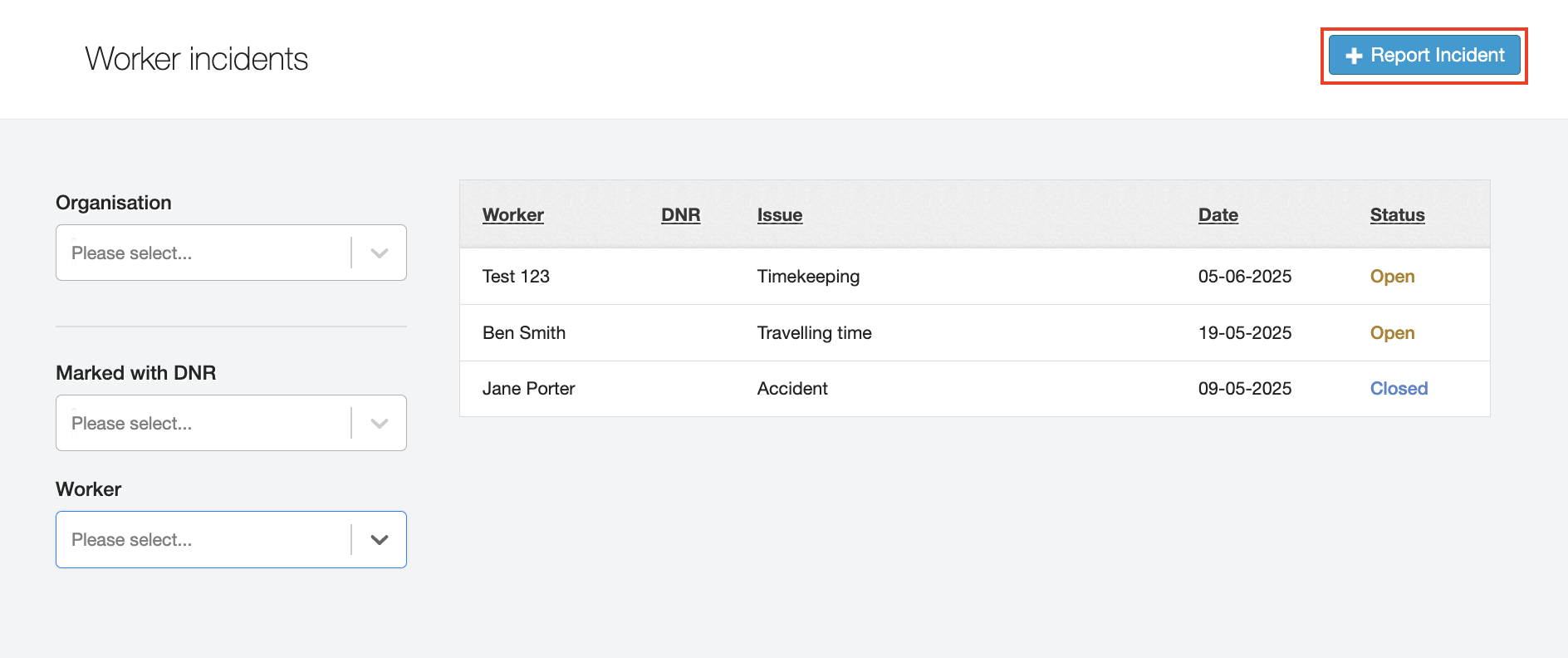
The Worker incidents screen is a place to track any issues that arise associated with a worker’s shift. It is an optional addition you can request to be added to your JoinedUp, found under the Workers tab.
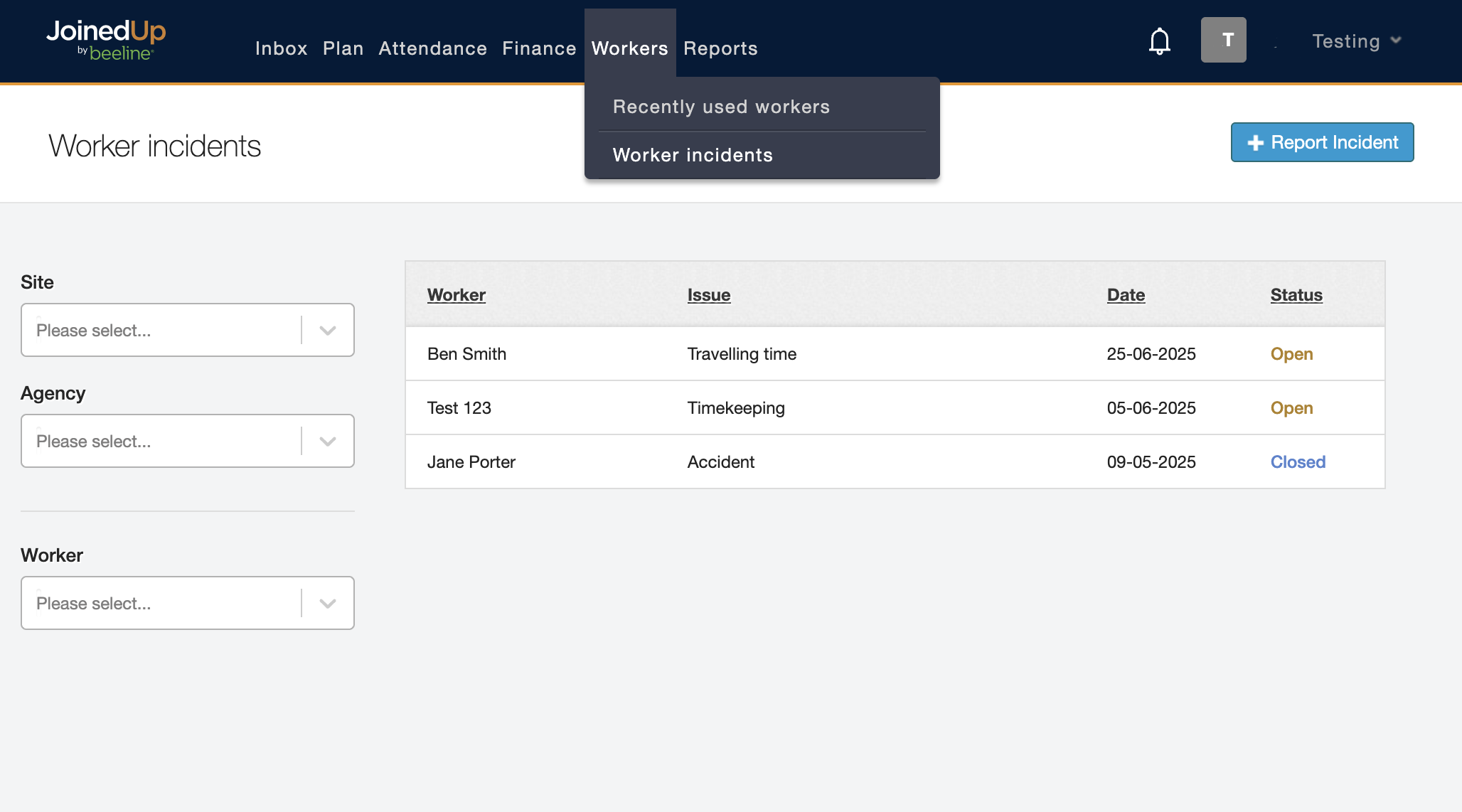
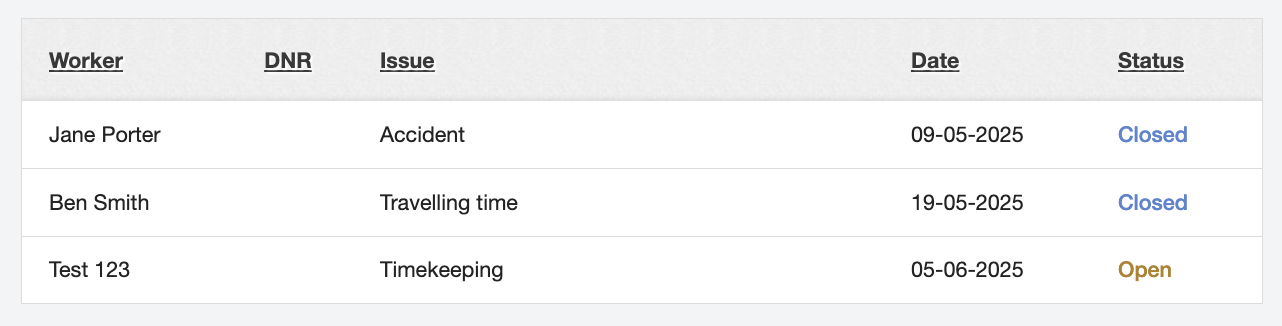
On the screen, you will be able to see a list of tracked incidents that have occurred. These are listed by worker name, type of issue, date, and status.
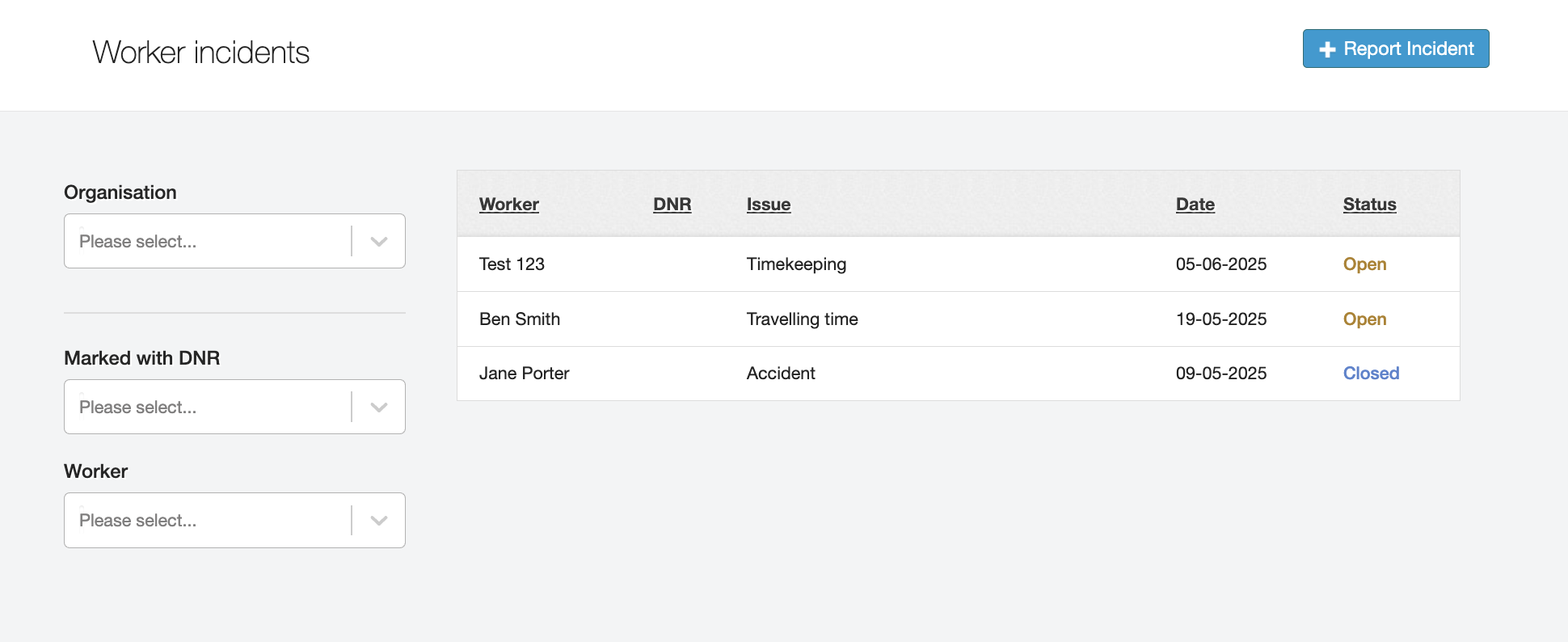
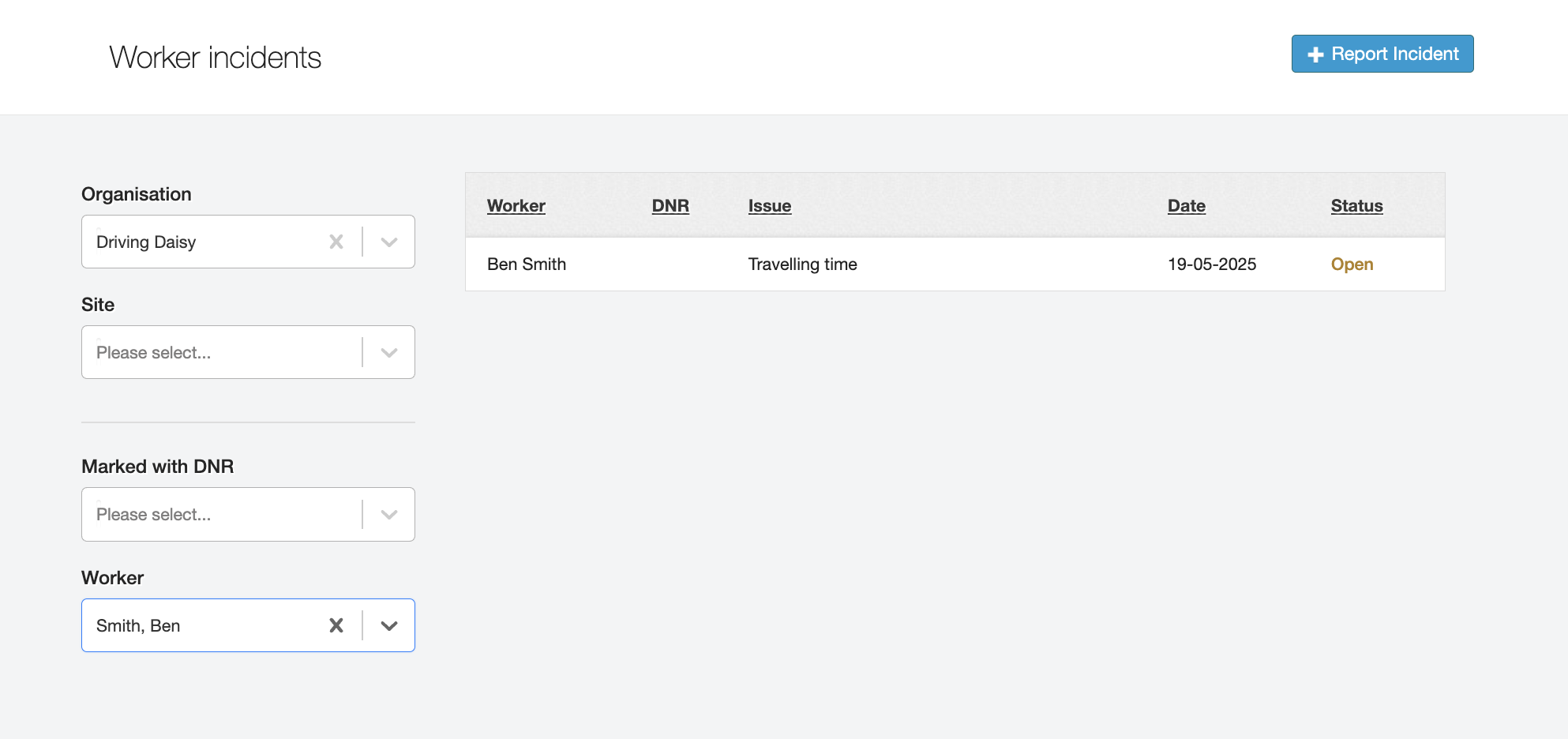
You can filter this list by using the Organisation and Worker filters on the left-hand side.
If you click into any of these incidents, you will see a detailed explanation of the incident that occurred, including who it was raised by, the shift and site it related to, and whether the worker was at fault.
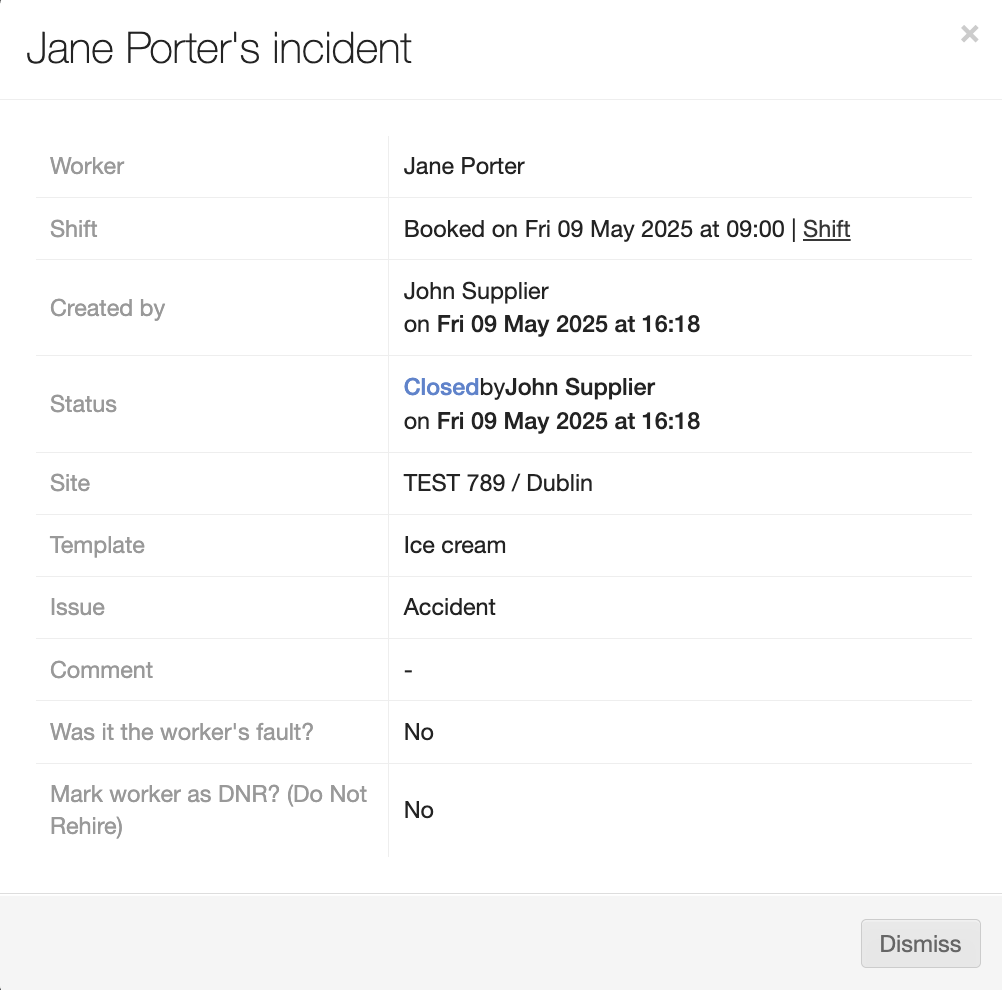
This can be a helpful register of all incidents that have occurred with your workers, and is available for all consultants to check whenever required.
Reporting an Incident
To report a new incident, select the Report Incident button in the top right.
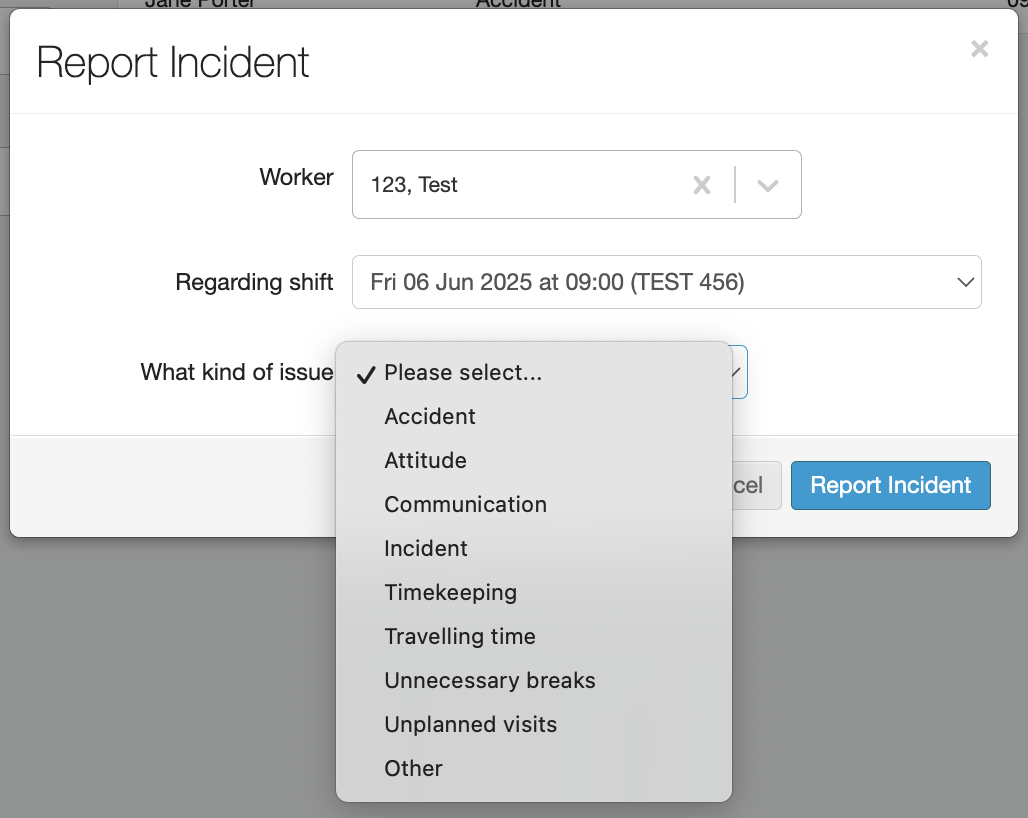
You can select the relevant worker, shift, and what kind of issue it was.
Write a short description of the issue, and specify whether it was the fault of the worker or not. Then choose Report Incident.
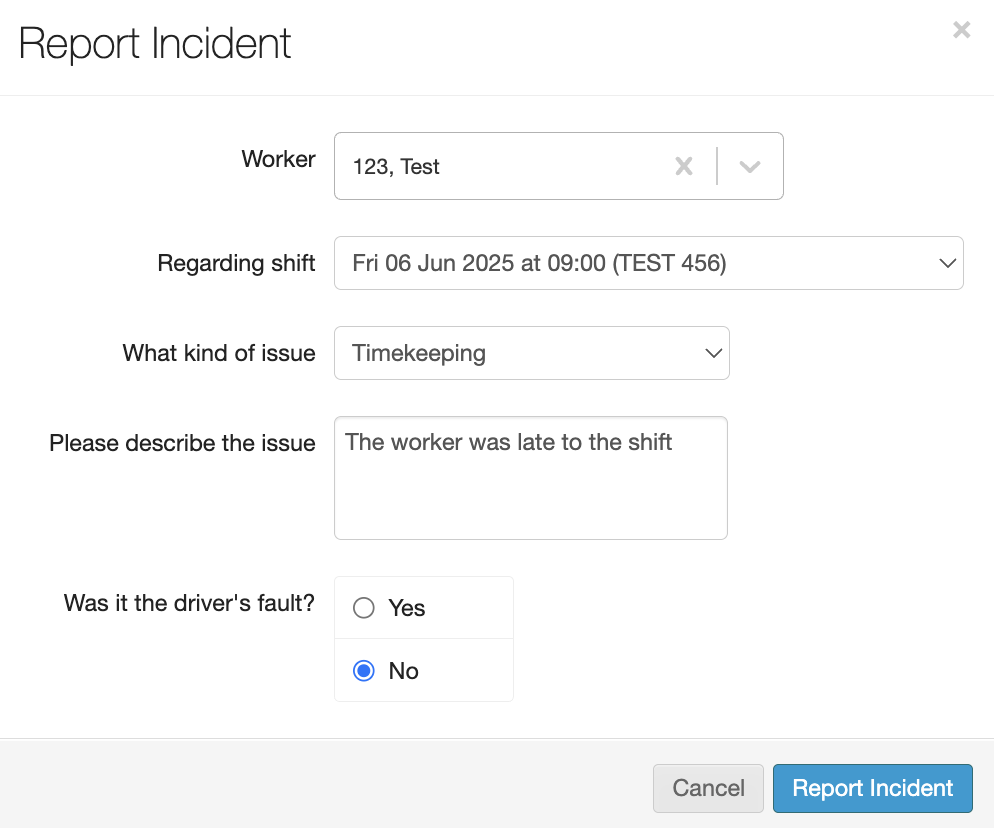
| The Do Not Rehire (DNR) status option on the incident form is restricted to users with the Admin role. Users without the Admin role will see this option disabled, with a tooltip explaining that only Admin users can apply this status. |
You’ll see the new Incident appear. If you select it again, you can choose to Close incident once it has been resolved.
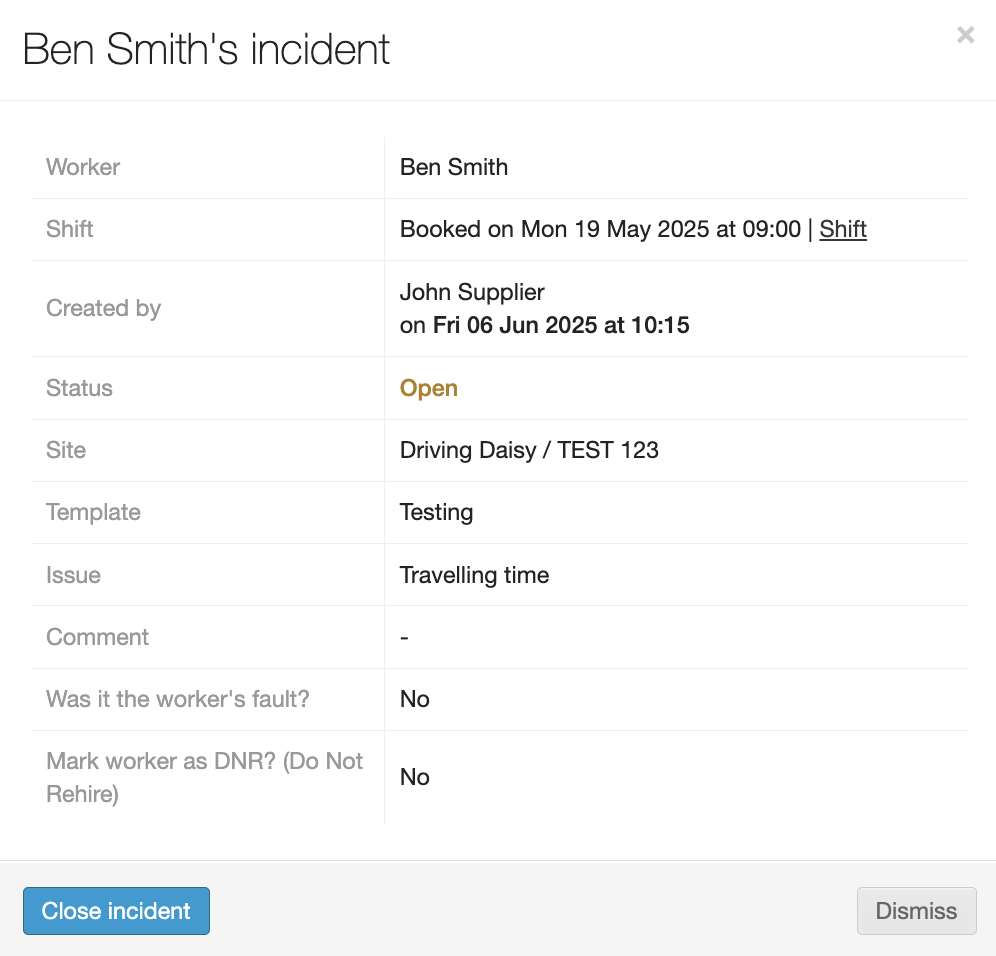
You’ll then see the Status turn to Closed. The record is still kept for future access.