Send a message to a worker
You can send a message to multiple workers through the Inbox tab.
Message a Worker
From the Inbox tab
If you would like to message a worker you can do so by selecting a message from those displayed in your Inbox and replying.
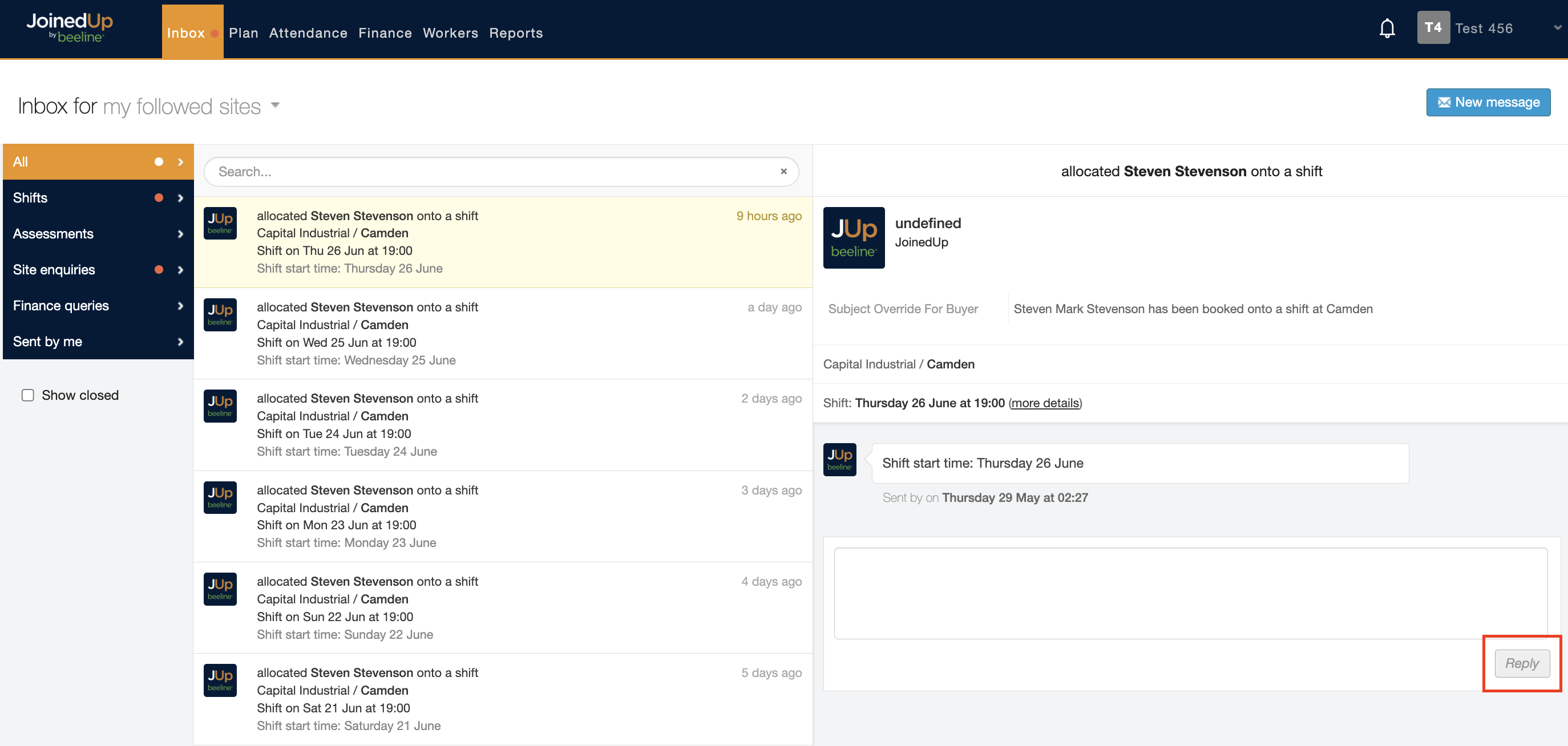
| The Reply button only becomes active once you start typing in the message box. |
From the Shift details tab
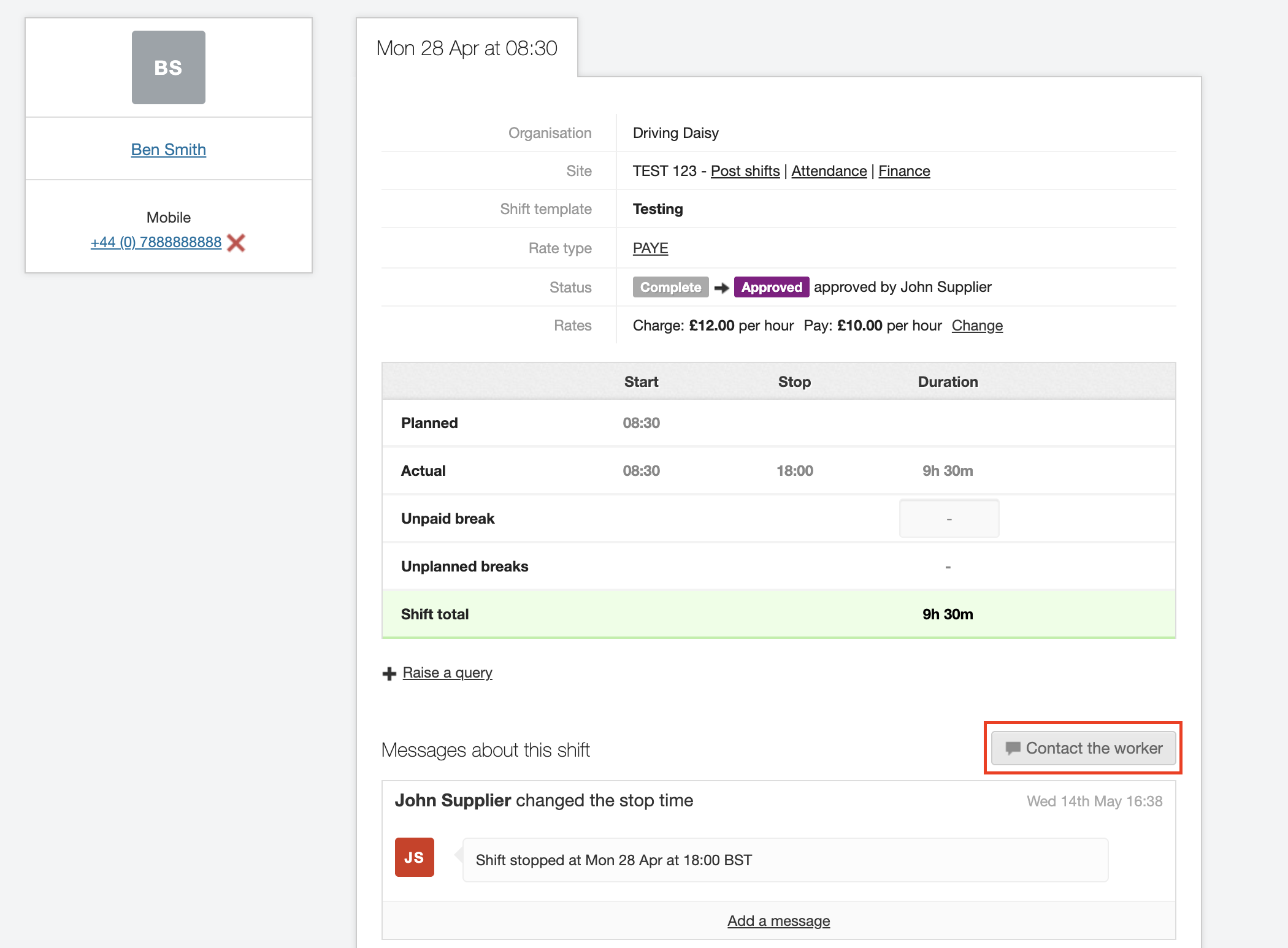
You can also go into a Shifts details screen and contact a worker or Hirer by typing a message in the area provided.
| Messages on shifts will be visible to all workers. |
|
Messages on shifts will be visible to workers. If you responded to a message in the shift details section, the agency will be able to see these messages and respond. |