Documents Antivirus Scanning
We have added displays to our existing antivirus scanner checking files uploaded to the platform. You can now see the status of each uploaded document.

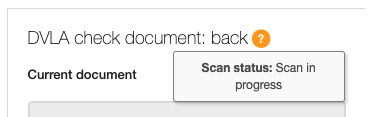
The first status displaying after the upload will be 'Scan in progress'.
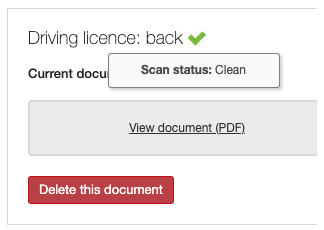
If the file is clean you will see a green tick next to it.
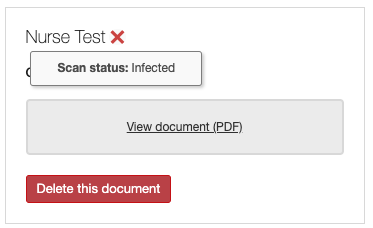
However, should the file turn out infected you will see a red x sign.
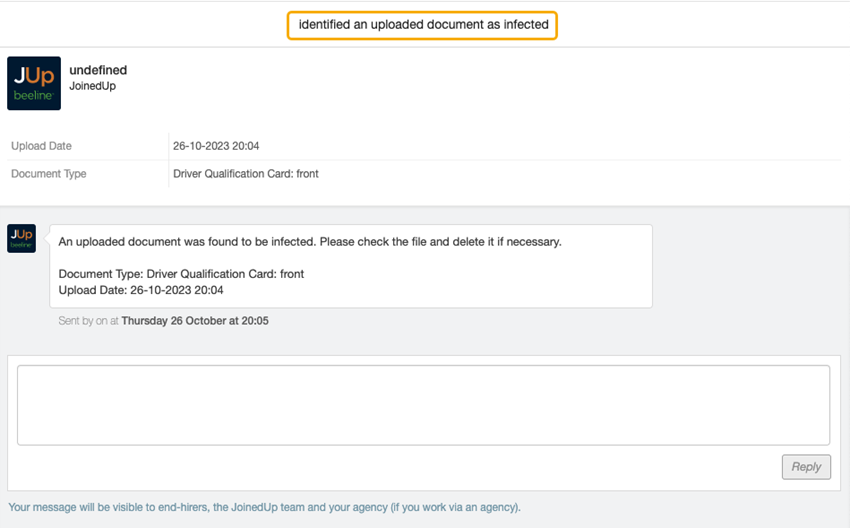
You will also get a notification about it to your JoinedUp inbox.
Infected files cannot be viewed or downloaded. The only available option will be to delete the file.
