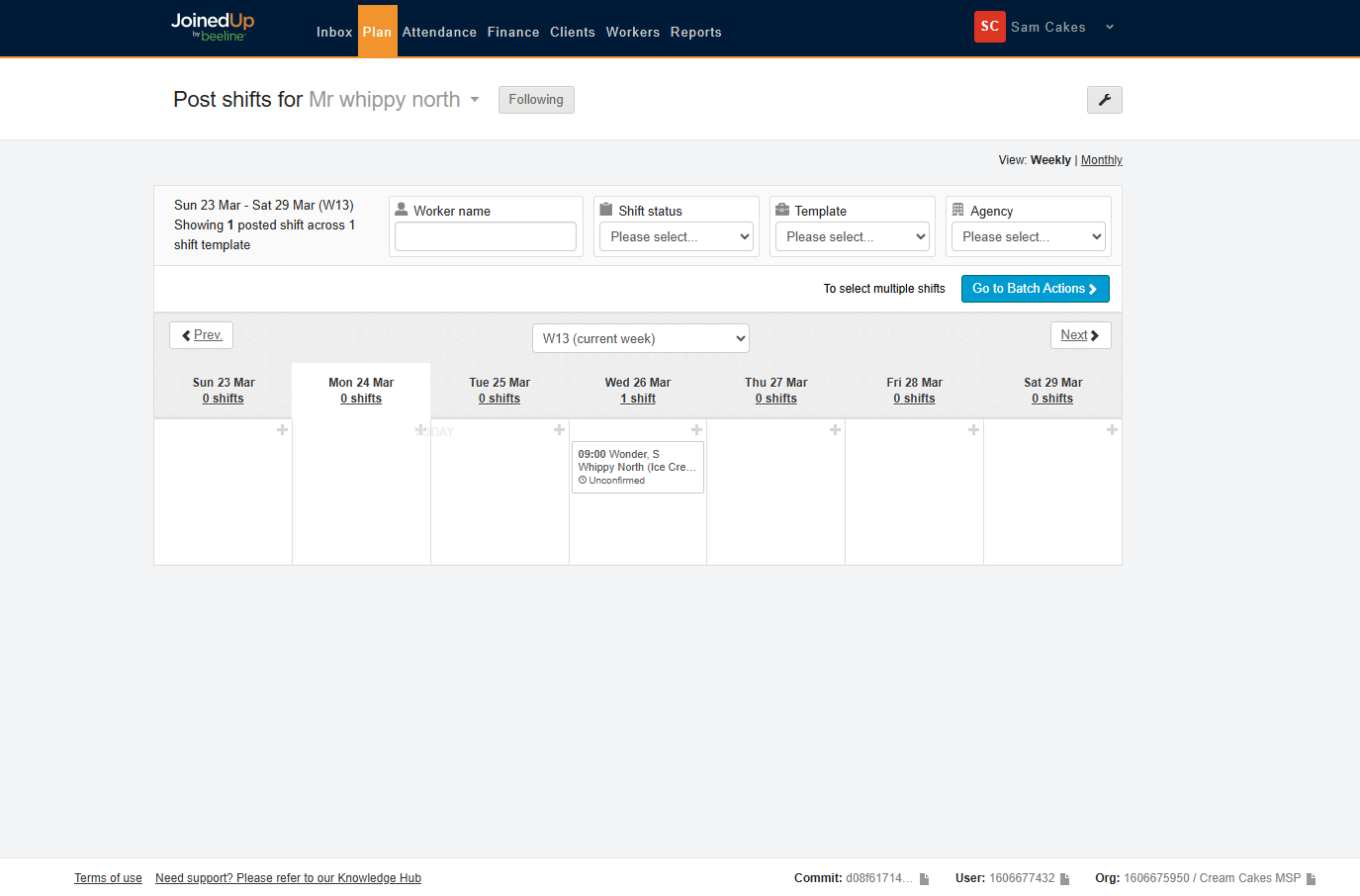
Automatic Worker Acceptance
We’re excited to announce a new feature that will streamline your workflow: Automated Worker Acceptance for Managed Service Providers (MSPs).
This means you’ll save valuable time by eliminating the need to manually approve proposed workers from your suppliers.
To enable this feature within shift templates, you will need to contact your Customer Operations Specialist to turn this on for you.
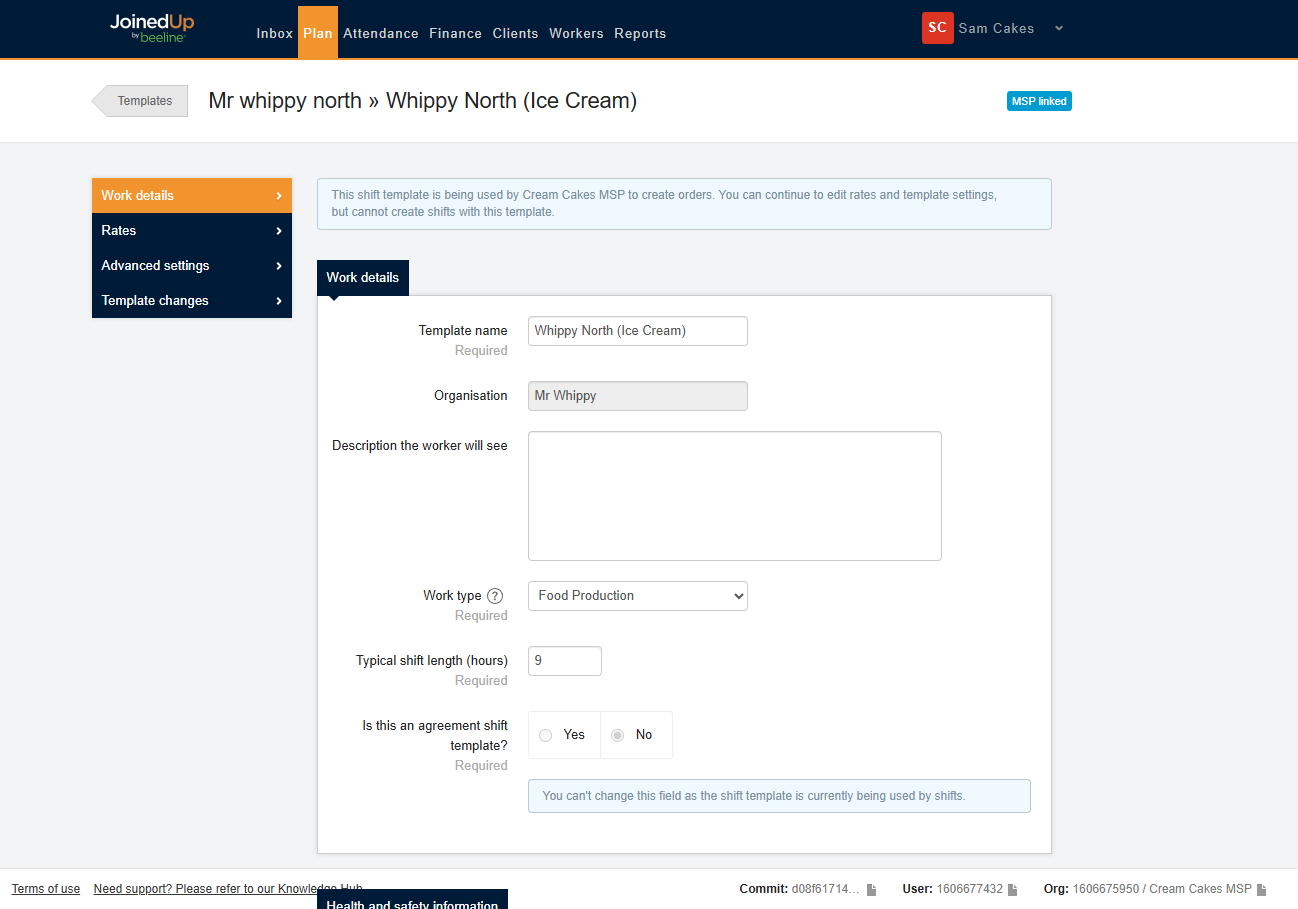
Once this feature is enabled, you’ll find a new setting within your MSP-linked shift templates.
To access it, simply open the template and navigate to the Advanced Settings section:
To find the setting, keep scrolling until you find the option Enable automatic acceptance of proposed valid workers.:

Selecting this option turns on automated worker acceptance for this template.
This means that the next time you share a shift with a supplier using this template, the system will bypass manual approval and automatically allocate the proposed worker, saving you time as demonstrated in the video below.

As the MSP your planning screens will automatically update, displaying the newly allocated worker: