Post Shift Statuses
Shift statuses on JoinedUp provide real-time visibility into the lifecycle of every shift. Below is a complete list of shift statuses and what they mean for your operations.
Published Status
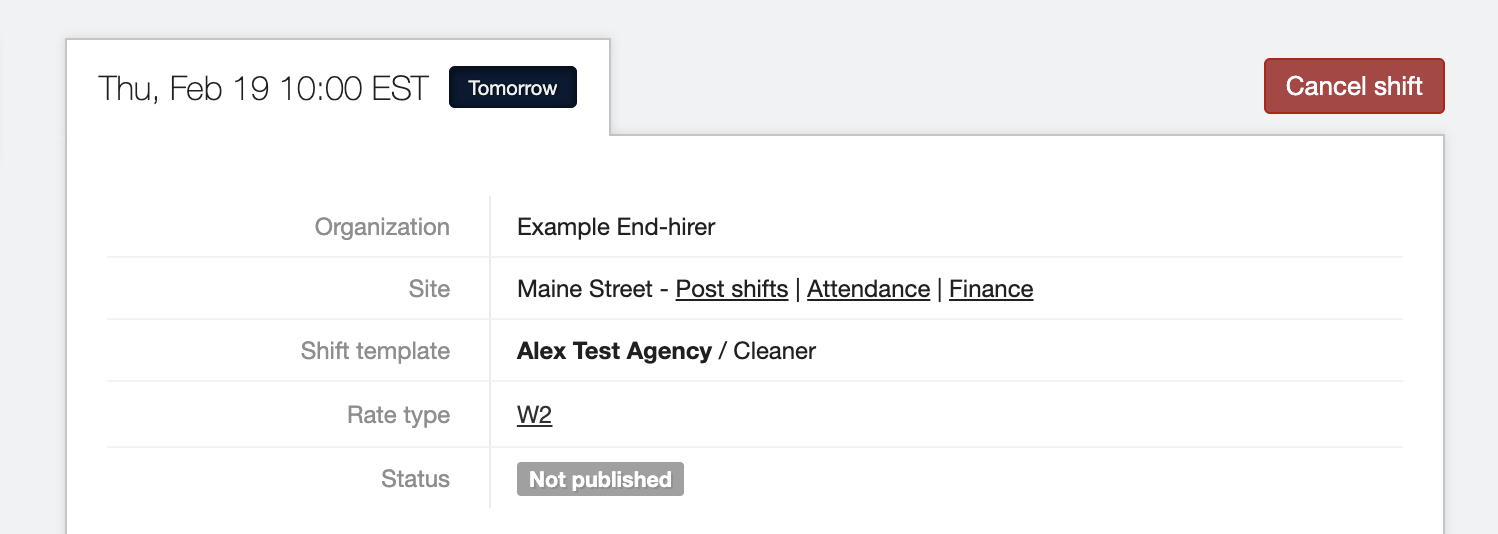
This status takes precedence on the Shift Details screen
-
Published - Supplier has published a shift
-
Unpublished / Not Published - Supplier has not published the shift
-
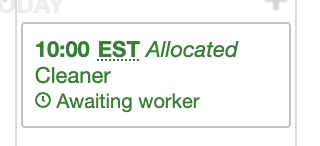
Allocated - Secondary status - shown exclusively to End-hirer when shift is allocated but not published
Confirmation Status
-
Unconfirmed - Shift has not been confirmed
-
Confirmed - Shift has been confirmed
-
Declined - Shift has been declined
Progress Status
-
Awaiting Worker - No actual start time entered
-
In progress - Actual start time entered
-
Complete - Actual start and actual stop time entered
Combined Shift Statuses
Shifts can have all three of these statuses at once.
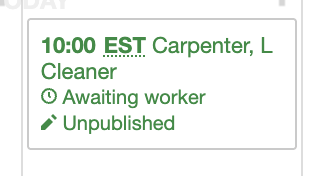
For example: This shift is Unpublished, Awaiting Worker and Confirmed.
From the Supplier perspective, they can see the “Unpublished” status on the tile:
From the End-hirer perspective, they can only see the “Not published” status on the Shift details screen, but they can infer the published status by Allocated: