Adding Sites
Adding New Sites
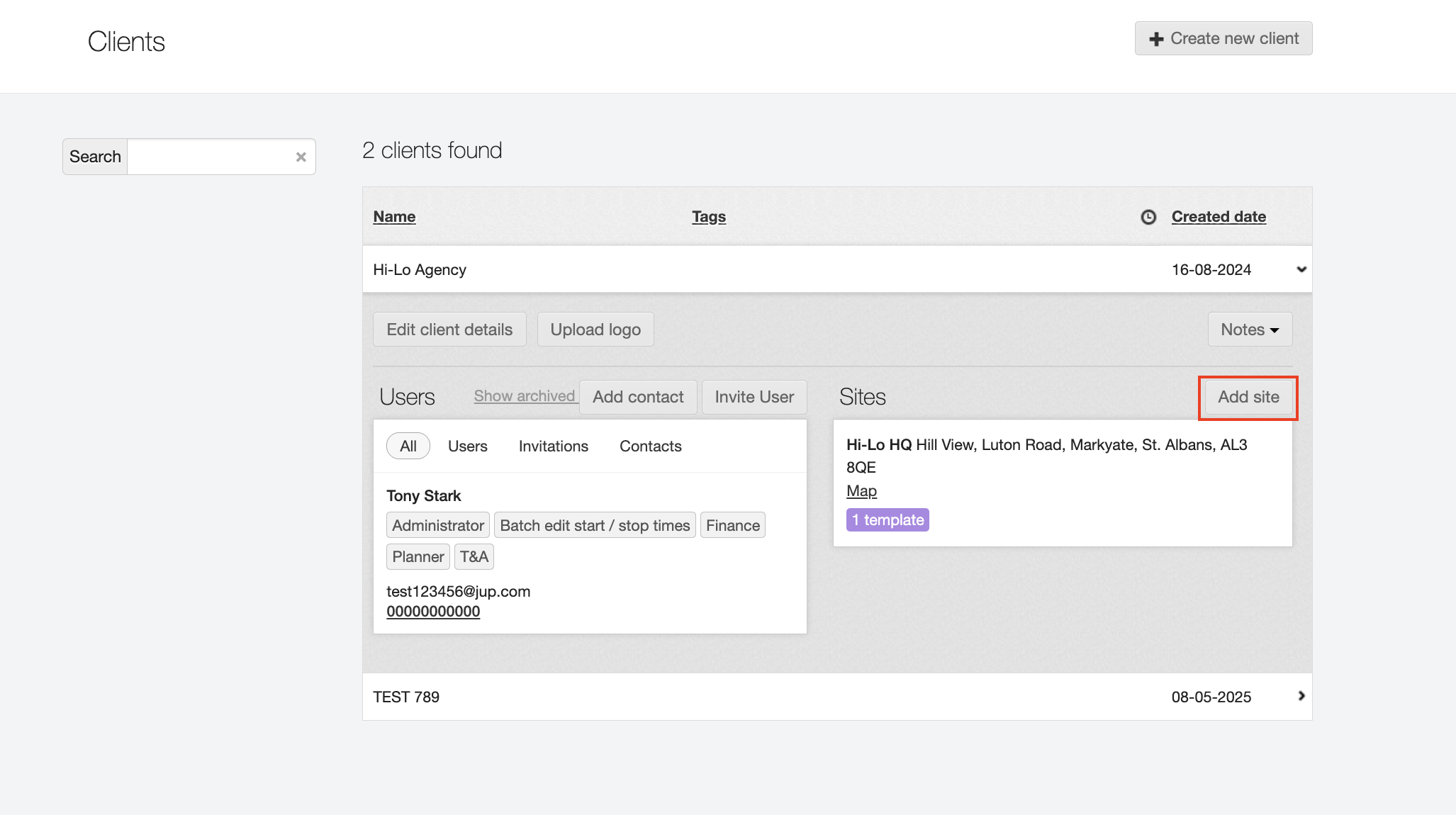
In order to add a new site for one of your clients, navigate to the Clients tab and click the client name in question.
On the right-hand side, you will be able to see the sites already added for them and add a new one there.
When adding a new site you will need to provide its name and address details. The quickest way to do it is by pasting in the postcode, FIRST, then click Find and select the correct address from the list that displays. The system will then auto-populate the address fields and refresh the map to match your selected location.
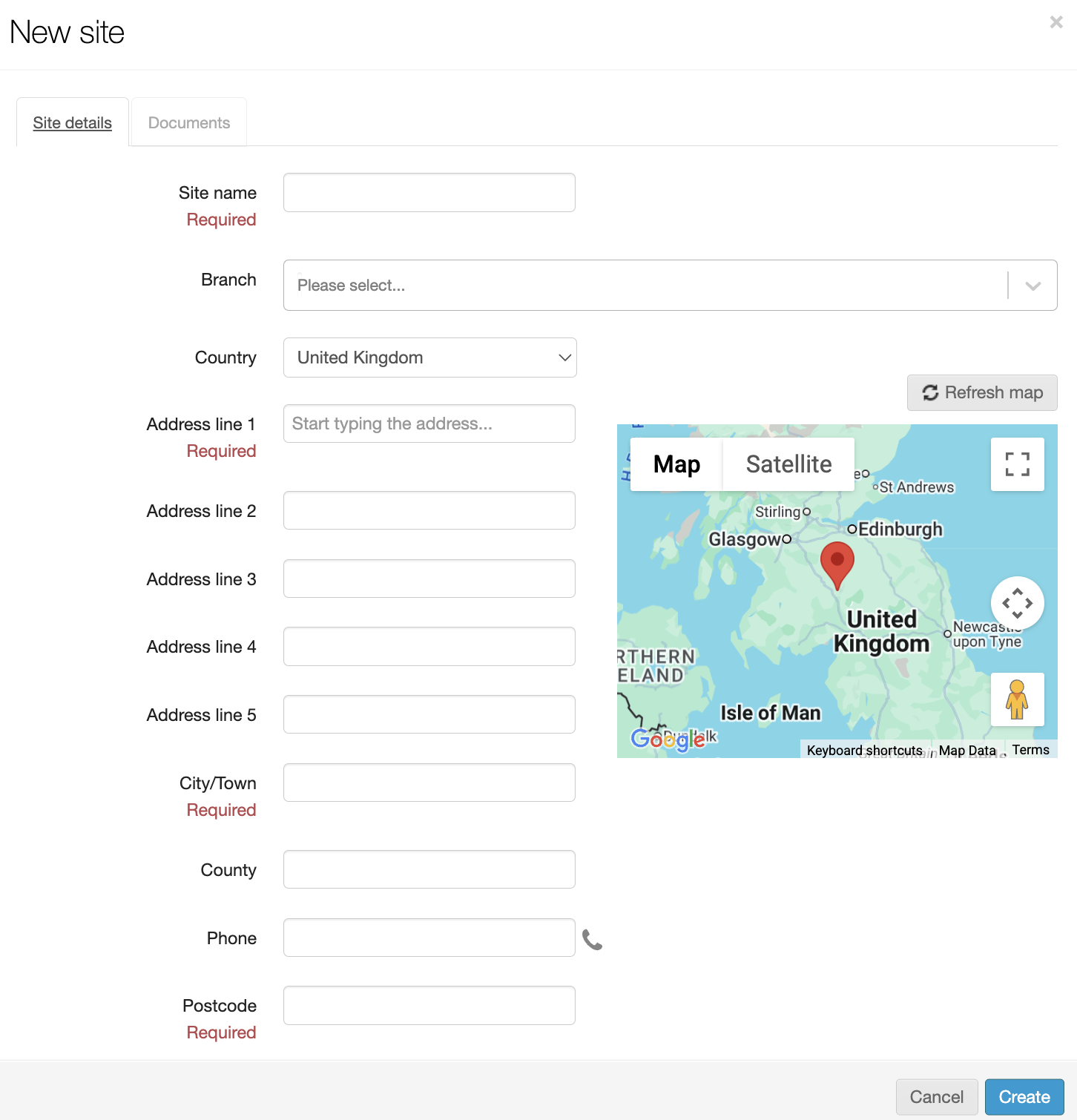
You can also link the new site under one of your Branches. To do that, in the Branch field just select the Branch from the drop-down menu. This can be done now or changed at a later time as well.