Leavers
When employees exit the organization, they are referred to as leavers. In JoinedUp, you can record this on the worker profile so the departure is documented for auditing and compliance purposes.
Tagging workers as leavers
Go to the Workers tab and open the Managed Workers screen.
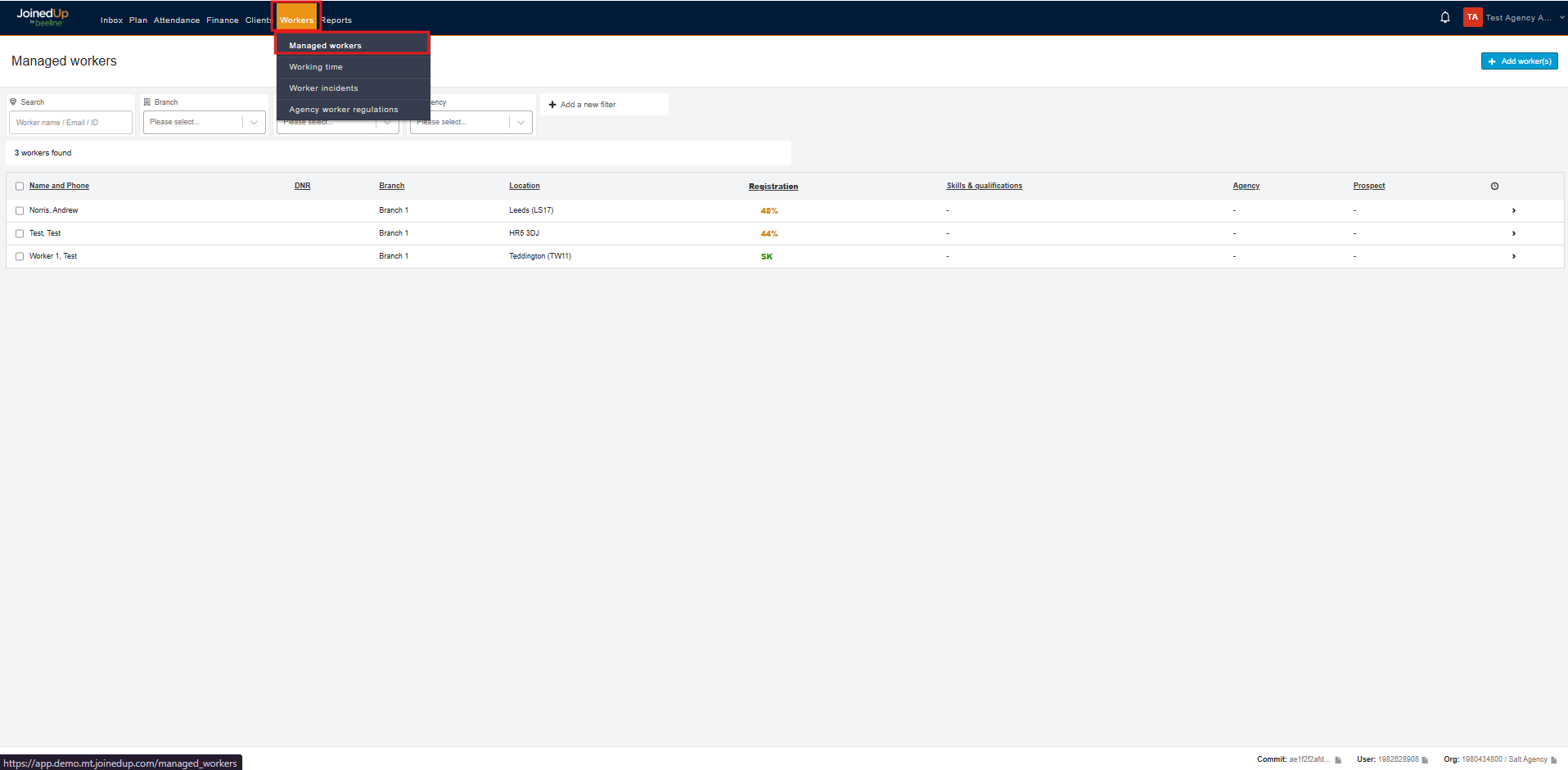
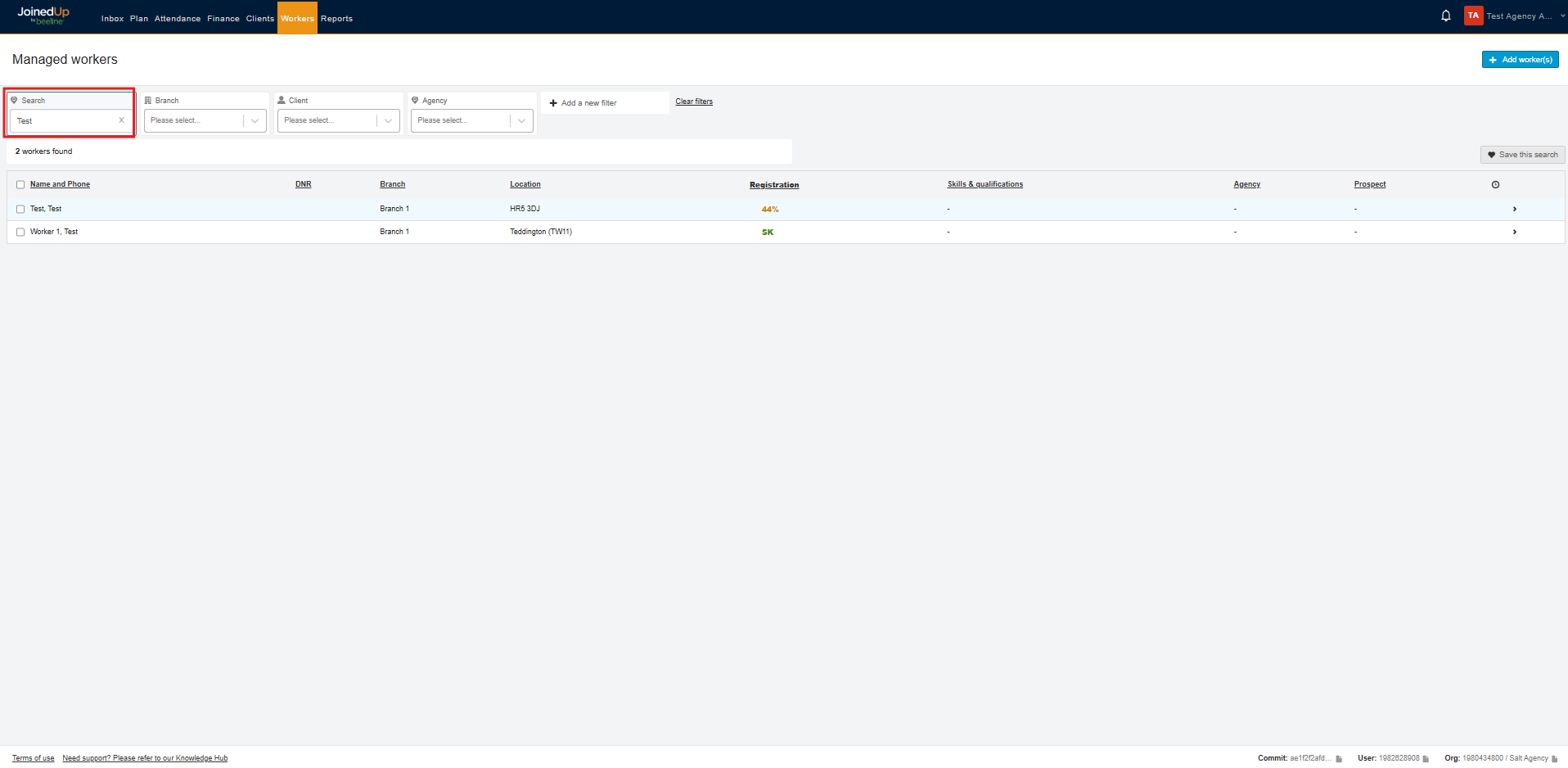
Search for the worker you want to tag as a leaver, then select the worker name.
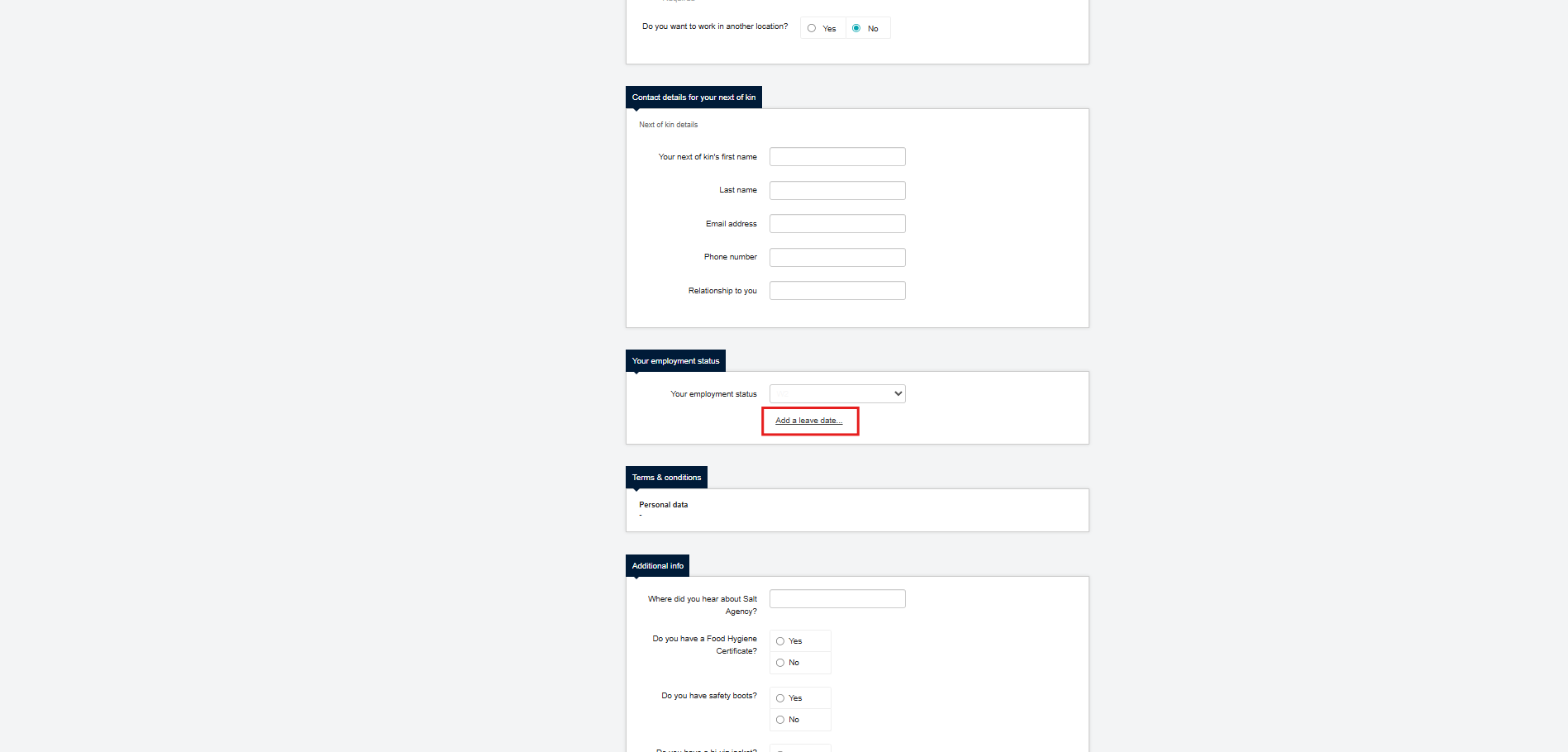
On the worker profile, scroll to the Employment status section and select Add a leave date.
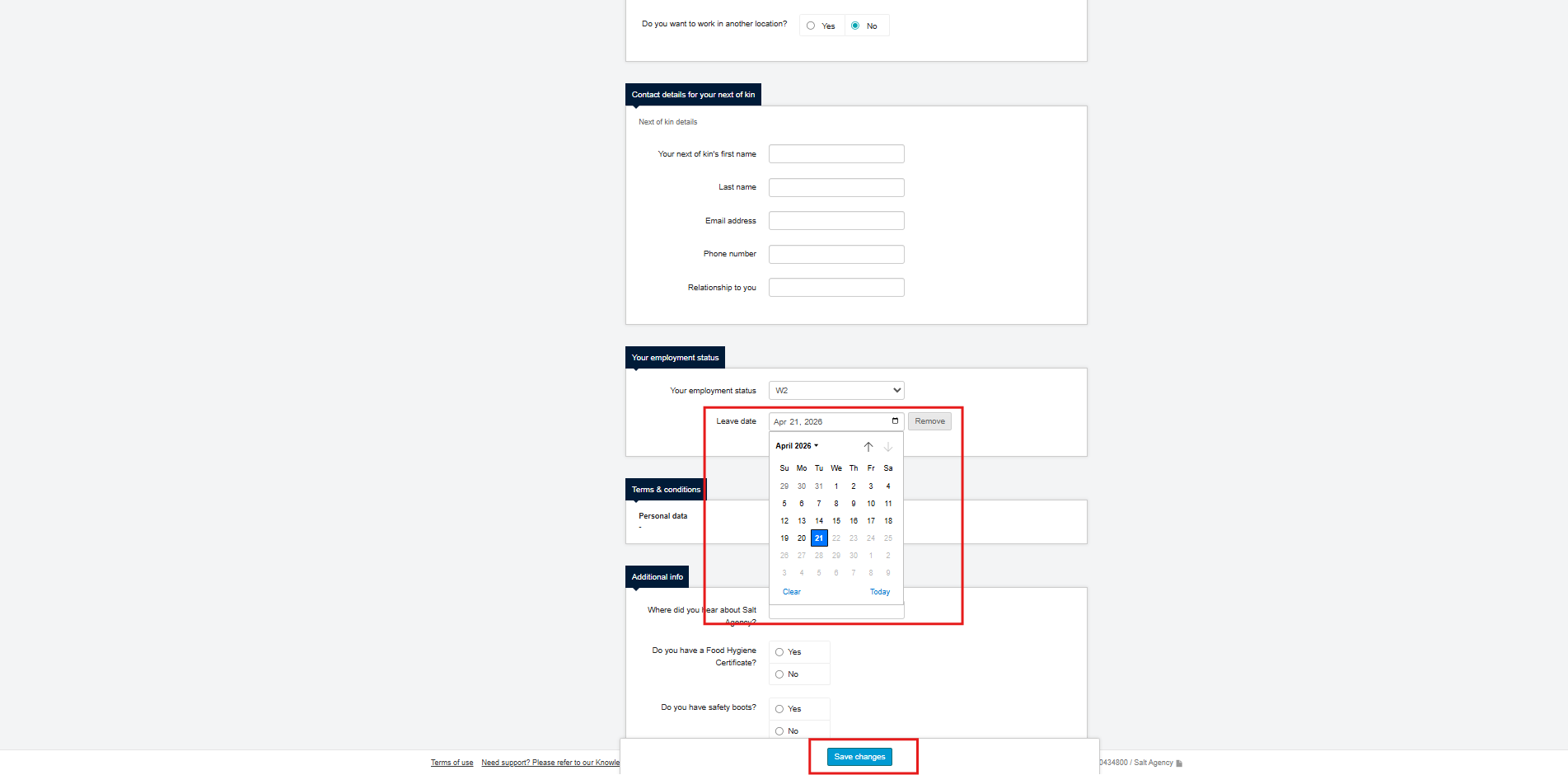
Enter the leave date (or remove it if needed), then select Save changes.
| The Leavers Report is available for auditing purposes. To request access, please contact your COS for enablement. |