End-Hirer Time & Attendance (T&A) Restrictions
To improve compliance and minimize payroll disputes, you can now designate timekeeping responsibility exclusively to suppliers.


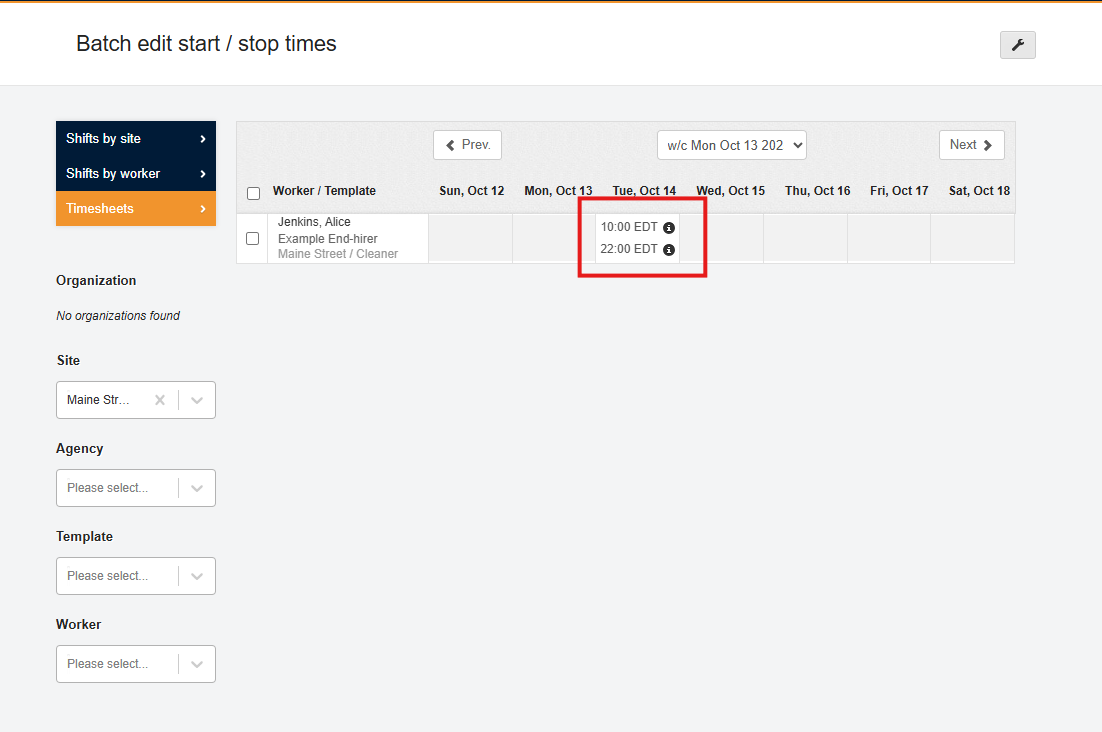
| Enabling this setting at the shift-template level ensures end-hirer users are restricted from entering or editing actual start and stop times. This restriction applies globally across the platform, including Attendance screens, Shift Details, and retrospective planning. |
Enable End-Hirer Time & Attendance (T&A) Restrictions

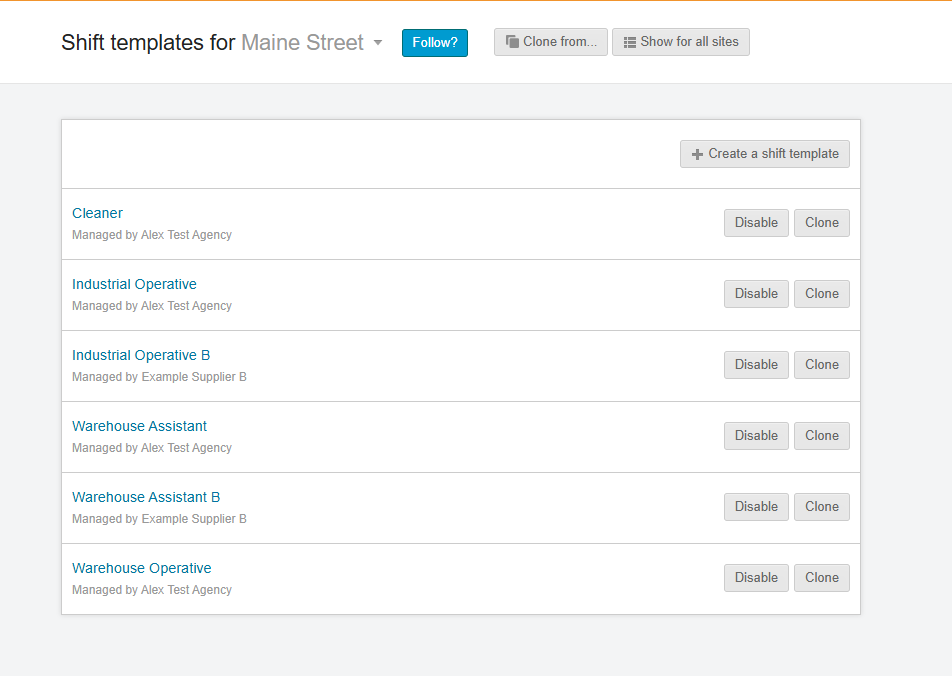
To enable this feature in your shift templates navigate to the Plan, Shift Templates for your selected site and template.
In your shift template, select the Advanced Settings. You will need to scroll down to the Time and Attendance Settings to find the 'Block end hirer from entering time & attendance ' setting.

Select 'Yes' to enable and save your changes.