Multi Site Shift Template
Summary
This article explains how to create a shift template that links to multiple sites at once, instead of building a separate template for each location. It’s for program managers, hiring managers, or suppliers who manage shift templates across more than one site.
Previously, you had to create a separate shift template for every combination of role, site, and supplier - even when the role was identical across locations. This led to a lot of duplicate templates and made maintenance difficult, since updating one role meant updating every copy.
With Multi-Site Shift Templates, you can link a single template to many sites at once: one template, many locations, the same rates and rules. Updating the template updates it everywhere it’s linked. Shifts, timesheets, notification groups, and worker links each keep their own site ID (rather than inheriting it from the template), so records stay tied to the correct site even when the template spans several.
Step-by-Step Instructions
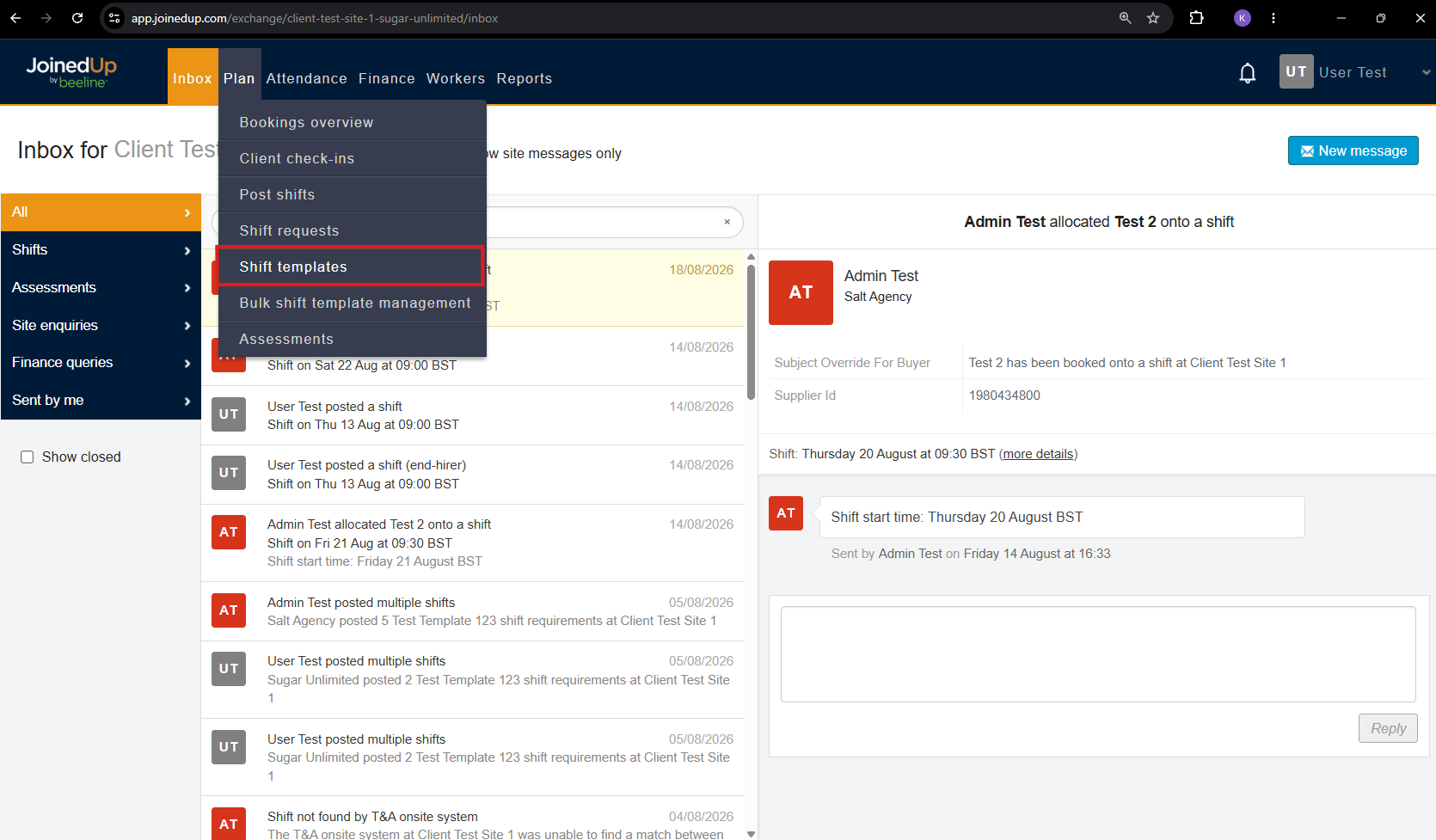
Go to the Plan tab, then select Shift Templates.
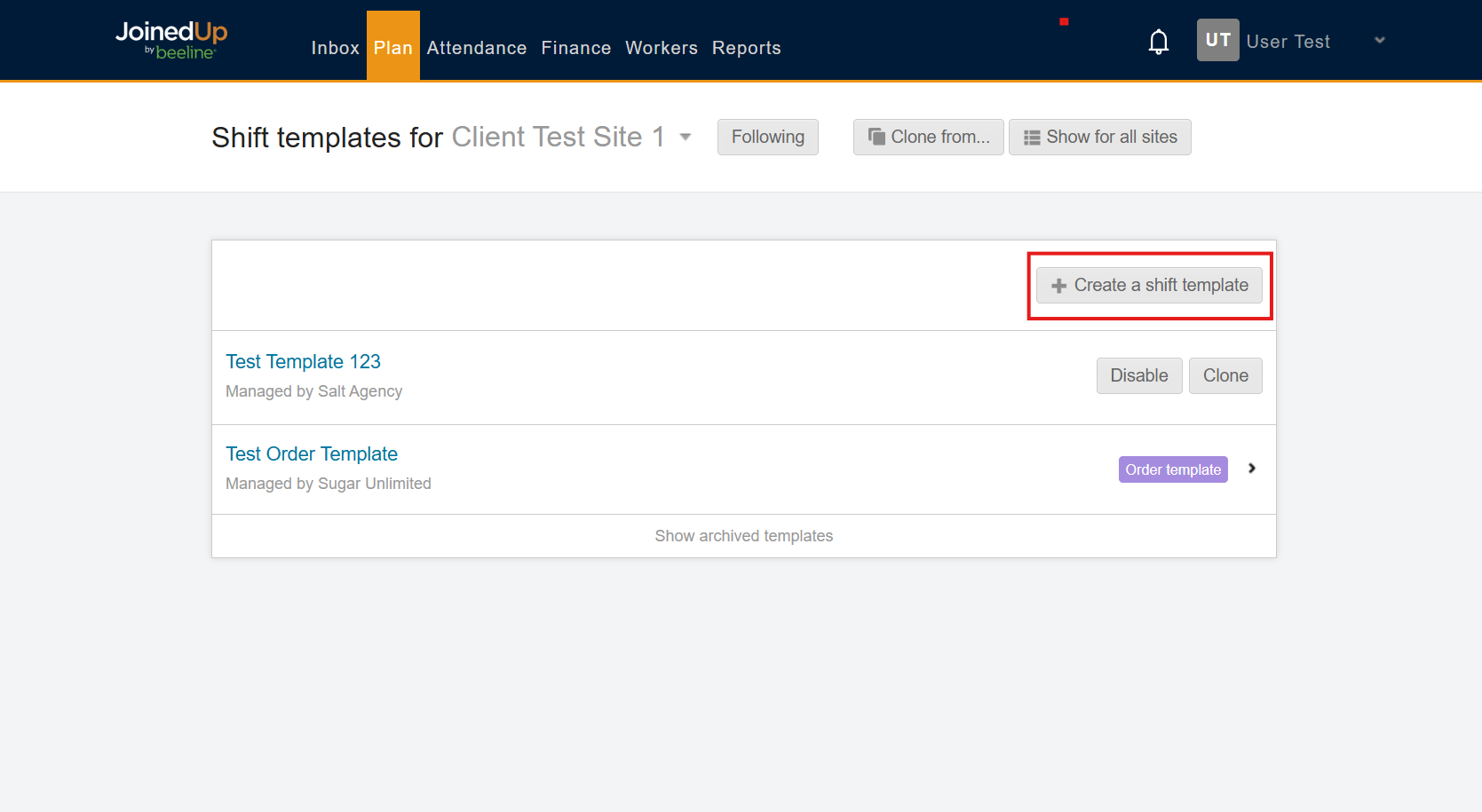
Select Create a Shift Template.
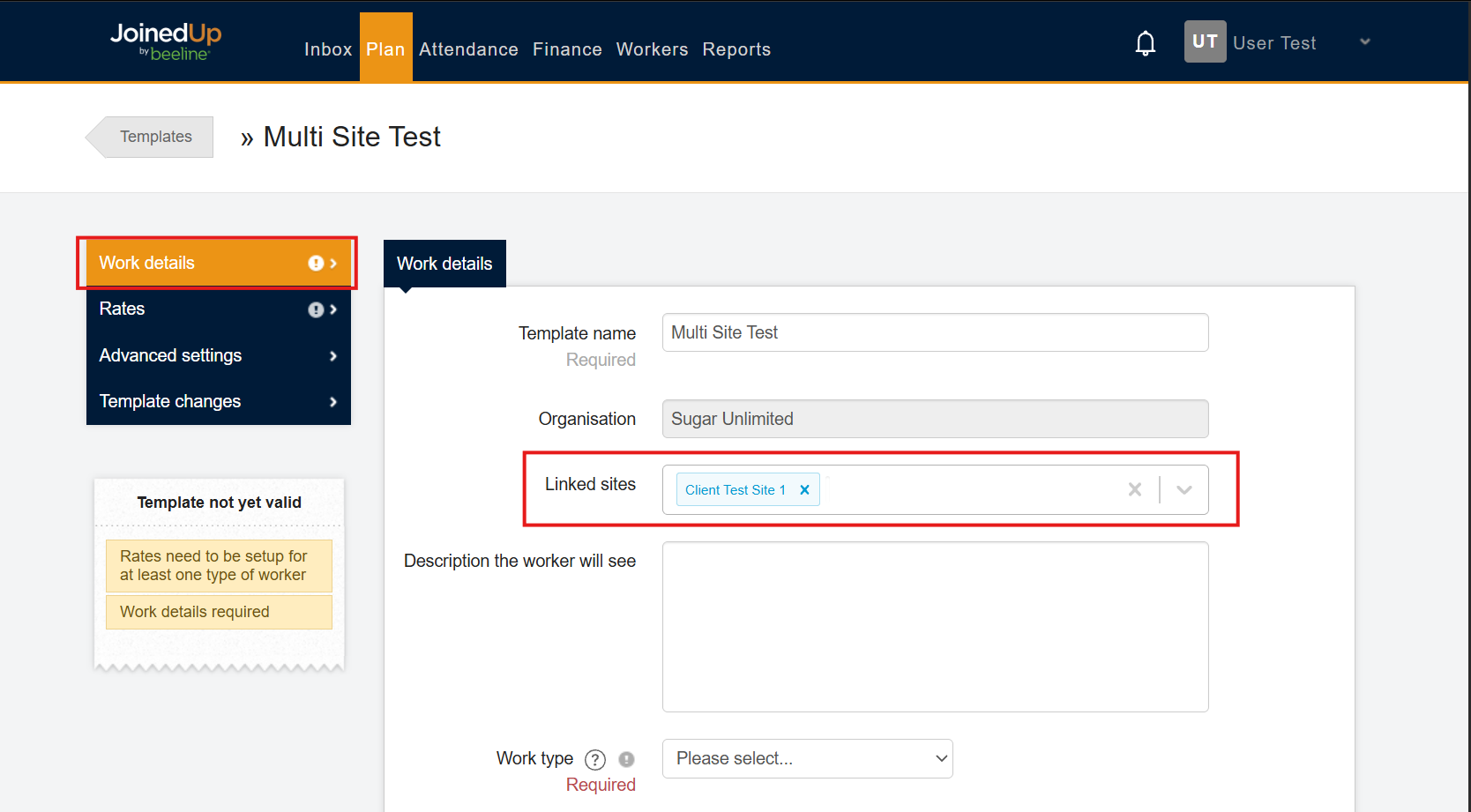
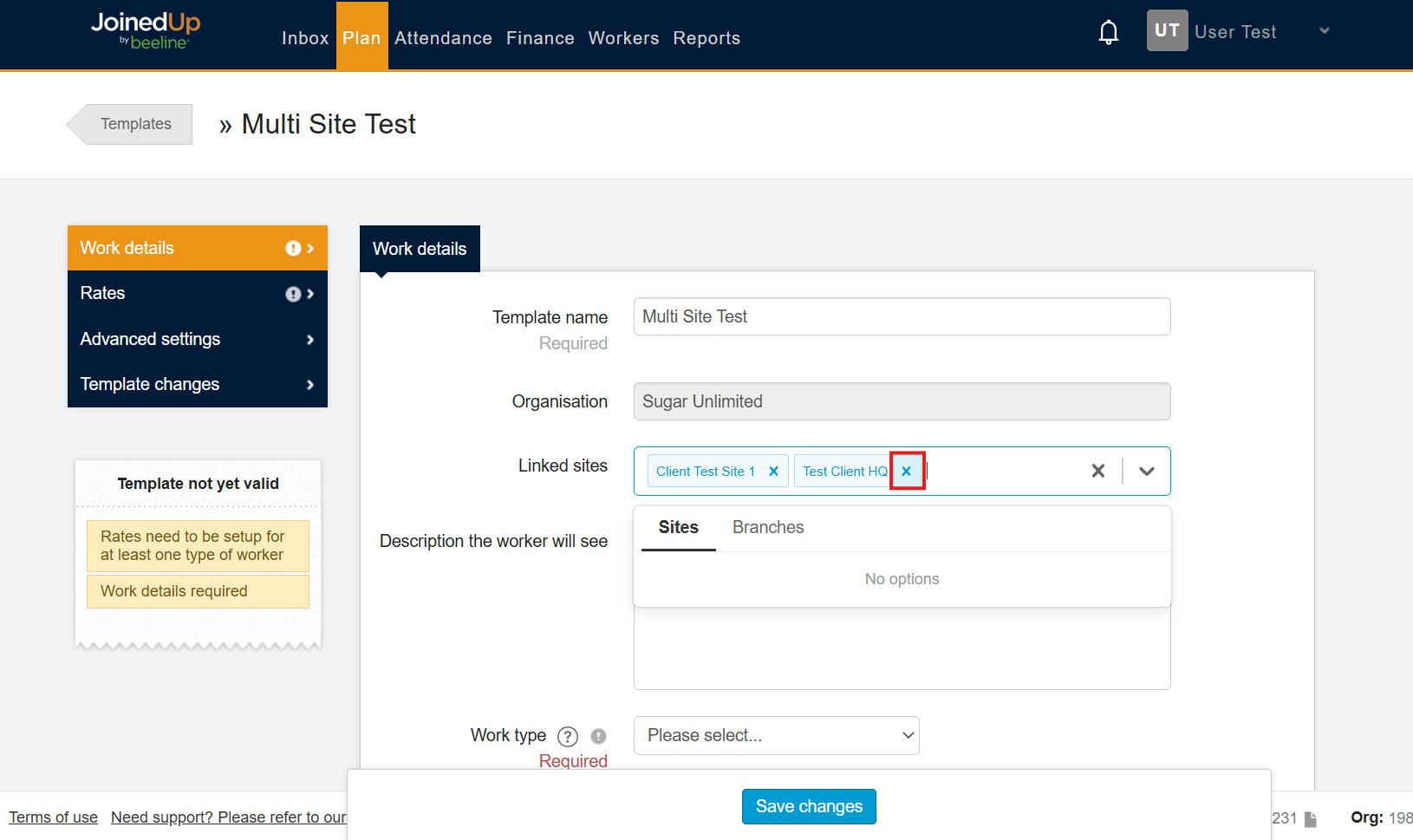
Once the template is created, open the Work Details tab. You’ll see a Linked Sites field here.
Select the dropdown to add sites or branches to the template.
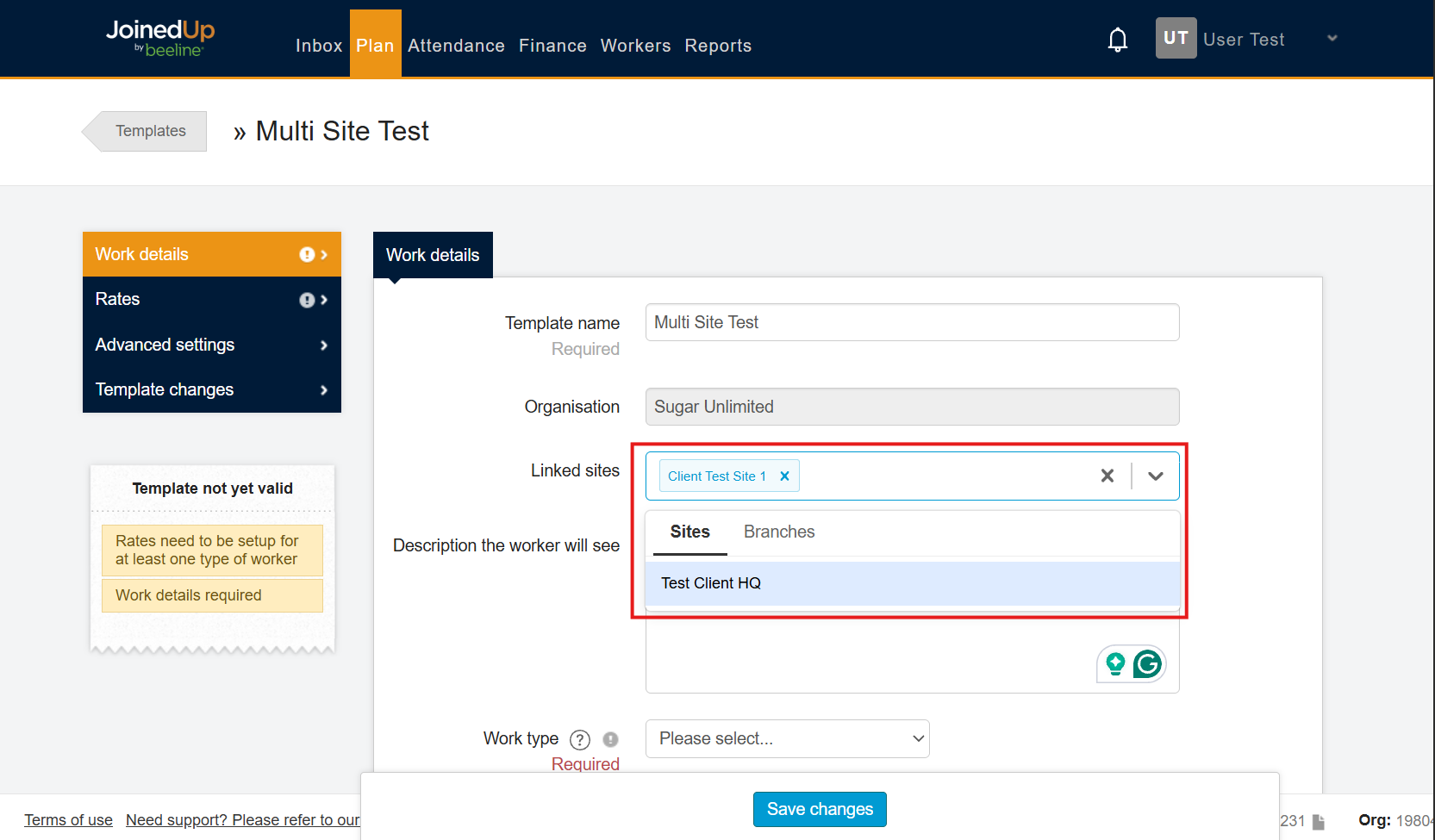
To remove a site or branch, select the x next to it.
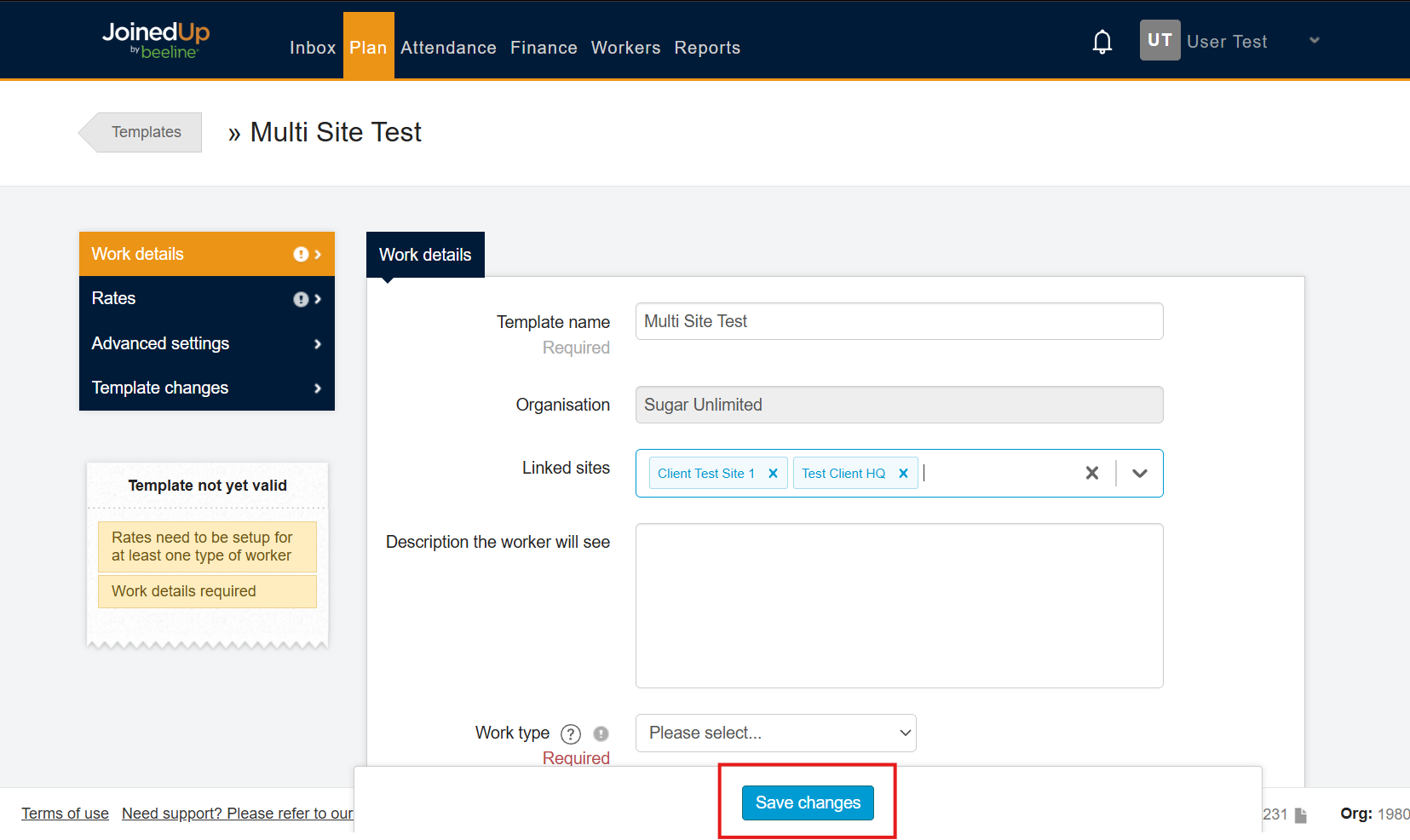
Select Save Changes when you are done.
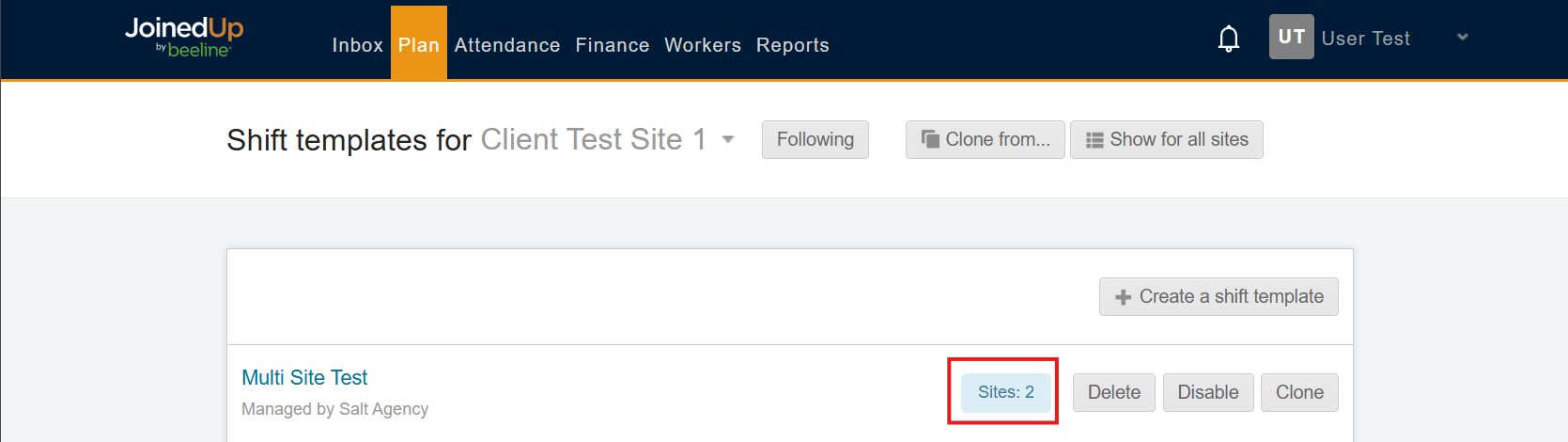
On the Shift Templates home page, each multi-site template shows the total number of linked sites.
Common Issues and FAQs
-
If I update a shared template, does it change the template at every linked site?
Yes. Because all linked sites share the same template, an update applies across the entire group.
-
If templates are shared across sites, how do I tell shifts or timesheets apart by site?
Shifts, timesheets, notification groups, and worker links each carry their own site ID directly, so they stay tied to the correct site even though the template is shared.
-
Can I link sites from different suppliers to the same template?
Multi-Site Shift Templates supports linking across multiple locations or suppliers where the role is identical. Check with your Customer Ops Specialist if you’re unsure whether your setup qualifies.