Reports
Financial Reports in JoinedUp is a report suite allowing you to easily view and download transactional data about the shifts booked on the system. Different viewing modes and a number of filters will help you define the parameters of your search helping you get the data you need quickly.
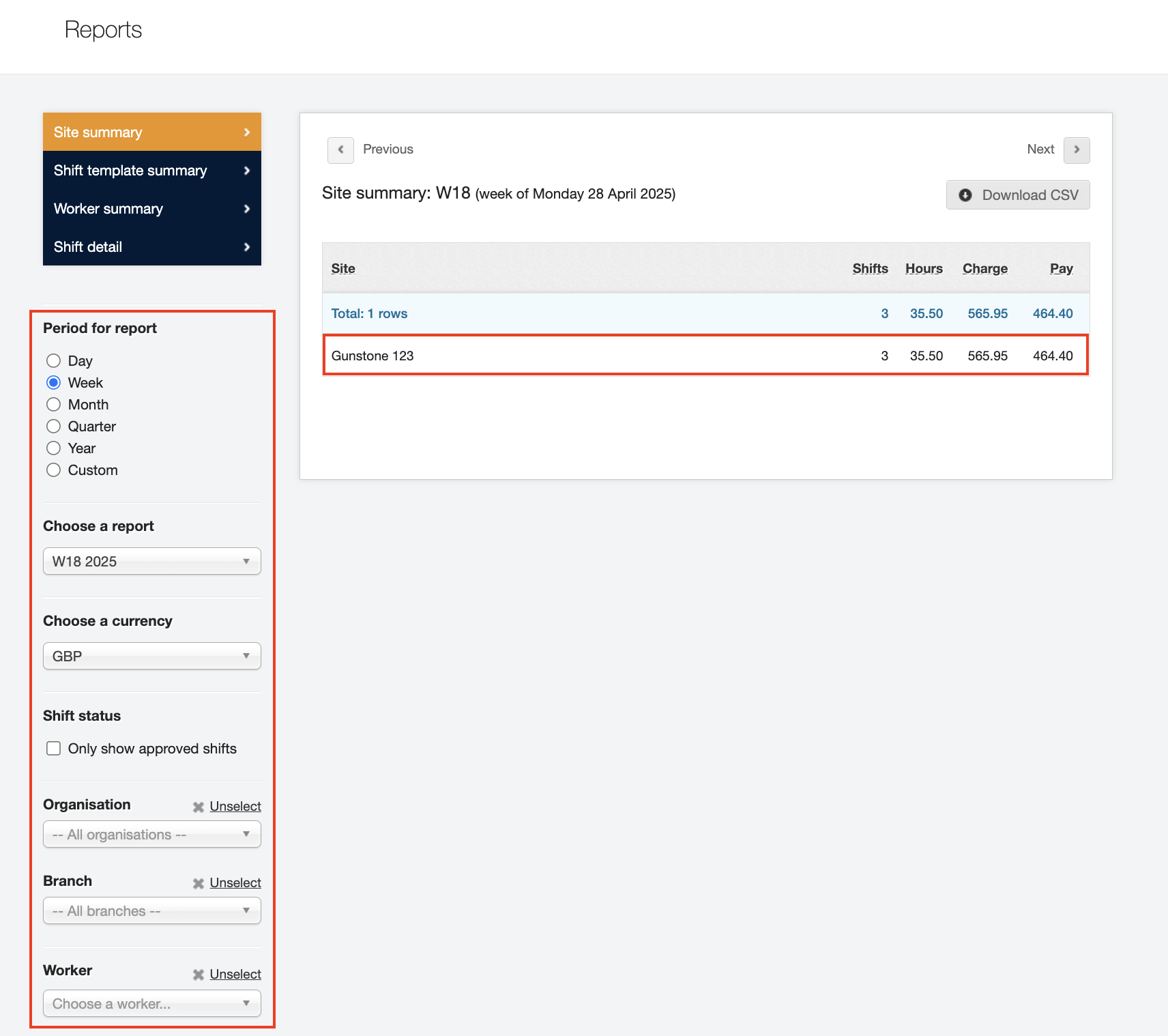
Viewing modes:
-
Site summary – lists out all the sites that had shifts booked in the given week. Each site is listed along with its total for the number of shift and hours, and Charge and Pay amounts. Click a site and it will open up in the Shift detail mode and list out all the shifts from that site.
-
Shift template summary – a breakdown by the Shift template indicating the role or type of worker. It’s a quick way to see the totals per job type.
-
Worker summary – all the shifts displayed in the form of worker timesheets listing each worker and their individual totals for the week.
-
Shift detail – Lists out each shift separately.
You can also use the filters on the left-hand side to further define your query. You can select a period for reporting, narrow the view down to one specific client or branch or worker.
You will see the details on the screen changing as you are switching between the views or apply filters. Click the button to download your selected data in the form of a CSV spreadsheet.